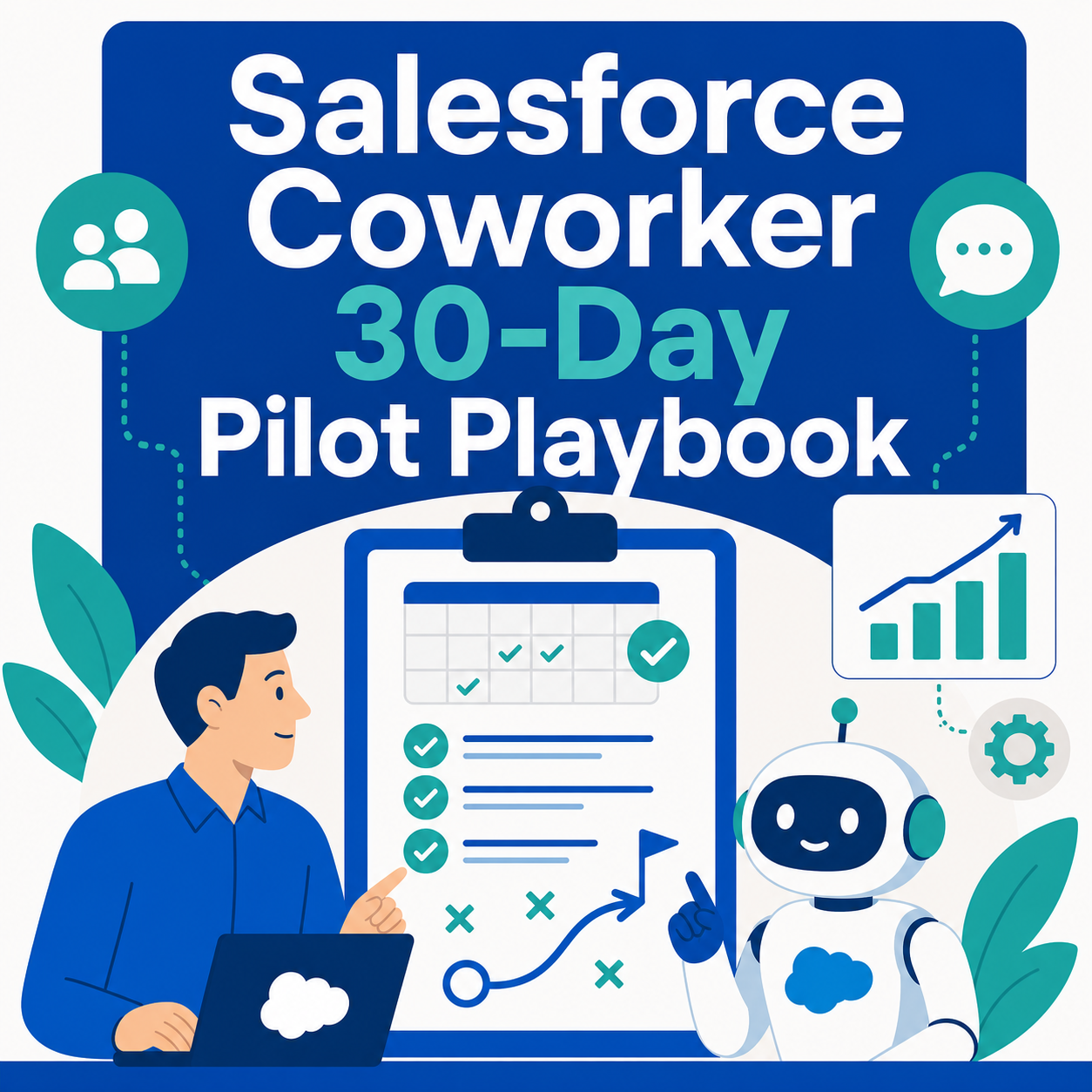
Quick Answer: Salesforce Coworker, officially Agentforce Coworker, is currently a beta AI teammate inside Salesforce. The safest way to adopt it is not an org-wide launch. Start with a 30-day pilot: choose one role, identify three recurring questions, validate data access, begin with read-only answers, add approved actions only after testing, and review usage before expanding.
Key Takeaways (TL;DR)
- What is it? Agentforce Coworker is Salesforce’s permission-aware AI interface for finding information, analyzing context, and orchestrating work across CRM data and specialized agents.
- Current status: Salesforce says Coworker is in beta for eligible orgs; features, connected sources, entitlements, and usage can change.
- Best starting point: Pilot three frequent, low-risk questions for one user group before enabling action-taking workflows.
- Key control: A user should only receive information and actions allowed by the permissions and policies already assigned to that user.
- Usage planning: Salesforce Foundations includes Flex Credits for eligible customers, but access and consumption are org-specific. Confirm entitlements and monitor Digital Wallet before broad rollout.
- Bottom line: Treat Coworker as a new operating layer for Salesforce, not just a chatbot, and earn the right to automate through staged testing.
Salesforce Coworker makes an appealing promise for growing teams: ask Salesforce a business question in plain language, get a contextual answer, and move directly into action. That can remove a great deal of clicking, report hunting, and cross-system searching.
The simplicity of the interface can also hide the real implementation question. Turning on a feature is easy. Making sure it returns useful answers, respects access, consumes credits predictably, and helps people complete real work requires a deliberate rollout.
That is why Vantage Point recommends a 30-day pilot rather than a company-wide debut. The goal is not to prove that an AI assistant can produce an impressive demo. The goal is to prove that a defined group of users can complete specific jobs more reliably in a governed production environment.
For a general overview and activation steps, start with our Agentforce Coworker guide. This companion playbook focuses on what should happen immediately after the feature becomes available.
What Makes Salesforce Coworker Different From a CRM Chatbot?
A conventional CRM chatbot usually answers a narrow set of questions. Agentforce Coworker is designed as a broader front door to work: it can search permissioned context, analyze information, and route requests to CRM actions, Flows, APIs, or specialized Agentforce agents.
Salesforce organizes the experience around three broad capabilities:
- Discover: Find answers across connected business sources.
- Analyze: Explore patterns and insights using the available context.
- Plan and act: Trigger workflows or agents that move work forward.
Salesforce also describes a headless-first vision in which the same teammate eventually follows users into Slack, Microsoft Teams, ChatGPT, Claude, web, and desktop experiences. The important rollout nuance is that the Salesforce experience is currently in beta, while several additional surfaces are planned for later. Administrators should base a pilot on what is actually enabled in their org today: not solely on the broader product vision.
The same distinction applies to data sources. Salesforce’s product page describes connections across hundreds of enterprise sources, but current beta guidance says Salesforce CRM data and authenticated Slack workspaces are directly supported, while access to sources such as Google Drive and SharePoint may require participation in a pilot. Verify each source before promising a use case.
How Does Vantage Point Choose the First Coworker Use Cases?
We use a Question-to-Action Ladder. Every candidate use case is placed on one of five levels based on the risk and complexity of the requested outcome.
| Level | User request | Example | Recommended pilot treatment |
|---|---|---|---|
| 1. Find | Retrieve trusted information | “Which opportunities have no next step?” | Start here |
| 2. Catch up | Summarize records and activity | “Summarize this account before my call.” | Start here after access testing |
| 3. Recommend | Suggest an interpretation or next step | “Which deals need attention this week?” | Validate criteria and human review |
| 4. Act with approval | Prepare or execute a controlled action | “Draft follow-ups and create tasks for approval.” | Add only after read-only tests pass |
| 5. Act autonomously | Continue work in the background | “Monitor stalled deals and trigger follow-up.” | Defer until governance and exception handling are proven |
This ladder prevents a common mistake: choosing the flashiest demonstration instead of the clearest business problem. A growing sales team may gain more from consistent account summaries than from immediately authorizing autonomous record changes.
Good first use cases share four characteristics:
- They occur frequently.
- Users can recognize a correct answer.
- The necessary data already exists in an approved source.
- A wrong answer would be inconvenient, not damaging.
Avoid starting with high-impact decisions, sensitive records, poorly defined approval rules, or processes that already fail because the source data is incomplete.
What Should Happen During the 30-Day Salesforce Coworker Pilot?
Days 1-5: Observe the Work Before Configuring the Tool
Interview or shadow a small group of users. Capture the questions that force them to open multiple tabs, ask an administrator for help, or wait for another department.
Select one role and three repeated questions. For each question, document:
- The business decision it supports.
- The objects, fields, documents, or conversations required.
- Who is allowed to see that information.
- What a complete, useful answer should contain.
- What the user does next after receiving the answer.
This turns a vague goal such as “use AI in sales” into a testable job such as “prepare an account briefing using the last 90 days of activities, open cases, opportunity status, and next steps.”
Days 6-10: Validate Data, Search, and Permissions
Before testing prompts, confirm that the source data is reliable and discoverable. Coworker cannot compensate for missing activity history, ambiguous ownership, duplicate records, or documents stored in unconnected locations.
Review:
- Object, record, and field-level access.
- Sharing rules and permission-set assignments.
- Searchable sources and indexed fields.
- Data freshness and ownership.
- Sensitive fields that should not appear in generated answers.
- The difference between access inside Salesforce and access enforced by an external source.
Vantage Point treats permission testing as a user-experience requirement, not only a security review. An answer that reveals too much is unsafe; an answer that omits necessary context because the user lacks appropriate access is not useful. Both outcomes must be tested with representative user profiles.
For broader preparation, review our guidance on Salesforce data foundations and master data management and system integration and data migration.
Days 11-15: Test a Small Prompt Library
Create five to ten approved prompts around the three pilot questions. Keep them specific enough to test consistently while allowing natural follow-up questions.
Examples include:
- “Summarize this account’s open opportunities, recent activities, unresolved cases, and next scheduled meeting.”
- “Which opportunities assigned to me have no activity in the last 14 days and no documented next step?”
- “Show my open customer issues by severity and age, then explain which need attention first.”
- “What changed in my pipeline since Monday?”
- “Find accounts with upcoming renewals and unresolved high-priority cases.”
Test each prompt with multiple users and records. Record whether the response is complete, grounded in the intended sources, appropriately permissioned, and clear about uncertainty. Do not treat one successful demonstration as proof of reliability.
Days 16-22: Add One Controlled Action
After read-only use cases behave consistently, add one reversible action with human review. Suitable examples include drafting an email, creating a follow-up task, preparing a meeting brief, or proposing a record update for approval.
Define:
- The exact trigger.
- The fields the action can read and write.
- Required approvals.
- Duplicate-prevention logic.
- What happens when information is missing.
- How users stop or correct the action.
- Where administrators review activity and exceptions.
This is where Salesforce implementation and advisory support can help connect the conversational experience to well-designed Flows, agent actions, and business rules rather than fragile shortcuts.
Days 23-30: Review Evidence and Decide Whether to Expand
At the end of the pilot, do not ask only, “Did users like it?” Review operational evidence:
- Did users repeat the approved use cases without assistance?
- Were answers based on the expected sources?
- Did permission testing produce the correct results for each role?
- How often did users correct or abandon an answer?
- Did the controlled action create complete, accurate records?
- Which missing data or process gaps caused failures?
- How much Flex Credit usage did the pilot generate?
- Which questions appeared that were outside the approved scope?
Expand only when the team can explain what works, where it fails, who owns corrections, and how usage will be monitored. If the pilot exposes data or process debt, fix that foundation before adding more users or more autonomy.
How Should Growing Teams Manage Flex Credits and Access?
The supplied source correctly highlights that some Salesforce customers may already have a path to experiment, but the qualification matters.
According to Salesforce’s current admin guidance, Agentforce Coworker is included in Enterprise, Unlimited, and Agentforce 1 editions and is available through Salesforce Foundations. Salesforce Trailhead says Foundations is a no-extra-cost add-on for eligible Enterprise, Unlimited, Einstein 1 Sales, and Einstein 1 Service customers and includes 100,000 Flex Credits for AI agent usage.
That does not mean Coworker is universally available or that all usage is unlimited. Edition, contract, Foundations activation, beta eligibility, connected features, and credit consumption can vary by org.
Before rollout:
- Confirm the org’s edition and Coworker eligibility.
- Verify Foundations and Flex Credit entitlements.
- Review current usage in Digital Wallet.
- Estimate consumption using the actual pilot prompts and actions.
- Set an owner and cadence for usage review.
- Recheck Salesforce documentation because beta terms can change.
Our Salesforce Flex Credits guide provides additional context for understanding and monitoring consumption.
How Vantage Point Applies These Standards
Vantage Point approaches Salesforce Coworker as a governed adoption program, not a toggle. Our implementation sequence is:
- Start with repeated work: Identify questions and actions that users already perform.
- Map the evidence: Connect every answer to approved objects, fields, conversations, and knowledge sources.
- Test real permissions: Validate with representative users: not only an administrator profile.
- Begin read-only: Prove find-and-summarize use cases before enabling writes or background work.
- Add reversible actions: Require review until quality and exception handling are demonstrated.
- Monitor usage: Review adoption, corrections, operational outcomes, and Flex Credits together.
- Scale by role: Expand one team and use-case family at a time.
This structure keeps the rollout fast without confusing speed with haste. Growing teams do not need a massive AI transformation project to begin, but they do need clear ownership, trustworthy data, and sensible boundaries.
Salesforce Coworker Pilot Checklist
Before inviting the first pilot users, confirm:
- [ ] Coworker beta access and org entitlements are verified.
- [ ] One user role and three recurring questions are selected.
- [ ] Required Salesforce and Slack sources are connected and searchable.
- [ ] External-source availability is verified rather than assumed.
- [ ] Representative permission profiles have been tested.
- [ ] Five to ten approved prompts are documented.
- [ ] The first action is reversible and requires review.
- [ ] Digital Wallet and Flex Credit monitoring have an owner.
- [ ] Users know how to report an incorrect or incomplete result.
- [ ] A day-30 expand, revise, or stop decision is scheduled.
Frequently Asked Questions
Is Salesforce Coworker generally available?
No. Salesforce’s current official guidance describes Agentforce Coworker as a beta for eligible Salesforce orgs. Additional experiences (including Microsoft Teams, ChatGPT, Claude, web, and desktop) are planned over time, so confirm the current status before designing a rollout.
Is Salesforce Coworker free for existing customers?
Not universally. Coworker access depends on edition, entitlement, Foundations availability, and beta eligibility. Salesforce Foundations includes Flex Credits for eligible customers, but administrators should verify the contract and monitor consumption rather than assume unlimited use.
What is the best first Salesforce Coworker use case?
Start with a frequent, low-risk question that depends on trusted CRM data and has an answer users can easily validate. Account summaries, stale-opportunity identification, and open-case reviews are stronger pilots than autonomous record changes.
Does Salesforce Coworker respect user permissions?
Salesforce says Coworker operates within the permissions and governance controls of the Salesforce Platform. External sources enforce their own access controls. Test with real user profiles to verify that each person sees enough context to work, but nothing they should not access.
Can Salesforce Coworker search Google Drive or SharePoint?
Salesforce’s admin guidance says external sources such as Google Drive and SharePoint may require access through a pilot program during the current beta. Verify availability with Salesforce before making these sources essential to a use case.
When should Coworker be allowed to take action?
Only after read-only answers have been tested across representative users and records. Begin with a reversible action that requires human approval, then expand autonomy when quality, monitoring, and exception handling are proven.
How is Agentforce Coworker different from specialized agents?
Coworker is the conversational front door that finds answers and routes work. Specialized agents handle narrower processes, decisions, or actions. Coworker becomes more useful as those purpose-built agents and trusted data sources mature.
Build a Useful Pilot, Not Just an Impressive Demo
Agentforce Coworker can give growing teams a simpler way to find, understand, and act on CRM information. The strongest starting point is intentionally small: one role, three questions, trusted data, representative permissions, and one controlled action.
Vantage Point helps organizations assess Salesforce AI readiness, design practical pilots, connect the right data and workflows, and establish guardrails that support adoption. Explore our AI-driven personalization and analytics services or contact Vantage Point to plan a Salesforce Coworker pilot.
Official Resources
- Salesforce Agentforce Coworker product page
- Salesforce announcement: Meet Agentforce Coworker
- Salesforce Admin setup and rollout guidance
- Salesforce Foundations features and Flex Credits
About Vantage Point
Vantage Point helps businesses transform with Salesforce, HubSpot, integration, data, and AI. Our senior consultants combine practical delivery with governance and adoption planning so teams can move quickly without sacrificing trust or maintainability.