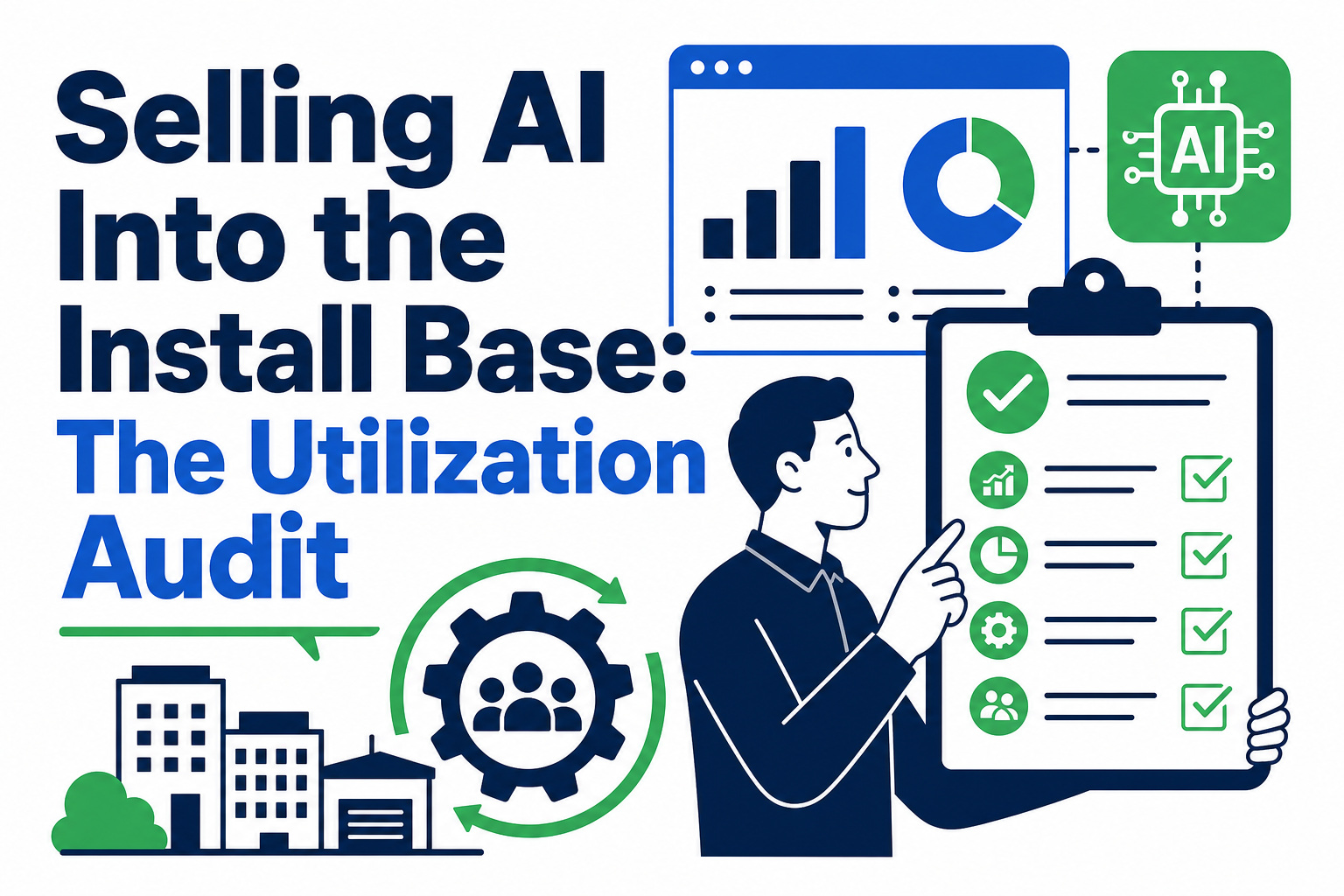
The fastest path to AI adoption for many organizations isn't a new purchase — it's finding the AI capabilities already included in the Salesforce or HubSpot licenses they're paying for today. A utilization audit is the practical first step: a structured review of what's licensed, what's actually turned on, and where the real gaps are.
Quick Answer
A utilization audit is a structured review of existing CRM licenses and features to identify unused or underused AI capabilities before buying anything new. It matters for CRM program owners, IT leaders, and consultancies advising existing customers on AI adoption. This article helps readers decide how to prioritize AI rollout using tools already in their install base. Vantage Point is relevant because we run utilization audits and implement AI features across existing Salesforce and HubSpot environments.
TL;DR
- What it is: A structured audit of licensed-but-unused CRM and AI features already in your install base.
- Why it matters: Many organizations are paying for AI capabilities they haven't activated, while evaluating new AI purchases.
- Best for: Organizations with existing Salesforce or HubSpot licenses looking to expand AI use without unnecessary new spend.
- Decision point: Whether your current license tier already includes AI features you haven't turned on.
- How Vantage Point helps: We run utilization audits and activate existing AI capabilities through our managed services and ongoing support.
What Is a Utilization Audit?
A utilization audit is a review comparing what an organization is licensed for against what is actually configured and in active use. For CRM platforms specifically, this means checking which AI features, automation tools, and premium modules are included in the current license tier but sitting dormant because no one has configured or rolled them out.
Why This Matters in 2026
Salesforce and HubSpot have both bundled more AI capability into existing license tiers over the past two years — Agentforce features, Einstein tools, and HubSpot Breeze AI are often included at tiers organizations already pay for. At the same time, many teams are evaluating new AI tools or add-ons without first checking whether they already have access to comparable functionality. A utilization audit prevents redundant spend and gives a faster, lower-friction path to AI adoption.
How a Utilization Audit Works
A structured utilization audit typically follows these steps:
- Pull the current license and contract details to establish exactly what tier and add-ons are active.
- Map licensed features against active configuration to identify what's paid for but not turned on.
- Prioritize unused features by business impact, not just by novelty — a dormant automation feature may matter more than an unused AI chatbot.
- Assess data readiness for each unused feature, since some AI capabilities need clean, structured data before they'll work reliably.
- Build a phased activation plan that sequences quick wins before more complex rollouts.
Common Findings in a Typical Audit
| Area | Common Finding |
|---|---|
| Sales automation | Workflow or flow automation licensed but only partially configured |
| AI features | Predictive scoring or generative AI tools included in tier but never activated |
| Reporting | Advanced dashboard or forecasting tools unused due to lack of training |
| Data tools | Deduplication or data quality tools available but never scheduled to run |
| Integration | Native connectors included in license but unused, with manual processes still in place |
What Businesses Should Do Next
- Request a full breakdown of your current Salesforce or HubSpot license tier and every included add-on.
- Compare that list against what's actually configured and used today.
- Prioritize activating unused features that address known pain points before evaluating new purchases.
- Check data quality for any AI feature you plan to activate — most require clean, structured data to perform reliably.
- Build a phased rollout plan rather than activating everything at once, to manage change and adoption.
How Vantage Point Helps
Vantage Point runs structured utilization audits that map your current license against actual configuration, then prioritizes activation by business impact. Our managed services and ongoing support team handles the configuration and rollout work once gaps are identified, and our AI-driven personalization and analytics service ensures activated AI features are supported by data that's actually ready for them. If your organization is deciding between activating existing tools and buying new ones, our Salesforce implementation and advisory team can help make that call with real data instead of guesswork.
If your team wants to know what AI capability is already sitting unused in your current CRM license, Vantage Point can help run the audit and build a practical activation plan.
FAQ
What is a utilization audit? A utilization audit is a structured review comparing what an organization is licensed for in its CRM platform against what is actually configured and actively used, identifying gaps and unused capabilities.
Why would a company pay for AI features it isn't using? License tiers are often bundled, meaning AI and automation features get included automatically when a company upgrades for an unrelated reason, such as storage limits or user counts, and the new features go unnoticed.
How long does a utilization audit typically take? Timelines vary by organization size and complexity, but a focused audit of core licensed features and configuration typically takes a few weeks, not months, since it relies on existing license and system data.
Does a utilization audit apply to both Salesforce and HubSpot? Yes. Both platforms bundle AI and automation features into license tiers, and the audit methodology — comparing licensed features to active configuration — applies to either platform.
What happens after a utilization audit identifies unused features? Findings are typically prioritized by business impact, then sequenced into a phased activation plan, starting with features that address known pain points and have the data readiness to work reliably.
Can activating unused features replace the need for new AI purchases? In many cases, yes — organizations often find they already have licensed access to comparable functionality. In other cases, the audit clarifies exactly what gap a new purchase would actually close.
Do all unused AI features work immediately once activated? No. Many AI features require clean, structured, or sufficiently large datasets to function reliably. The audit process should assess data readiness alongside licensing before recommending activation.
Who should be involved in a utilization audit? A utilization audit typically involves the CRM system administrator, IT or RevOps leadership, and a business stakeholder who understands which pain points matter most, so prioritization reflects real business needs.