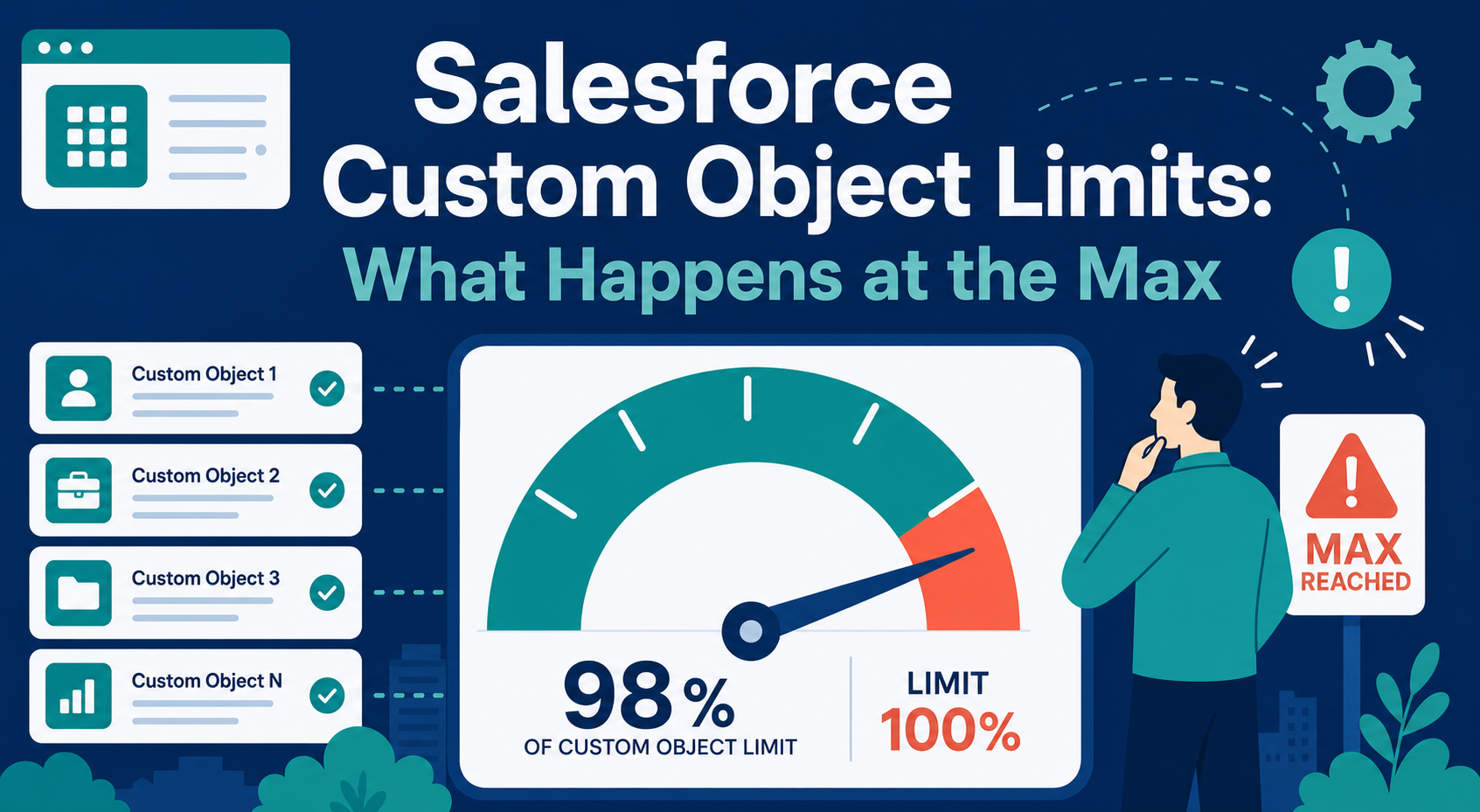
It usually surfaces as a surprise: an admin goes to create a new custom object and gets an error, or a managed package install fails partway through with a message about exceeding limits. Somewhere along the way, the org quietly filled up its custom object allocation — and now every new data-model decision is blocked until someone deals with it.
Custom object limits are one of those Salesforce constraints that teams discover only when they hit them. Mature orgs accumulate objects through years of projects, abandoned experiments, and managed packages, and nobody owns the count until it becomes an emergency.
This guide covers the actual limits by edition, what breaks at the maximum, how to find what is consuming your allocation, and how to decide between cleanup and an edition upgrade.
Quick Answer
Enterprise Edition allows 200 custom objects; Unlimited and Performance Editions allow 2,000, with a hard cap of 3,000 total custom objects per org that Salesforce will not raise. Objects installed from publicly posted AppExchange managed packages do not count against your edition allocation. At the limit, you cannot create new custom objects, and package installs or upgrades that require new objects can fail. The fix is an object audit — delete and erase what is unused, uninstall packages you no longer need — or, for genuinely growing orgs, an edition upgrade. Vantage Point runs these data-model audits as part of Salesforce health checks.
Key Takeaways (TL;DR)
- Know your number: Enterprise Edition includes 200 custom objects; Unlimited and Performance Editions include 2,000; no org can exceed 3,000 total.
- Packages are the silent consumer: managed packages add objects over time; publicly posted AppExchange package objects get separate treatment, but unmanaged and private packages count.
- Deletes are not instant: recently deleted objects can keep counting until they are erased — plan cleanup with the soft-delete window in mind.
- Hitting the limit blocks growth: new objects, and any package install that creates them, fail until you free capacity or upgrade.
- Cleanup beats upgrade until it doesn't: audit first; upgrade editions when the data model is genuinely growing, not just messy.
What are the Salesforce custom object limits by edition?
Salesforce allocates custom objects per org based on edition:
| Edition | Custom object allocation | Notes |
|---|---|---|
| Enterprise | 200 | Objects from managed packages publicly posted on AppExchange do not count against this allocation |
| Unlimited / Performance | 2,000 | Same AppExchange carve-out applies; additional headroom for installed package objects |
| All editions | 3,000 hard cap | Total custom objects per org, regardless of source; Salesforce does not raise it |
Two adjacent limits are worth separating in your head, because teams conflate them. Custom fields have their own per-object allocation (500 per object on Enterprise, 800 on Unlimited/Performance) — hitting the field limit is a different problem with a different fix. And custom big objects carry a separate, much smaller allocation (100) for high-volume data. This post is about the object count itself.
What actually happens when you hit the limit?
The failure modes are blunter than teams expect:
- New object creation fails. The admin sees an error that the custom object limit has been exceeded. There is no warning threshold — you find out at the moment of creation.
- Package installs and upgrades can fail. A managed package that introduces new objects needs headroom. Installs mid-project can fail, which is how the limit gets discovered at the worst possible time — during an implementation.
- Workarounds accumulate. Teams start overloading existing objects with record types and "Type" picklists to dodge the limit, creating a data model that is harder to report on, secure, and maintain than the clean object they could not create.
The strategic cost is the last one. An org at its object ceiling stops making good data-model decisions and starts making expedient ones.
How do you find what is consuming your allocation?
Start in Setup with Object Manager and inventory what exists, then sort by origin. In our experience the count is dominated by three sources:
- Managed packages, past and present. Every installed package brings its own objects. Packages installed for a trial or a since-replaced tool often linger for years. List installed packages and ask, for each: is this still in use, and do we know what breaks if it goes?
- Abandoned custom objects. Objects built for a project that shipped differently, a department that changed process, or an integration that was rebuilt. Check for objects with no recent records, no reports, no automation, and no integration references.
- Soft-deleted objects. Deleting a custom object does not immediately reclaim the slot — deleted objects (like deleted fields, which linger about 15 days before Salesforce hard-deletes them) can continue to count until they are permanently erased. After a cleanup pass, erase deleted objects rather than waiting for the automatic window.
For each candidate object, answer four questions before deleting: Does it hold records anyone needs? Is it referenced by reports, flows, Apex, or integrations? Does a managed package depend on it? And is there a regulatory or audit reason to retain the data elsewhere first? Deletion is easy; recovery is not.
Should you clean up or upgrade editions?
| Situation | Recommended path | Why |
|---|---|---|
| Count dominated by unused packages and dead objects | Audit, uninstall, delete, erase | The limit is a hygiene problem, not a capacity problem |
| Deleted objects awaiting hard delete | Erase them now | Reclaims allocation immediately instead of waiting out the retention window |
| Data model genuinely growing (new products, integrations, acquisitions) | Evaluate an edition upgrade | Unlimited Edition raises the allocation to 2,000 and typically bundles additional sandbox and support entitlements — confirm current packaging with your account executive |
| Approaching the 3,000 hard cap | Cleanup is mandatory | The hard cap cannot be raised; no edition change will help |
A note on upgrade timing: edition upgrades are commercial conversations with real cost implications, and the right moment is when the object ceiling is one of several constraints — sandbox needs, support expectations, API volumes — not when it is the only one. If the audit frees hundreds of objects, you probably did not need the upgrade.
How do you keep from hitting the limit again?
Governance is unglamorous and effective. Require a short justification for every new custom object — what it represents, why an existing object cannot serve, who owns it. Review installed packages annually with the same rigor you would apply to a vendor renewal. And put the object count on the admin team's dashboard of things worth knowing, so the limit announces itself at 80% instead of at a failed package install.
If you are weighing whether a new requirement deserves a custom object at all, our companion post on when custom objects are worth it versus standard objects covers that decision framework.
How Vantage Point Helps
Object-limit surprises usually arrive during a health check or mid-implementation — we have untangled orgs where managed packages nobody remembered installing consumed most of the allocation. Vantage Point's Salesforce technology consultants audit the data model, retire dead objects and packages safely, and advise honestly on whether an edition upgrade earns its cost. Senior consultants only — no junior handoffs; the experts you meet are the experts who deliver. For orgs that need this watched continuously, our managed services keep limits, packages, and technical debt under routine review.
At the Custom Object Ceiling?
A data-model audit typically finds more headroom than teams expect — and when it doesn't, we'll tell you. Talk to Vantage Point about your Salesforce org health.
Frequently Asked Questions
What is the custom object limit for Salesforce Enterprise Edition?
Enterprise Edition includes an allocation of 200 custom objects. Custom objects contained in a managed package that is publicly posted on the AppExchange do not count against that allocation. A separate hard limit of 3,000 total custom objects per org applies across all editions.
What happens when a Salesforce org reaches its custom object limit?
You cannot create additional custom objects — creation fails with a limit error. Installs or upgrades of managed packages that introduce new objects can also fail. The only remedies are freeing capacity (deleting and erasing unused objects, uninstalling unneeded packages) or moving to an edition with a higher allocation.
Do managed package objects count against the custom object limit?
Objects from managed packages publicly posted on the AppExchange do not count against your edition allocation, though all custom objects in the org are subject to the 3,000-object hard cap. Objects from unmanaged packages and packages not publicly posted generally do count, so review your installed package list carefully.
If I delete a custom object, does it free up the limit immediately?
Not necessarily. Deleted custom objects can continue to count until they are permanently erased — Salesforce retains deleted objects and fields for a window (about 15 days for fields) before hard deletion. After a cleanup, erase deleted objects from Setup to reclaim the allocation without waiting.
Can Salesforce raise the custom object limit?
No — not beyond the documented allocations and the 3,000-object hard cap, which Salesforce states cannot be increased. Moving from Enterprise to Unlimited Edition raises the allocation from 200 to 2,000, but no edition or support request exceeds the hard cap.
Is the custom object limit the same as the custom field limit?
No. The object limit caps how many custom objects exist in the org; field limits cap custom fields per object (500 on Enterprise, 800 on Unlimited and Performance). An org can be healthy on one and at the ceiling on the other — they require separate audits.