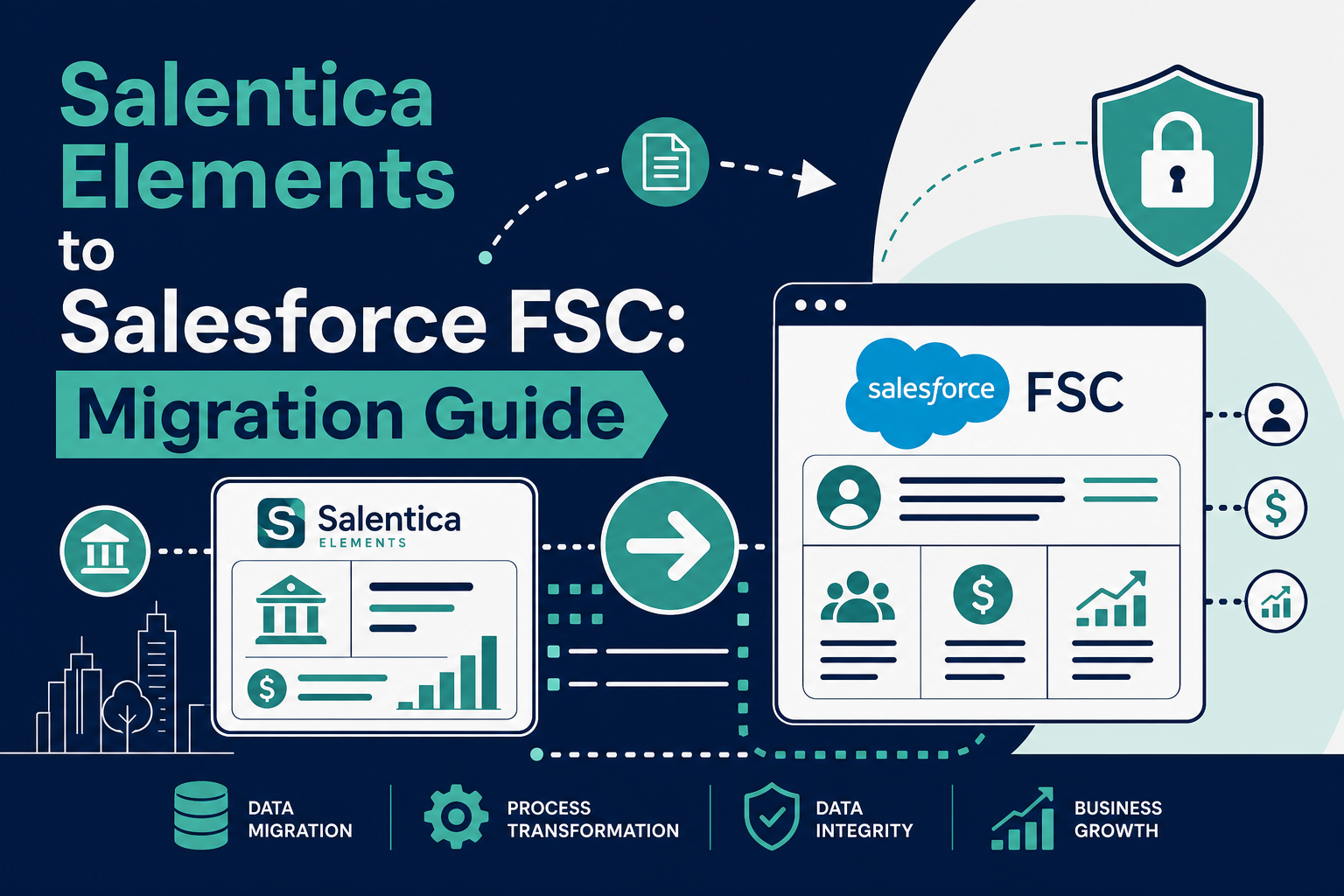
Quick Answer: Salentica Elements is built on the Salesforce Lightning Platform: not Microsoft Dynamics 365 (that's Salentica Engage). Migrating from Elements to Salesforce Financial Services Cloud (FSC) is therefore a same-platform transition from a managed package to FSC Core, not a platform switch. Your data already lives in Salesforce, so the project focuses on remapping Elements objects (Relationships, Families, Financial Accounts, Requests) to FSC Core objects (Person Accounts, Households, Financial Accounts, Action Plans), typically over a 3-6 month phased project.
Key Takeaways (TL;DR)
- What is it? A migration from Salentica Elements (a wealth management CRM managed package built on the Salesforce Lightning Platform) to Salesforce Financial Services Cloud (FSC) Core.
- Key Benefit: Because Elements already runs on Salesforce, firms move to FSC without a platform switch, no cross-platform data extraction, no new vendor stack, and a direct path to Salesforce's AI roadmap (Agentforce, Data Cloud).
- What migrates: Relationship and Family records, contacts, financial accounts, portfolios, activities, workflows (Requests), and documents.
- Timeline: Typically 3-6 months depending on data volume, customization, and integration scope.
- Best For: RIAs, wealth management firms, and family offices running Salentica Elements that want FSC Core's native data model and Salesforce's innovation roadmap.
- Bottom Line: This is a managed-package-to-core migration, not a rip-and-replace. Firms that plan object mapping, workflow redesign, and adoption carefully can modernize without disrupting client service.
Why Are Wealth Management Firms Re-Evaluating Salentica Elements?
Salentica Elements is a capable, wealth-specific CRM. According to SS&C's own product page, Elements is "highly configurable with a vast integration network," designed for wealth, investment management, and trust fiduciaries, and its foundation is the Salesforce Lightning Platform. Its sibling product, Salentica Engage, is the one built on Microsoft Dynamics 365. Elements is even listed on the Salesforce AppExchange as a Salesforce app requiring Sales Cloud.
So if Elements already runs on Salesforce, why do firms move to Financial Services Cloud? The drivers we hear most often:
- Platform consolidation. Firms want one Salesforce org strategy (native FSC Core objects, standard Salesforce automation, and AppExchange flexibility) rather than a managed package layer between them and the platform.
- Salesforce's AI and data roadmap. Agentforce, Einstein, and Data Cloud capabilities land first (and deepest) on FSC Core's standard data model. Firms on managed packages often wait for their vendor to certify each new release.
- Vendor strategy and control. Some firms prefer working directly with Salesforce and a consulting partner rather than depending on a package vendor's release cadence and long-term product direction.
- Ecosystem access. FSC Core opens the full AppExchange, MuleSoft integration options, and a large talent pool of Salesforce administrators and developers.
None of this is a knock on Elements. It's a question of which foundation fits your firm's next decade. For a broader comparison, see our complete CRM showdown: Salesforce FSC vs. Wealthbox vs. Redtail vs. Orion vs. Practifi.
Is Migrating from Elements to FSC a Platform Switch?
No, and this is the single most important fact to get right. Because Elements is built on the Salesforce Lightning Platform, an Elements-to-FSC migration is a managed-package-to-core transition inside the Salesforce ecosystem, not a Dynamics-to-Salesforce platform switch.
That distinction changes everything about the project:
- Data extraction is straightforward. Your data already lives in Salesforce objects. Standard tools (Data Loader, the Salesforce APIs, and report exports) can extract it. There's no proprietary database to crack open.
- You may not need a new org. Depending on licensing and customization, the migration can happen in place (install FSC, remap data, retire the package) or into a fresh FSC org.
- Users stay in a familiar interface. Elements users already know Salesforce Lightning. Retraining focuses on FSC's household model and new workflows, not an entirely new application.
By contrast, firms on Salentica Engage (the Dynamics 365 product) face a true platform switch, cross-platform data extraction, process re-mapping, and full user retraining. The phases below still apply, but expect longer timelines and heavier change management.
What Data Migrates from Salentica Elements to FSC?
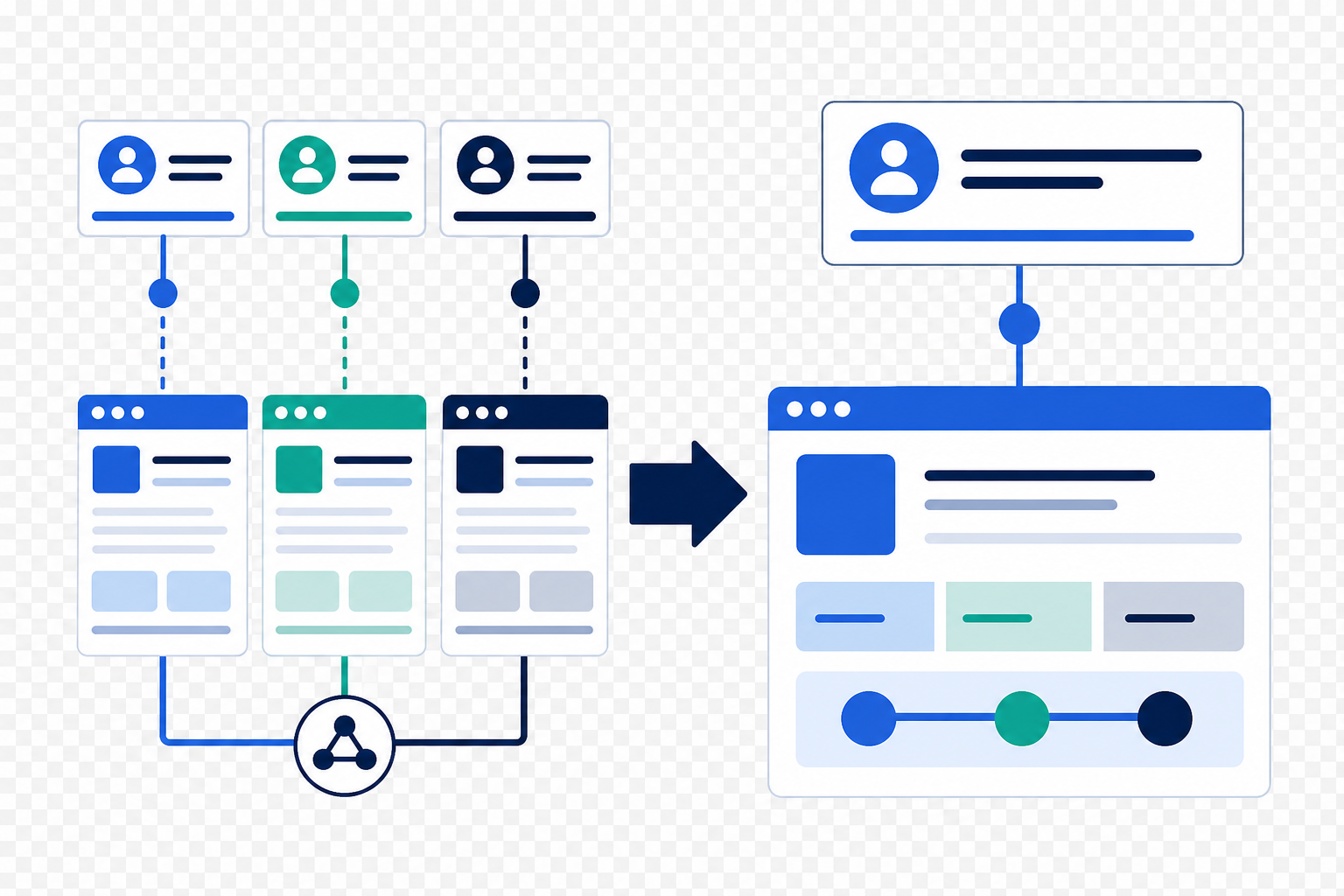
Elements organizes wealth management data around a specific object hierarchy: documented in Salentica's own knowledge base: and most of it maps cleanly to FSC Core equivalents. FSC models people as Person Accounts and groups them into households using party relationship groups, with a dedicated financial account data model on top.
Here's a practical mapping guide:
| Salentica Elements Object | Salesforce FSC Core Equivalent | Migration Notes |
|---|---|---|
| Relationship (Account) | Business Account / Household | The "main hub" record in Elements becomes the household or business account anchor in FSC. |
| Family | Household (Party Relationship Group) | Elements Families linking multiple Relationships map to FSC household groups and relationship group memberships. |
| Contacts | Person Accounts | Individuals (clients, spouses, professional contacts) become person accounts with account-contact relationships defining their household roles. |
| Financial Accounts | Financial Accounts | Custody and non-custody shell accounts map directly to FSC's Financial Account object. |
| Financial Assets & Liabilities | Assets / Liabilities (Financial Account children) | Holdings, real estate, and debt instruments map to FSC's asset and liability records. |
| Legal Entities | Business Accounts with relationship roles | Trusts, LLCs, and entities with tax IDs become business accounts connected via relationship roles. |
| Portfolios | Financial Account groupings | Portfolio groupings by risk tolerance or reporting need are rebuilt using FSC account hierarchies or custom groupings. |
| Requests (multi-step processes) | Action Plans | Elements' repeatable task/checklist processes map naturally to FSC Action Plans and templates. |
| Activities (calls, tasks, events, emails) | Salesforce Activities | Standard activity objects migrate with dates, owners, and record associations intact. |
| InTouch service levels | Action Plans + Flow automation | Touchpoint frequency tracking is rebuilt with FSC action plans and scheduled flows. |
| Documents & attachments | Salesforce Files | Files attached to Elements records migrate to Salesforce Files with parent record links preserved. |
Two areas deserve extra attention: custodian and portfolio management integrations (Elements' pre-built connections to Schwab, Fidelity, Black Diamond, and others must be re-established or replaced on the FSC side) and historical activity data, which often carries compliance value and should be migrated completely rather than archived.
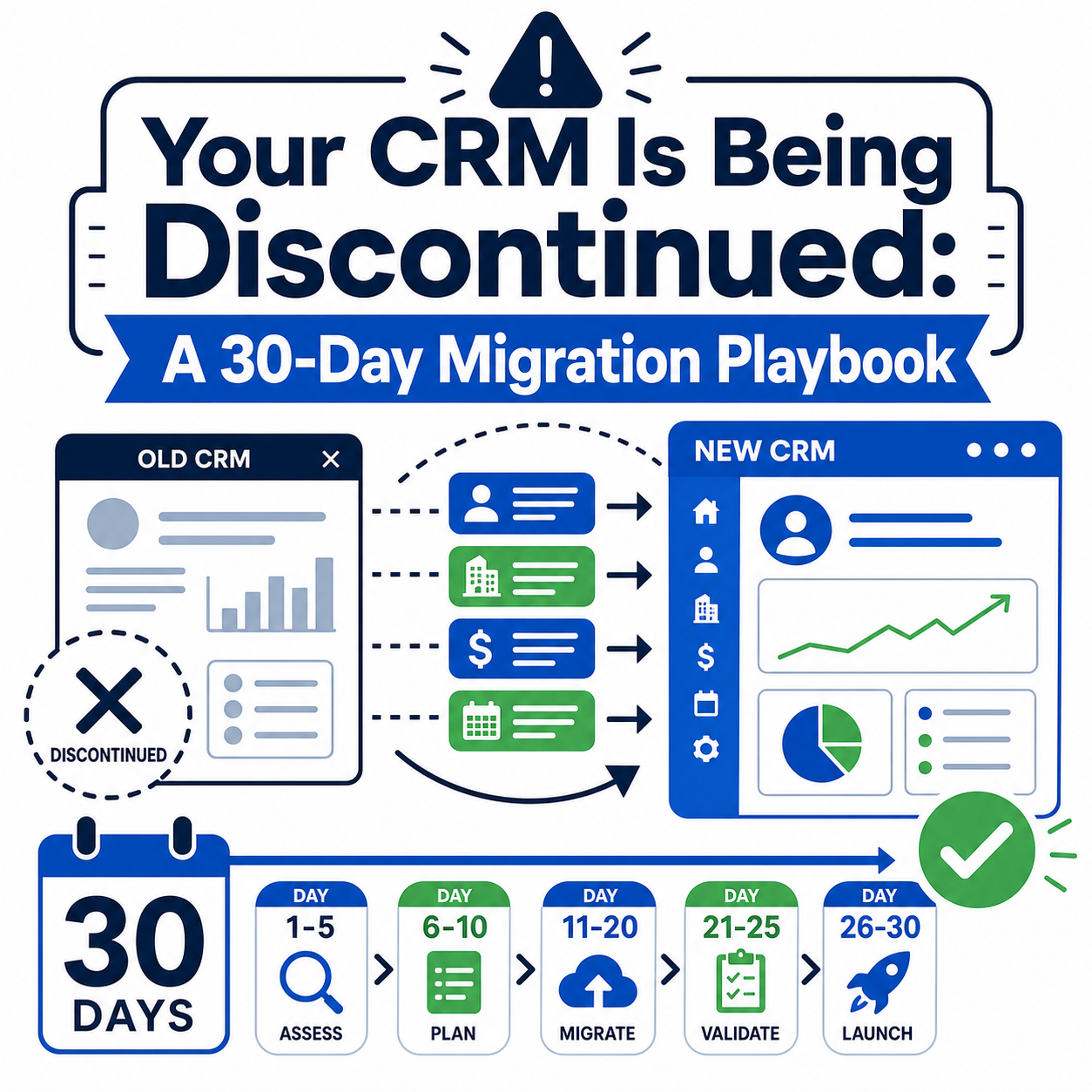
How Does an Elements-to-FSC Migration Work? Seven Phases
A well-run migration follows a predictable sequence. Here's the phased approach we use:
- Assess. Inventory your Elements configuration: custom objects and fields, workflows and Requests, integrations, reports and dashboards, and data quality. Document what users actually rely on versus what's legacy clutter.
- Extract. Pull full data extracts using Salesforce-native tools. Because Elements is on-platform, this step is measured in days, not weeks.
- Cleanse. Dedupe contacts, standardize addresses, reconcile orphaned financial accounts, and archive records that shouldn't follow you. Migration is the best data-cleanup opportunity you'll ever get.
- Map. Build the object-and-field mapping document (the table above is your starting point), including picklist value translations, record type decisions, and the household model design.
- Pilot. Migrate a subset, one team or a book of households, into a sandbox. Validate balances, relationships, activities, and integrations with real users before touching production.
- Cutover. Execute the full migration, typically over a weekend, with delta loads for records that changed during the pilot. Freeze the Elements package, verify record counts, and flip users to FSC.
- Adopt. Deliver role-based training, office hours, and hypercare support. Adoption, not data, is where migrations succeed or fail.
What Are the Most Common Pitfalls?
- Treating it like a platform switch. Over-engineering extraction for data that's already in Salesforce wastes budget; under-investing in household model design wastes the opportunity.
- Rebuilding every Elements customization. Some customizations exist only because the package required them. Challenge each one: does FSC Core do this natively now?
- Ignoring integration dependencies. Custodian feeds, portfolio management connections, and Data Broker integrations must be re-planned, not assumed to carry over.
- Migrating dirty data. Years of duplicate contacts and stale addresses should be fixed before or during migration: never after.
- Skipping the pilot. A sandbox pilot with real users catches mapping errors when they're cheap to fix.
- Underfunding adoption. Advisors won't use a system they don't understand. Budget real time for training and hypercare.
How Long Does the Migration Take?
Timelines vary with data volume, customization depth, and integration count, but typical ranges look like this:
| Firm Profile | Typical Timeline |
|---|---|
| Small RIA, light customization, few integrations | 8-12 weeks |
| Mid-size wealth firm, moderate customization, several integrations | 3-5 months |
| Large or multi-entity firm, heavy customization, complex integration landscape | 5-8+ months |
The assessment phase alone usually runs 2-4 weeks and is the best investment in the entire project: it's what turns these ranges into a committed plan.
How Vantage Point Helps
Vantage Point is a boutique Salesforce consulting firm with deep Financial Services Cloud experience across wealth management, RIAs, and family offices. For Elements-to-FSC migrations, our Salesforce implementation and advisory team leads the assessment, data model design, and cutover, while our system integration and data migration practice rebuilds custodian and portfolio management connections on FSC.
Senior consultants only. No junior handoffs; the experts you meet are the experts who deliver. If you're weighing the move, our FSC Core vs. Managed Package migration guide is a useful companion read, and we're happy to walk through your specific Elements configuration in a working session.
Frequently Asked Questions
Is Salentica Elements built on Salesforce or Microsoft Dynamics?
Salentica Elements is built on the Salesforce Lightning Platform. It's listed on the Salesforce AppExchange and requires Sales Cloud. Salentica Engage is the separate product built on Microsoft Dynamics 365. SS&C confirms both foundations on its CRM solutions page.
Do I need to switch platforms to move from Elements to FSC?
No. Because Elements already runs on Salesforce, migrating to FSC is a managed-package-to-core transition within the Salesforce ecosystem. Your data is extracted with standard Salesforce tools, and users stay in the familiar Lightning interface.
What happens to my custodian integrations during the migration?
Pre-built integrations (such as Schwab OpenView Gateway and Fidelity Wealthscape connections) are tied to your Elements configuration and must be re-established or replaced on the FSC side. Integration re-planning should be part of the assessment phase, not an afterthought.
Can I migrate from Elements to FSC in my existing Salesforce org?
Often, yes. Because Elements is a managed package inside your Salesforce org, some firms install FSC in the same org, remap data to FSC Core objects, and retire the package; others prefer a fresh FSC org. Decide during assessment based on your customization footprint and licensing.
How long does an Elements-to-FSC migration take?
Most projects run 3-6 months. Small firms with light customization can finish in 8-12 weeks; large or heavily customized firms with complex integrations should plan for 5-8 months or more.
Will my historical activities and client notes migrate?
Yes. Calls, tasks, events, and emails stored in Elements are standard Salesforce activity records and migrate with dates, owners, and record associations intact. Given their compliance value, historical activities should be migrated completely rather than archived.
What's the difference between migrating from Elements versus Engage?
Elements migrations stay within Salesforce: no platform switch. Engage is built on Microsoft Dynamics 365, so moving from Engage to FSC is a true cross-platform migration with separate data extraction, process re-mapping, and fuller retraining.
Ready to Plan Your Move?
Migrating from Salentica Elements to Salesforce Financial Services Cloud is one of the more approachable CRM transitions a wealth management firm can take on: you're modernizing within a platform your team already knows. The firms that succeed treat it as a data model and adoption project, not just a data move.
If you're evaluating the switch, start a conversation with Vantage Point. We'll review your Elements configuration, outline a phased plan, and give you an honest read on scope and timeline.
About Vantage Point
Vantage Point is a boutique CRM consulting firm helping businesses transform with Salesforce, HubSpot, and AI. Our senior-only, employee-owned team delivers Salesforce Financial Services Cloud implementations, integrations, data migrations, and managed services. Learn more at vantagepoint.io.