This is Part 4 of Vantage Point's Headless 360 series. Part 1, "Salesforce Headless 360: Architecture and Readiness Guide," maps the four architecture layers and defines where MCP and HXL each fit. This post is the practitioner deep dive on the experience layer itself: HXL, the Mosaic framework, and the hands-on Playground. Other parts of the series cover Headless 360 for developers, Headless 360 for admins, headless commerce, and headless identity.
With Dreamforce weeks away, the Headless 360 conversation tends to focus on APIs and MCP servers: the plumbing. But plumbing alone does not put a useful experience in front of a user. That is the job of the Headless Experience Layer (HXL) and Mosaic, Salesforce's declarative framework for building a widget once and rendering it natively in Agentforce, Slack, ChatGPT, Claude, or any MCP host. For product owners, developers, and innovation leads, this is the piece that turns "our agents can call Salesforce" into "our users get a real interface wherever they already work." This guide covers what HXL and Mosaic actually are, how the Playground works, and what to try before Dreamforce.
Quick Answer
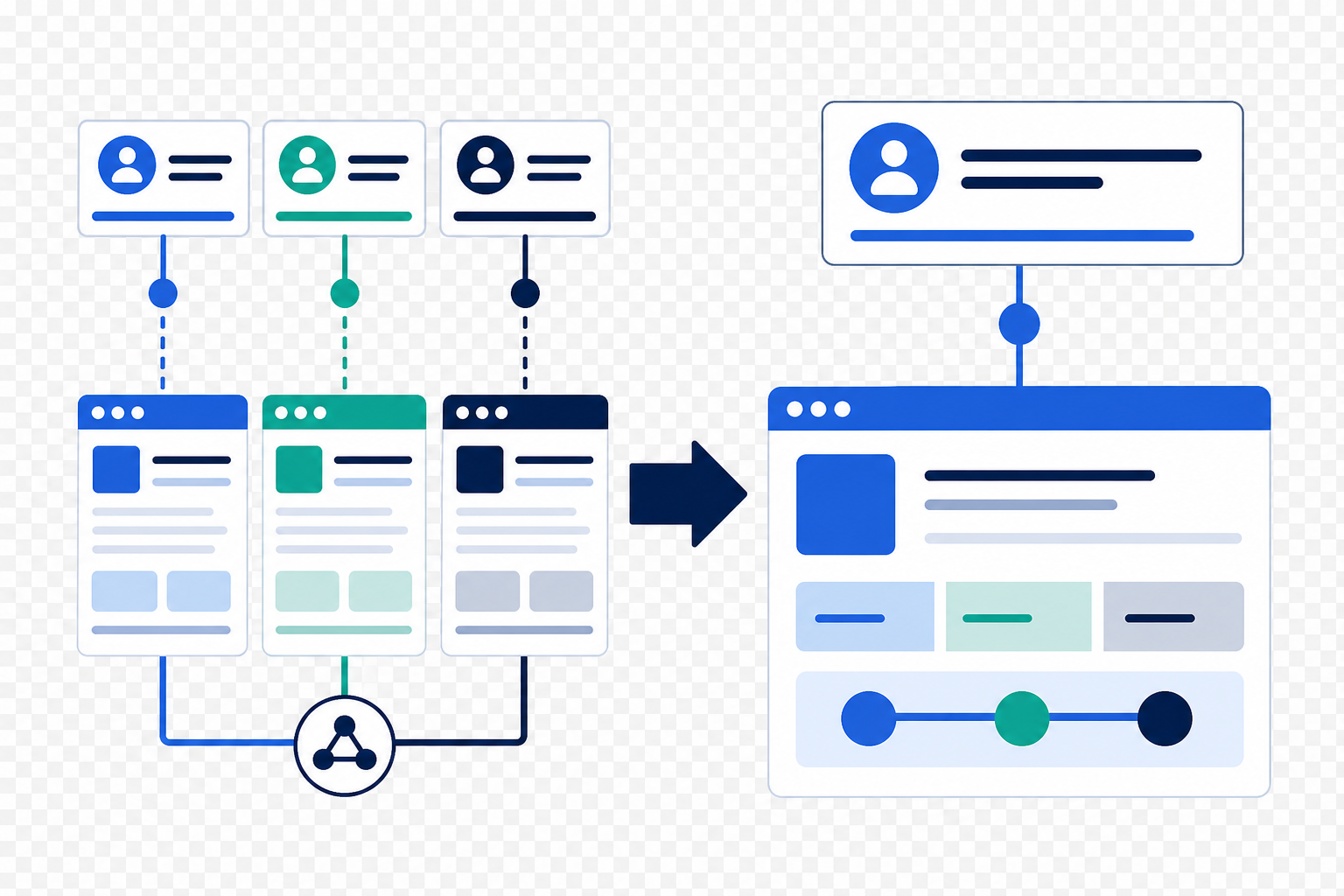
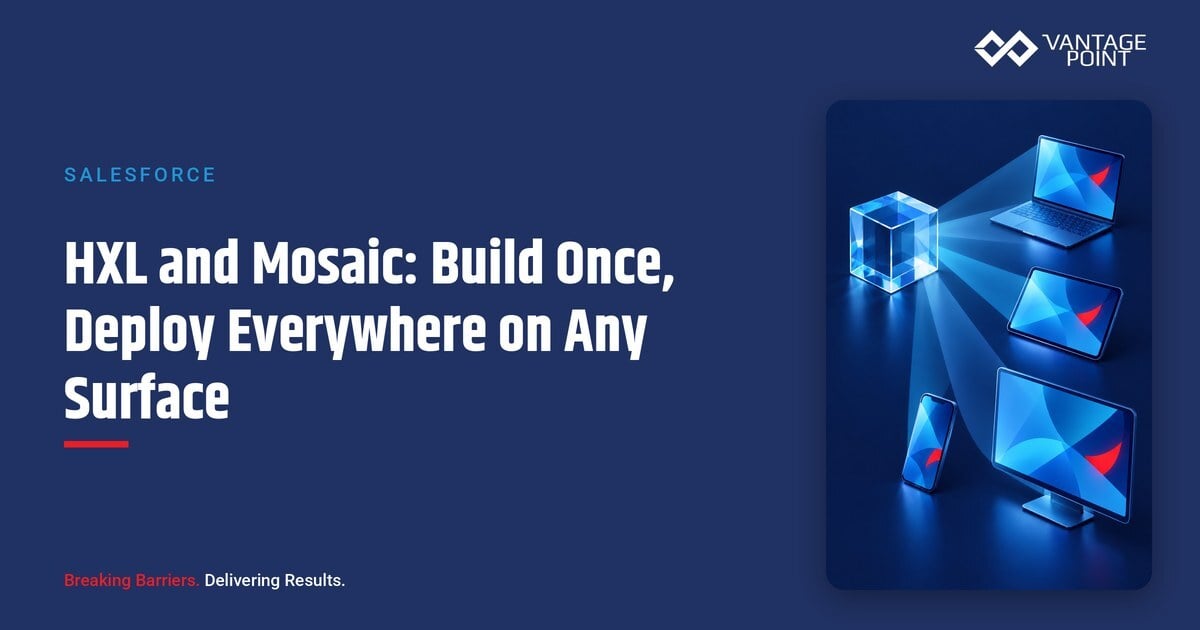
The Headless Experience Layer (HXL) is Salesforce's control plane for how agent-driven experiences appear across your business: you define business logic and UI intent once inside Salesforce, and HXL renders it natively on any surface: Slack, ChatGPT, Claude, Agentforce, mobile, or a custom portal. Mosaic is the declarative JSON format you use to build those surface-agnostic widgets, and the HXL Playground is the free, no-setup environment where you can learn the format and preview widgets across surfaces live.
TL;DR
- What it is: HXL separates your business logic from the screen it appears on; Mosaic is the declarative JSON format used to define surface-agnostic widgets.
- Why it matters: Without an experience layer, teams rewrite security, data, and UI logic for every channel: HXL governs it once and deploys everywhere.
- Where to start: The HXL Playground's tutorials, component catalog, and live multi-surface widget editor.
- Decision point: HXL is the newest layer of Headless 360 and is currently in beta: Part 1 of this series covers availability and governance.
- How Vantage Point helps: Senior consultants help you pick the right first surface, design governed widget patterns, and pilot HXL on real workflows.
What Is the Headless Experience Layer (HXL)?
Salesforce's Trailhead module Speak the Language of Headless 360 defines HXL plainly: it "separates your business logic from the screen it appears on. Instead of building a separate app for every surface, you define your intent once inside Salesforce and HXL renders it natively wherever your users already work: Slack, WhatsApp, a custom portal, or anywhere else. One definition. Any surface."
Salesforce's Headless Experience Layer product page frames it as the control plane for how AI shows up across your business. Separating what an agent should do from how that experience is delivered. It is built on custom Lightning types and a multichannel UI framework, so the same agent response adapts natively across Lightning Experience, mobile, Slack, Teams, ChatGPT, and any first- or third-party surface.
The problem HXL solves is one every multi-channel team recognizes: without it, you rewrite security, data, and UI logic for every channel, an internal tool here, a customer portal there, Slack and ChatGPT on the roadmap. Salesforce calls this the context dilution and logic fragmentation problem. HXL's answer is fourfold:
- Operational agility: build logic once, deploy to any surface.
- Deterministic governance: centrally managed guardrails keep agent behavior inside business parameters.
- Reduced integration tax: no custom API bridges between your CRM and external UI surfaces.
- Inherited security: every experience automatically inherits Salesforce's native permissions and sharing models.
What Is Mosaic, and How Does It Work?
Mosaic is the declarative JSON format that HXL widgets are written in. The HXL Playground introduces three terms that map neatly onto MVC concepts you already know:
| Mosaic term | What it is | MVC analogy |
|---|---|---|
| Component | A building-block primitive: the smallest renderable unit (text, button, container, table) | N/A |
| Widget | A surface-agnostic UI composition built from components: like a page that works everywhere | View |
| Type / Action | The data shape behind a widget, and the things a user can do with it | Model / Controller |
A minimal widget is a few lines of JSON. Here is the Playground's "Hello World" example, which renders a styled text component:
{
  "definition": "tile/text",
  "attributes": {
    "text": "Hello, Widget!",
    "variant": "h1"
  }
}
The definition property specifies which component to render; attributes configures its content and styling. From there, the Playground's curriculum builds up to layouts, data binding, iteration, and conditional rendering: still all declarative JSON, with no platform-specific code. Because the widget describes structure, data, and actions rather than pixels, each host surface renders it with its own native look and feel.
How Is HXL Different From MCP?
Part 1 of this series defines the distinction; here is the practitioner's version. MCP and HXL answer different questions:
| MCP (Model Context Protocol) | HXL (Headless Experience Layer) | |
|---|---|---|
| Question it answers | How does an agent call Salesforce? | How does the experience appear to the user? |
| What it carries | Tool calls, data, and actions | UI intent: widgets, layout, and interaction |
| Who defines it | Salesforce-hosted and custom MCP servers expose tools | You define widgets once in Mosaic |
| Where it shows up | Any MCP-compatible client (Claude, ChatGPT, Cursor, Agentforce) | Any surface that renders HXL: including those same MCP hosts |
In practice they compose: an agent on an MCP host calls Salesforce tools through MCP, and HXL delivers the response as a native, interactive widget on that surface. MCP is the pipe; HXL is the presentation. You can adopt MCP without HXL (pure tool-calling), but the "deploy everywhere" story (a governed, branded, interactive experience on every surface) requires the experience layer.
What Can You Do in the HXL Playground?
The HXL Playground is the fastest way to build real intuition, and it requires no setup. Three areas matter:
- Learn: a hands-on curriculum that starts with a single text block and builds to layouts, data binding, iteration, and conditional rendering. Each tutorial is itself a widget, and you can expand the code view at any point to see exactly how it is built.
- Explore: the full component catalog: buttons, containers, lists, forms, and more. You can see every variant, tweak attributes live, and inspect the underlying schema.
- Preview: the widget editor. Define your UI in JSON and watch it render live across Slack, ChatGPT, Claude, and Agentforce from a single source. This is the "build once, run anywhere" promise made tangible.
Salesforce's admin team has already published a guided tour, Tour HXL Playground | Kate Clicks Through It (July 2026), which makes an important point for non-developers: if you can build flows and shape data models as an admin, HXL unlocks that same expertise for systems and agents beyond the platform. You stay in control of how agents surface data and how information displays on any platform your users call home.
Which Surfaces Does HXL Support?
The Playground previews four surfaces today (Agentforce, Slack, ChatGPT, and Claude) and the design target is broader: any MCP host, plus first-party surfaces like Lightning Experience and mobile, collaboration hubs like Teams, and messaging channels like WhatsApp or a custom portal. The strategic point is not the specific list; it is that the list can grow without you rebuilding anything. When the next surface matters to your users, a widget you defined once renders there natively.
That changes the economics of experience design. Instead of sequencing channels ("portal this year, Slack next year"), you decide which workflows deserve an interface, build them once under Salesforce governance, and let surface choice become a configuration decision rather than a development project.
What Does "Build Once, Deploy Everywhere" Look Like in Practice?
Salesforce has been telling this story consistently since the Headless 360 announcement ("No Browser Required"). Three public artifacts are worth your time before Dreamforce:
- The TDX 2026 keynote: Build the Future with Salesforce Headless 360: where the experience layer drives the "deploy everywhere" story, powering portable, high-fidelity agent experiences on any surface.
- The Build Once, Deploy Everywhere webinar: Salesforce's on-demand session on scaling enterprise apps with the Headless Experience Layer and multi-framework development: define governed logic, empower developers, and build AI-driven capabilities on any surface.
- Customer proof in production: Salesforce's own IT team decoupled backend transaction logic from the standard UI and now runs employee-facing IT operations natively inside Slack, and Indeed's engineering team builds, tests, and deploys production Agentforce agents without opening a browser. Neither started with a big-bang rebuild; both picked a bounded workflow, exposed it through governed interfaces, and expanded.
The pattern to copy: one workflow, one surface, governed logic: then let the experience layer carry it everywhere else.
What Should Teams Do Before Dreamforce?
- Work through the HXL Playground tutorials: an hour takes you from "Hello, Widget!" to data-bound, conditional layouts.
- Build one real widget in the editor: pick a workflow your users actually need (case status, order lookup, approval summary) and preview it across Agentforce, Slack, and ChatGPT.
- Watch the TDX 2026 keynote replay and the Build Once, Deploy Everywhere webinar for the strategic frame.
- Identify your first surface: where do your users already work? That answer, not the technology, should pick your pilot.
- Review availability and governance in Part 1: HXL is the newest layer of Headless 360 and is currently in beta, so confirm what is available for your edition before committing to a timeline.
- Bring your widget ideas to Dreamforce: hands-on context will change how you evaluate the announcements.
How Vantage Point Helps
Vantage Point helps teams turn HXL's promise into a governed pilot: selecting the first workflow and surface, designing Mosaic widget patterns that respect your permission model, and connecting the experience layer to your broader Salesforce implementation and advisory and system integration and data migration strategy. Senior consultants only. No junior handoffs; the experts you meet are the experts who deliver.
FAQ
What is the Headless Experience Layer (HXL)?
HXL is Salesforce's experience layer for Headless 360: it separates your business logic from the screen it appears on, so you define an experience once inside Salesforce and it renders natively on any surface: Agentforce, Slack, ChatGPT, Claude, mobile, or a custom portal.
What is Mosaic in Salesforce Headless 360?
Mosaic is the declarative JSON format used to build HXL widgets. You compose surface-agnostic widgets from components (text, buttons, containers, tables), with Types defining the data and Actions defining what users can do: analogous to Model, View, and Controller.
What is the difference between HXL and MCP?
MCP is the protocol that lets AI agents call Salesforce tools and data; HXL is the layer that renders the resulting experience as a native UI on each surface. MCP is the pipe, HXL is the presentation: they compose, but solve different problems.
Is the Headless Experience Layer generally available?
HXL is the newest layer of Headless 360 and is currently in beta, with availability expanding. Check Part 1 of this series for the availability and licensing picture, and confirm component-level status before planning a production timeline.
Which surfaces can HXL widgets render on?
The HXL Playground previews widgets across Agentforce, Slack, ChatGPT, and Claude, and the design target is any MCP host plus first- and third-party surfaces: Lightning Experience, mobile, Teams, WhatsApp, and custom portals.
Do I need a developer to build HXL widgets?
Not necessarily. Widgets are declarative JSON, and Salesforce's admin team positions HXL as a way for admins to extend flow and data-model expertise to new surfaces. Developers add the most value on data binding, actions, and governed deployment patterns.
How does HXL handle security and permissions?
HXL experiences inherit Salesforce's native permissions and sharing models automatically, and guardrails are centrally managed, so a widget surfaces only what the running user is allowed to see, on every surface.
Ready to build once and deploy everywhere? Whether you are prototyping your first Mosaic widget, evaluating HXL against your channel roadmap, or preparing your Dreamforce agenda, Vantage Point's senior consultants can help you move from playground to production. Contact Vantage Point to schedule a Headless 360 readiness session, or explore our Salesforce services to see how we support teams end to end.
Vantage Point is a boutique CRM consulting firm helping businesses transform with Salesforce, HubSpot, and AI. Learn more at vantagepoint.io.