Quick Answer
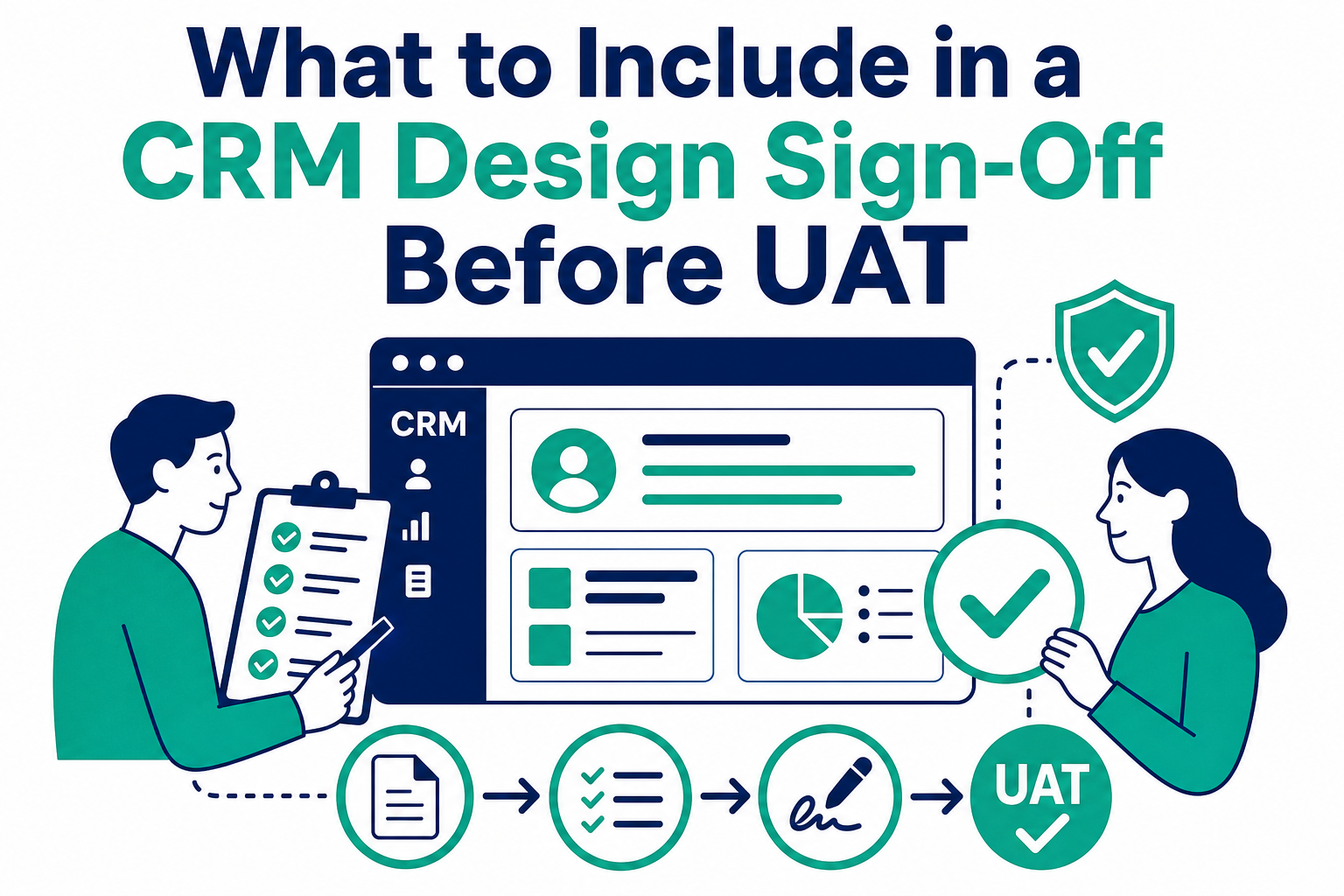
A CRM design sign-off is the single written record of what has been built and what decisions are locked, approved by the client before user acceptance testing (UAT) begins. A good one has six parts: a summary with status and milestones, an open-items register, the design itself, the migration plan and field mapping, a decision log with governance notes, and an approval table with signatures. Just as important is how the approval runs: reviewers get a short read-ahead (the summary and their own open items, not the whole document), a clear deadline, and an explicit rule that anything not marked by the deadline is approved as written. This matters because UAT without a locked design tests a moving target — every undocumented decision becomes a "bug," and every late scope question becomes a change order.
TL;DR
- What it is: one document that records everything built in the CRM, every decision since scoping, and the migration plan — approved before UAT starts.
- Six sections: summary, open-items register, design, migration and field mapping, decisions and governance, approval table.
- Approval mechanics: short read-ahead, named approvers per decision, a deadline, and silence-equals-approval stated up front.
- Open items don't block: they're tracked in a register and closed in writing; they don't hold up approval of everything else.
- How Vantage Point helps: implementation engagements run design sign-off as a formal gate before UAT.
What is a CRM design sign-off document?
It's the project's memory, exported. Over weeks of build work, a CRM implementation accumulates hundreds of small decisions: which stages the pipeline has, what the field mapping does with legacy values, who owns migrated records, which automation fires when. Most of those decisions were made in meetings and live in attendees' heads. The design sign-off document pulls them into one place, in writing, and asks the client to confirm: this is what we agreed, this is what exists, and this is what you're approving before we test it.
That framing matters. The document is not a status deck and not a requirements list from month one — it's the current truth of the build, written to be approved. Salesforce's own user acceptance testing guidance treats UAT as the business validating that the system supports real work; that validation is only meaningful if "the system" is a fixed, documented thing. Sign-off is what fixes it.
What are the six sections every sign-off needs?
| Section | What it contains | Why it exists |
|---|---|---|
| 1. Summary | Status against milestones; what phase the project is in; headline risks | The only part most executives will read — make it sufficient on its own |
| 2. Open-items register | Every unresolved question, numbered, with an owner and a status (open, overdue) | Converts hallway worries into tracked work; proves nothing is being hidden |
| 3. Design | Objects, fields, pipelines, page layouts, permissions, automation — as built | What the client is actually approving |
| 4. Migration plan and field mapping | Source-to-target crosswalk, transformation and default rules, record counts, cutover approach | The highest-risk part of any CRM project deserves its own approval |
| 5. Decisions and governance | The decision log: what was decided, when, by whom; scope changes and their disposition | Settles "we never agreed to that" before it starts |
| 6. Approval table | Named approvers, what each is approving, signature or written reply, date | Makes approval an act, not an impression |
Note what's deliberately not a section: a re-run of the original proposal. The sign-off documents the present, including how the present differs from the proposal and why.
How do you run the approval so it actually happens?
The failure mode of sign-off isn't rejection — it's silence. Approvers are busy, the document is long, and "review the design doc" loses to every operational fire. Four mechanics counteract that:
- A short read-ahead. Tell reviewers exactly what to read before the walkthrough: the summary and their own items in the open-items register. Nobody reads ninety pages; everyone can read six. The walkthrough covers the rest together.
- Named decisions, named people. The decisions that most need locking get called out individually with the person who can decide them: seat counts and license spend, the pipeline stage map, which legacy records get deleted, who owns migrated records, what date UAT starts. "Any questions?" gets silence; "Sam, we need your call on the access-model question by Thursday" gets an answer.
- A real deadline. Approval is due on a specific date, and the consequence of missing it is stated plainly: UAT moves. Deadlines without consequences are suggestions.
- Silence equals approval — stated in advance. "Reply approved, or send your changes; anything not marked by Monday is approved as written" feels aggressive until you compare it to the alternative, which is a project paused indefinitely waiting for people who were never going to reply. Said once, in writing, up front, it is fair and it works.
And the rule that keeps sign-off from becoming a hostage negotiation: open items stay open without blocking the rest. Each unresolved question is tracked in the register and closed in writing on its own schedule. Approving the design doesn't mean pretending the open items are resolved; it means agreeing they won't hold up everything else.
What must be locked before UAT starts?
UAT testers can forgive rough edges; they can't forgive a system that changes under them mid-test. Lock these before the first test script runs:
- The data model and pipelines. Stage names, record types, required fields. Changing these during UAT invalidates completed tests and destroys tester confidence.
- The migration scope and mapping. What's coming over, what isn't, and the transformation rules — including the deletion decisions about legacy records. Testers validating "my clients" need to know the data is final.
- Ownership and access. Who owns what, who can see what. Permission changes mid-UAT produce phantom "bugs" that are actually configuration changes.
- Licenses and seats. How many paid seats, who gets edit access. A tester who can't edit a record isn't testing the design — they're testing a procurement delay.
- The definition of done. What UAT is testing, what a passing result looks like, and who declares go/no-go. Salesforce's business analyst guidance frames this as a formal release decision — treat it as one.
Everything else — training logistics, cutover scheduling, hypercare staffing — can stay in motion while UAT runs.
What should businesses do next?
If you're approaching UAT without a signed-off design: pause the calendar, assemble the six sections from meeting notes and the build itself, and hold the approval conversation before any tester logs in. It's a week of work that saves a month of retesting. If you're earlier in a project: start the decision log on day one and keep the open-items register public — the sign-off document then assembles itself, because it was never anything more than the project's memory, exported.
How Vantage Point Helps
Design sign-off is a formal gate in every Vantage Point Salesforce implementation and HubSpot implementation: a single decision record, an open-items register, and a locked scope before UAT begins. Advisory and change management support covers the human side — preparing approvers, running the walkthrough, and keeping decisions moving — and migration services produce the mapping document that section four depends on.
Go into UAT with a locked design
Vantage Point is a Salesforce and HubSpot Solutions Partner and is employee-owned. Senior consultants only — no junior handoffs; the experts you meet are the experts who deliver.
Frequently Asked Questions
What is a design sign-off in a CRM implementation?
It's a single written document recording everything built in the CRM, every decision made since scoping, and the migration plan, which the client approves before user acceptance testing begins. Its purpose is to lock the design so UAT validates a fixed system rather than a moving target.
What should a CRM design sign-off document include?
Six sections: a summary with status and milestones, a numbered open-items register with owners, the as-built design, the migration plan and field mapping, a decision log with governance notes, and an approval table naming each approver and what they're approving.
Should open items block design sign-off?
No. Open items belong in a tracked register and get closed in writing on their own schedule. Sign-off approves the design as documented while acknowledging the open items — otherwise one unresolved question can stall an entire implementation indefinitely.
How do you get busy executives to actually approve the design?
Give them a short read-ahead (the summary plus their own open items), name the specific decisions each person owns, set a deadline with a stated consequence, and declare up front that anything unmarked by the deadline is approved as written. Then walk the document together on a call.
What must be finalized before UAT starts?
The data model and pipelines, the migration scope and field mapping (including deletion decisions), record ownership and access permissions, license and seat counts, and the definition of done — what UAT tests, what passing means, and who makes the go/no-go call.
Is a design sign-off the same as a statement of work?
No. The statement of work defines the contracted scope at the start; the design sign-off records what was actually built and decided along the way, including approved changes. Both matter, and the sign-off should note where the build differs from the SOW and why.