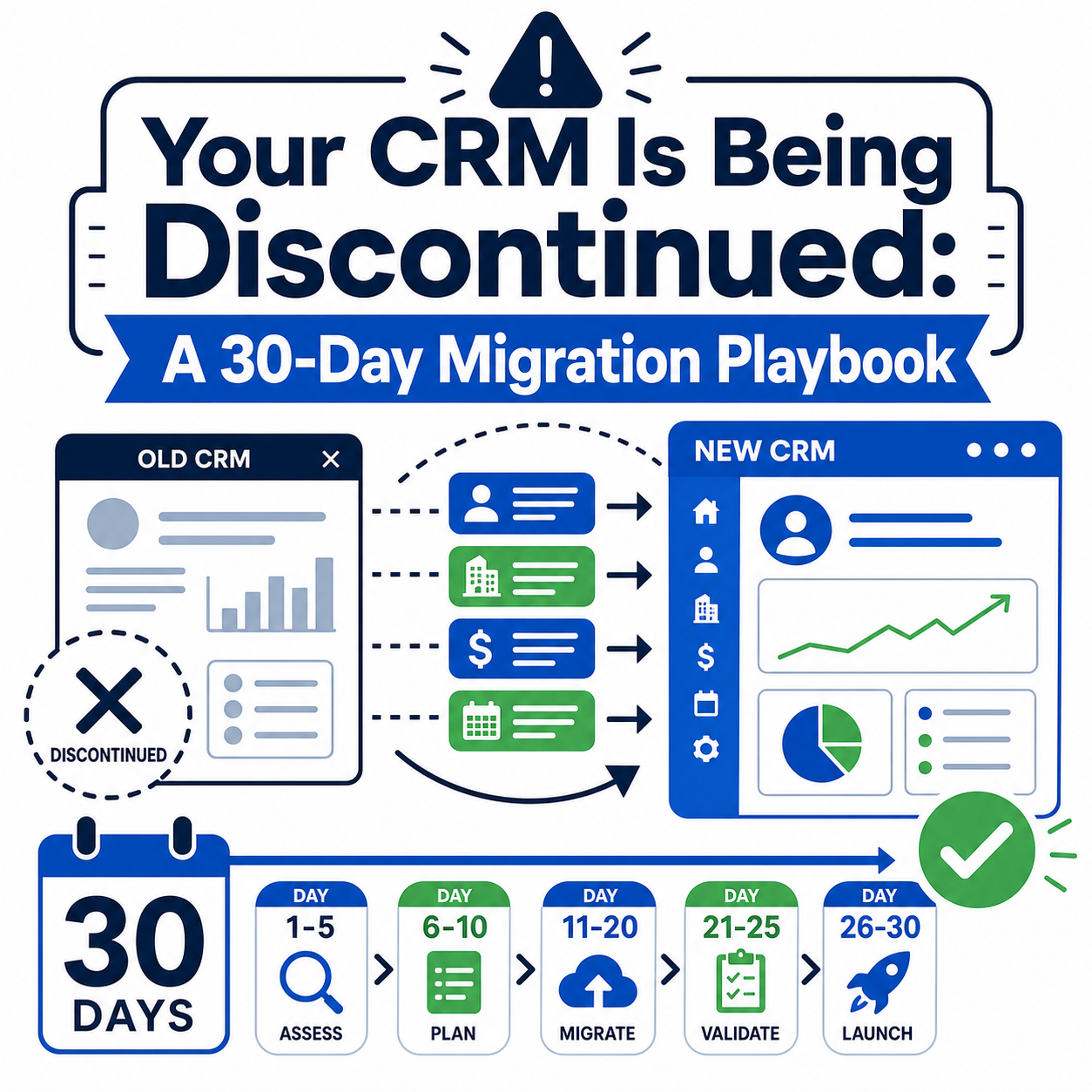
Quick answer: Debt settlement migrations fail on three things: moving every team at once, cutting over the processor before the ledger reconciles, and buying Salesforce seats months before anyone can use them. The path that works is to migrate one team at a time (enrollment, then servicing and settlements, or the reverse), run the processor integration and ledger in parallel until they match, migrate leads and clients in waves with the legacy system read-only, and order licenses to match each team's go-live. A national firm with 250 or more employees did it that way and was fully unified 90 days after its first go-live.
What you are actually migrating
Most firms discover they are running three or four systems, not one. A sales CRM or lead tracker holds leads, affiliate sources and enrollment pipeline. A settlement or servicing system (Forth, Debtonator, LeadTrac, Zenith, or a QuickBase or Access database that has grown for a decade) holds enrolled debts, drafts, settlements and the money trail. A ticketing tool such as Zendesk holds client service. The processor portal holds the bank truth. Spreadsheets hold whatever did not fit.
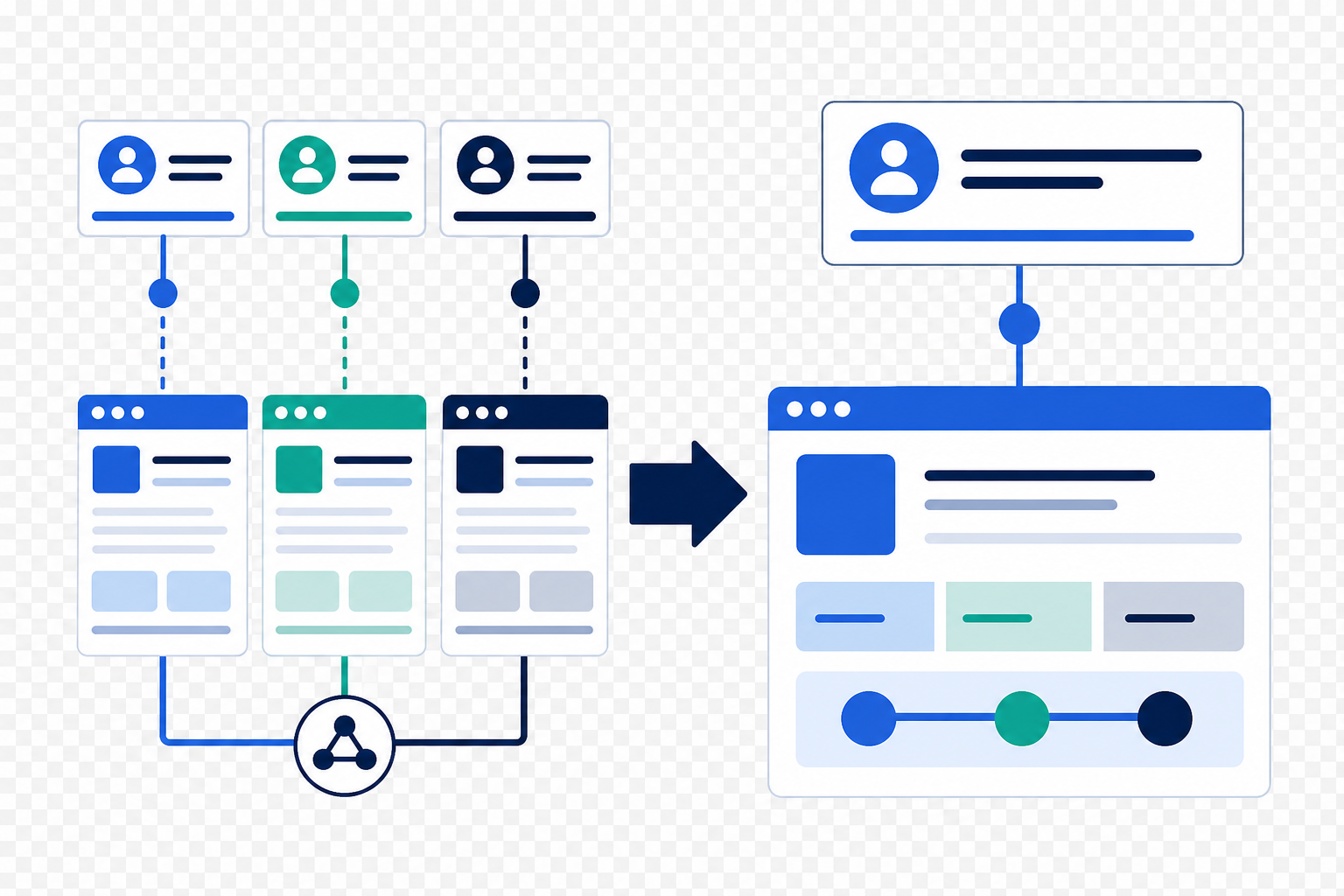
The migration is less about moving records than about collapsing those systems onto one client record. That changes the order of work: design the Salesforce model first, then map each legacy system into it, then decide what history you actually need.
Step 1: Model before you map
Agree the target objects before touching data: client and co-applicant, enrolled debt (credit item), program, draft, transaction, settlement, settlement payment, creditor and alternate payee, plus consent, disclosure and case. Decide the statuses each team uses, because the legacy systems will have accumulated dozens that nobody remembers. The goal is familiar words on a cleaner list, so the team recognizes its own process on day one.
Step 2: Decide what history to carry
Active clients need full history: every enrolled debt, every draft and payment, every settlement. Graduated and cancelled clients need enough to answer a regulator or a chargeback for five years, which usually means the ledger and the compliance record but not every note. Leads are the volume problem. Debt settlement firms routinely hold hundreds of thousands of historical leads, so the question is not whether to migrate them but how far back and with which fields, because lead volume drives storage and dedupe effort.
Step 3: Build the processor integration first, cut over last
The dedicated account processor (Global Holdings, RAM, CFTPay, Forth Pay) is the one integration that cannot be approximately right. Build it early: account provisioning, draft scheduling, ad-hoc payments and batch reconciliation. Run the Salesforce ledger in parallel with the legacy ledger until they agree for a full cycle of drafts and settlements. Only then move draft creation to Salesforce. In the national firm's build, the Global Holdings integration ran hourly reconciliation and was about 40 percent of the first phase and 60 to 65 percent of the second.
If you are leaving Forth, note that Forth Pay is bundled with Forth CRM. Decide early whether the processor relationship moves with the software or stays, because the answer changes the integration you build.
Step 4: Phase by team
Pick the team with the highest pain and the fewest dependencies. For the national firm it was the 60-person service team, which went live on custom Lightning components on day one, followed by the 90-person negotiations and settlements team. For a firm replacing a lead tracker, a settlement system and a ticketing tool, the order is often sales first, then servicing and finance, then support. Each phase has its own data load, training and hypercare. The legacy system stays read-only for the migrated team so nothing is entered in two places.
Step 5: Order licenses to match
This is the step that kills deals. We have seen a firm walk away from a signed-ready implementation because it was asked to pay for hundreds of seats it could not use for months. Plan the Salesforce order with the account team so that seats, Shield and contact center licenses start when each team goes live. It is a negotiation Salesforce is used to having when the partner brings a phased plan.
Step 6: Migrate in waves, validate by reconciliation
Load clients and enrolled debts first, then drafts and transactions, then settlements and settlement payments, validating each wave by totals: deposits, fees, settlement payments and escrow balance per client must match the legacy ledger and the processor. Then leads. Expect data cleansing and transformation to take more effort than the first estimate, so scope it explicitly or hold a contingency for it.
Step 7: Replace the daily manual jobs
Every settlement firm has a morning routine: the clearance report, the NSF list, the settlement letters to send. Move each one to a scheduled job or an automation before go-live so the team's first week on the new system is lighter, not heavier. A nightly payment clearance job that replaces a manual morning report is the kind of change servicing staff notice immediately.
Timeline and cost shape
Phased builds typically run 12 to 24 weeks from kickoff to the last team's go-live. Cost is driven by the number of legacy systems, the depth of history, the processor and bureau integrations, and how much data cleansing the legacy systems need. Fixed-scope packages are on our Salesforce packages page; after go-live most firms move to a block of hours or managed services.
Frequently asked questions
Can we keep Forth Pay or RAM and move the CRM to Salesforce?
Yes. The processor is integrated through its API and remains the system of record for the bank account. The CRM ledger mirrors it.
How do we migrate from Debtonator or Zenith if the vendor is slow to export?
Start the export request on day one and ask for full-table extracts, not reports. Where exports are incomplete, the legacy system stays read-only for lookups while active clients are rebuilt from the processor's transaction history.
Should leads move to Salesforce or HubSpot?
Historical leads usually go to Salesforce with the clients. New lead capture often goes to HubSpot, with real-time routing into Salesforce for the enrollment team.
What breaks most often?
Reconciliation. If the Salesforce ledger does not match the processor for a full cycle before cutover, every downstream report is wrong and the servicing team stops trusting the system.
How many people should be on the client side?
One decision-maker per team, one finance owner who knows the ledger, and one person who owns the legacy exports. The national firm's build worked because the service, settlements and finance leads each owned their phase.
See what the finished platform looks like, read the 90-day unification case study, or talk to a senior consultant about your migration.