





Skip to content

Salesforce Data 360 (formerly Data Cloud): unified customer data platform

Break down data silos and create a single source of truth for customer information. Real-time data streaming, AI-powered insights, and customer views across every channel.

Data 360 (formerly Data Cloud, and before that Customer Data Platform) unifies fragmented data from core systems, CRM, ERP, marketing platforms and service tools into a complete, real-time view of every customer. See also how Salesforce's recent acquisitions affect your data stack.

Elements Image

The Challenge

The cost of fragmented data

Growing businesses struggle with data scattered across dozens of systems. Client information lives in CRM, ERP, marketing automation, service platforms, e-commerce tools, and spreadsheets. This fragmentation creates serious problems:

Common Pain Points:

  • Incomplete Customer Views: Teams can't see the complete picture of each customer
  • Manual Data Entry: Staff waste hours copying data between systems
  • Inconsistent Data: Different systems have conflicting information
  • Slow Decision-Making: Can't access real-time data when it matters
  • Poor Personalization: Can't deliver relevant experiences without complete data
  • Data Governance Gaps: Incomplete audit trails  and unclear data lineage
415401675_f3ad76df-880c-4100-b16f-4e8821168c53

The Solution

What is Salesforce Data 360?

Data 360, formerly Data Cloud, is Salesforce's real-time customer data platform that ingests, harmonizes, and unifies data from any source, giving you a complete, accurate, and actionable view of every client.

Real-Time Data Integration

Connect to any data source, ERP systems, marketing platforms, e-commerce tools, data warehouses, and third-party APIs. Data flows in real time, so your team always has current information.

Key Features:

  • Pre-built connectors for Salesforce, ERP, marketing, and service platforms
  • Custom API integrations
  • Batch and streaming data ingestion
  • Change data capture (CDC)
  • Bi-directional sync

Using Braze for customer engagement? We connect Data 360 and Braze so audiences and consent stay current in both. See Braze + Salesforce integration.

Identity Resolution

Automatically match and merge client records across systems. Data 360 uses AI to identify the same person across different data sources, creating unified profiles.

Key Features:

  • Fuzzy matching algorithms
  • Relationship hierarchy mapping
  • Duplicate detection and merge
  • Golden record creation
  • Relationship mapping

Customer 360 Views

See complete client profiles including demographics, accounts, transactions, interactions, preferences, and behaviors, all in one place.

Key Features:

  • Unified client profiles
  • Account hierarchy aggregation
  • Account and transaction history
  • Interaction timeline
  • Behavioral insights

AI-Ready Data Foundation

Data 360 prepares your data for AI and analytics. Clean, harmonized data powers Einstein AI, Agentforce, and advanced analytics.

Key Features:

  • Data quality and cleansing
  • Schema mapping and transformation
  • Calculated insights and metrics
  • Segmentation and audiences
  • Predictive modeling

Key Features Deep Dive

Data 360 features that transform business operations

Data Streams

Data Streams

Ingest data from any source in real-time or batch. Pre-built connectors for Salesforce objects,external databases, APIs, and file uploads.

Data Model Objects

Data Model Objects

Industry-specific and custom objects for accounts, contacts, transactions, subscriptions

Insights

Calculated Insights

Create derived metrics and KPIs. Calculate lifetime value, churn risk indicators engagement scores, and custom business metrics.

Segmentation

Segmentation

Build dynamic audiences based on any criteria. Create segments for marketing campaigns, service tiers, loyalty programs, or product targeting.

Activation

Activation

Push unified data back to Salesforce CRM, Marketing Cloud, or external systems. Ensure everysystem has access to complete, accurate data.

Data Actions

Data Actions

Trigger workflows based on data changes. Automate processes when customer profiles change, transactions occur, or engagement patterns shift.

How we implement Data 360

Our proven methodology ensures successful Data 360 implementations that deliver immediate value.

numbers-02

Phase 1: Data Discovery

Inventory all data sources, Document data schemas, Identify integration requirements, Define success metrics

numbers-03

Phase 2: Data Architecture

Design the data model, map source systems to Data 360 objects, plan identity resolution rules, and define calculated insights.

numbers-04

Phase 3: Integration Build

Configure data streams, Build custom connectors, Implement identity resolution, Create calculated insights

numbers-05

Phase 4: Testing & Validation

Data quality testing, Identity resolution validation, Performance testing, User acceptance testing

numbers-06

Phase 5: Activation & Optimization

Go-live support, Monitor data quality, Optimize performance, Continuous enhancement

Why businesses choose Vantage Point for Data 360

Enterprise Data Expertise

Enterprise Data Expertise

We understand the unique requirements of deploying AI agents in business, from legacy system integration to multi-platform data harmonization.

Integration Excellence

Integration Excellence

We've built Data 360 integrations with ERP systems, marketing platforms, e-commerce tools and custom databases. We know the data schemas, APIs, and best practices.

Proven Methodology

Proven Methodology

Our structured approach ensures data quality, governance, and security from day one.

Ongoing Optimization

Ongoing Optimization

We don't disappear after launch. Our team continuously monitors data quality and optimizes performance.

Icon SVG-35

Senior-Level Consultants

Every engagement is delivered by our senior-level consulting team. No junior handoffs, no bait-and-switch staffing.

Clean data in, better results out: we use Informatica to clean, match, and govern the data that feeds Data 360, and MuleSoft to connect the systems behind it.

Resource Center

Data 360 resources

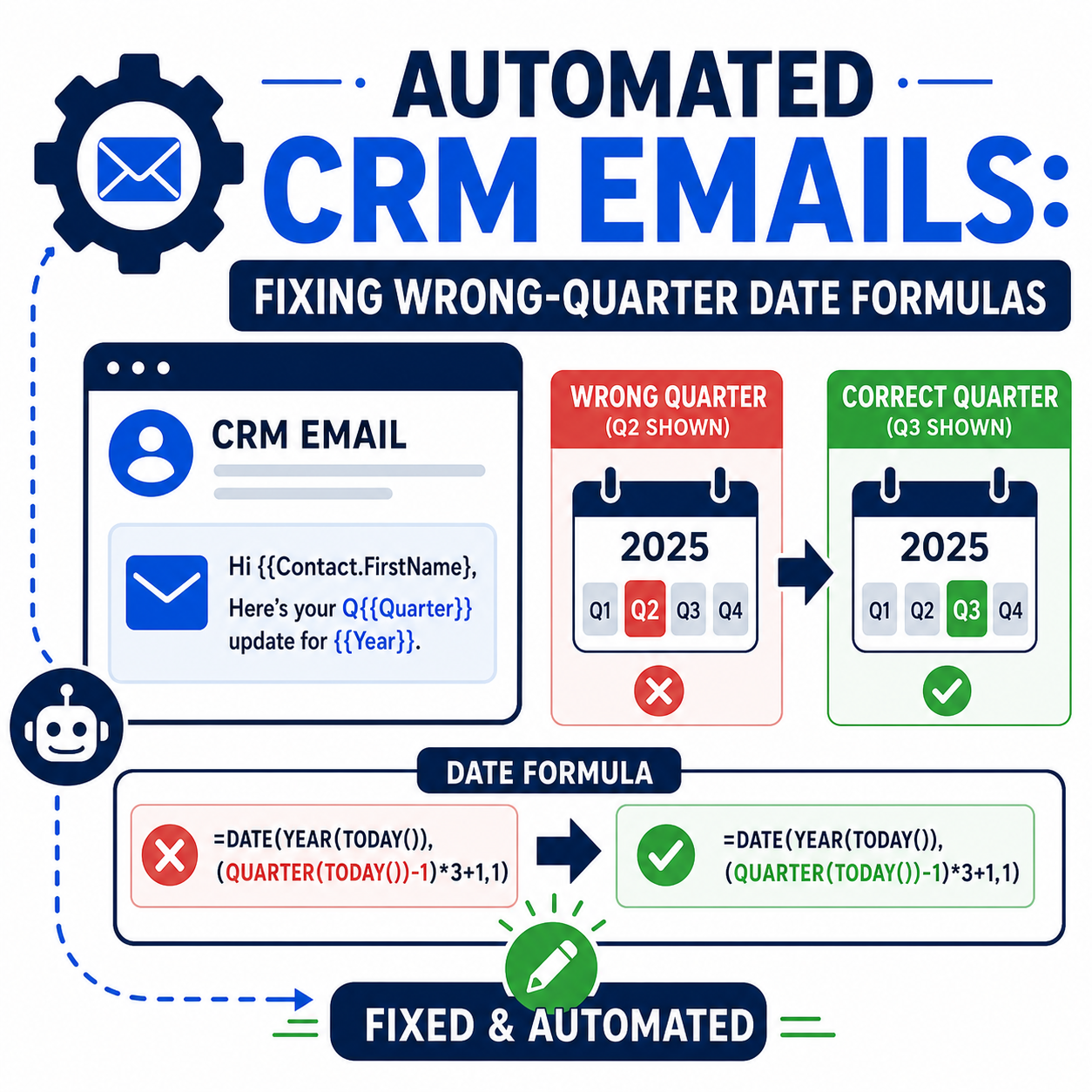
Automated CRM Emails: Fixing Wrong-Quarter Date Formulas

Automated Salesforce emails showing the wrong quarter? Fix the date formula anchor, branch by billing type, and test at quarter boundaries.

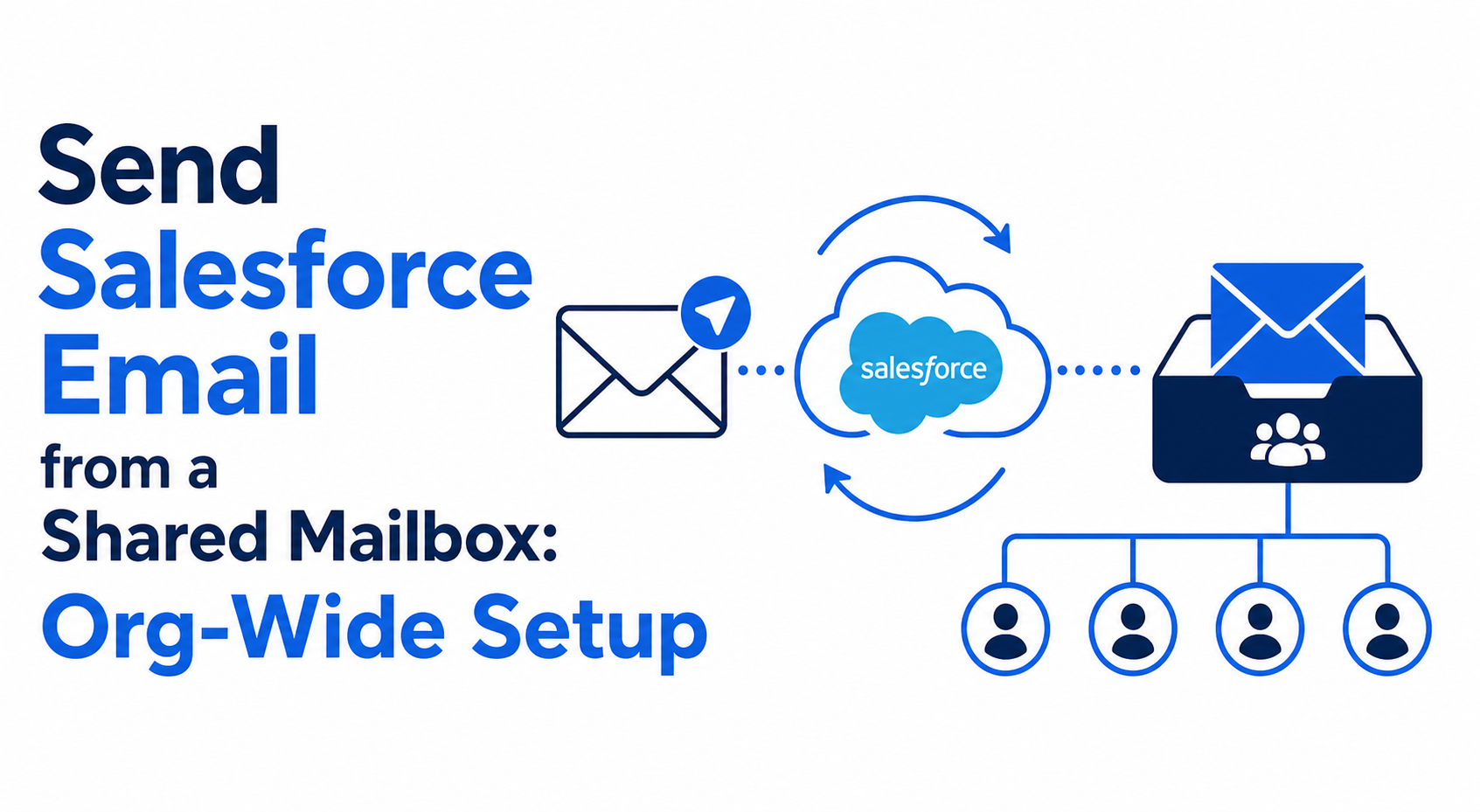
Send Salesforce Email from a Shared Mailbox: Org-Wide Setup

Send Salesforce email from a shared mailbox with an org-wide email address. Domain verification, profile access, limits, and setup steps.
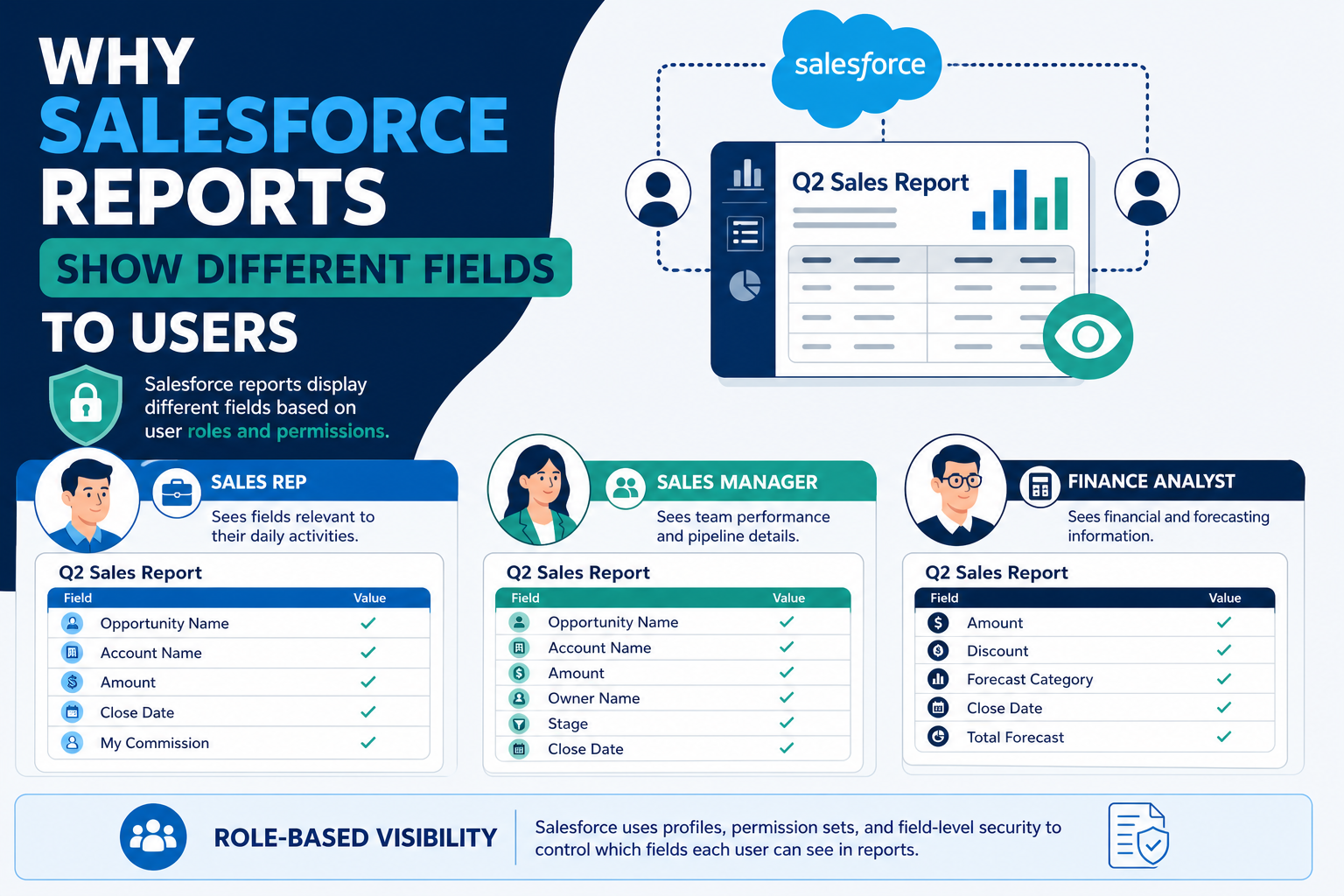
Why Salesforce Reports Show Different Fields to Users

Salesforce reports can show different fields to different users. Learn the field-level security, record type, and report type checks to run...

Ready to unify your data?

Schedule a consultation to discuss your data challenges and goals. Let's explore how Data 360 can create a single source of truth for your organization.

Free · About 3 minutes

How ready is your firm to put SI and AI to work?

Answer 10 questions and get an instant readiness score across 10 areas, with the moves to make first for your industry, CRM and goals. No email needed to see your results.

Take the SI and AI readiness quiz