How many unsigned quotes are sitting in your pipeline right now? If answering that question takes mental math, or a manual report, you have a follow-up problem that no amount of rep diligence will permanently fix.
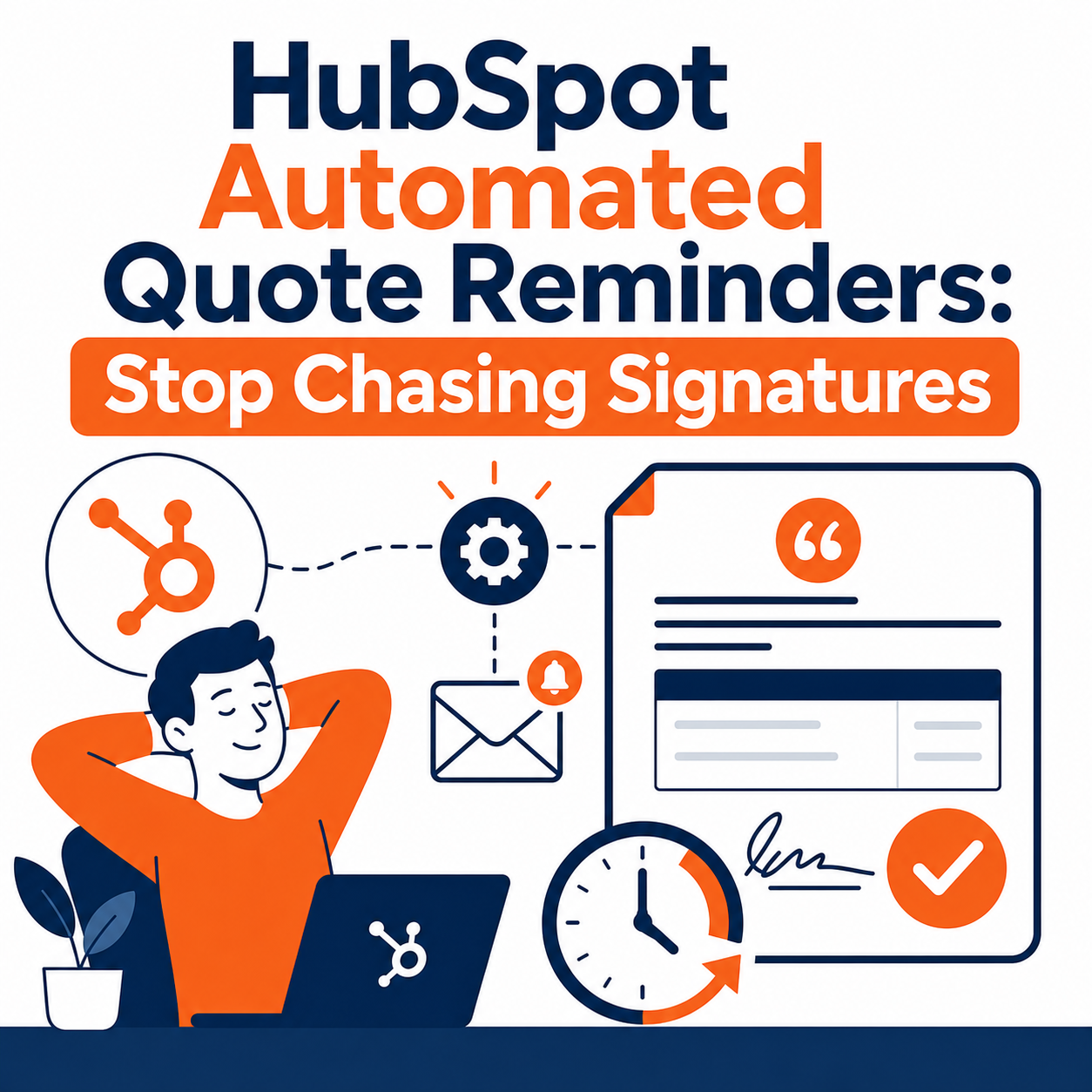
HubSpot's automated quote reminders, now generally available in Revenue Hub, solve the problem at the system level. Admins configure a default reminder schedule once in settings, and it applies automatically to every quote your reps send. No workflows to build, no tasks to create, no sticky notes.
This guide covers what automated quote reminders do, how to set them up, how they connect to e-signature and payments, and which sales teams benefit most.
Quick Answer
HubSpot automated quote reminders are a Revenue Hub feature that sends scheduled follow-up emails to buyers who haven't signed or accepted a quote. Admins set a default reminder schedule once (based on days after sending or days before expiration) and it runs automatically on every quote. It matters for any sales team that loses deals to silence after the proposal goes out. This article helps you decide how to configure reminders and where they fit in your quote-to-cash process. Vantage Point implements and optimizes HubSpot Revenue Hub for businesses that want quoting, e-signature, and payments working as one connected system.
TL;DR
- What it is: HubSpot automated quote reminders send scheduled follow-up emails to buyers with unsigned quotes: configured once, applied to every quote.
- Why it matters: Unsigned quotes quietly kill deals; reminders make follow-up automatic instead of dependent on rep memory.
- Setup: Settings → Objects → Quotes → Reminders tab. Schedule by days after sending or days before expiration.
- Flexibility: Reps see the next reminder date on the quote record and can toggle reminders off per quote.
- How Vantage Point helps: We configure HubSpot quoting, e-signature, and payment flows so deals move from sent to signed to paid without manual chasing.
What Are HubSpot Automated Quote Reminders?
Automated quote reminders are scheduled emails HubSpot sends to quote recipients when a quote hasn't been signed or accepted. The feature is generally available for Revenue Hub Professional and Enterprise accounts.
Before this release, reminding a buyer about an unsigned quote meant one of three things: a rep remembering to follow up, a manually built quote-based workflow, or nothing happening at all. Now the reminder schedule lives in your quote settings. Configure it once, and every quote your team sends inherits the schedule automatically.
Two details make the feature practical for real sales teams:
- Visibility: Reps can see exactly when a buyer will hear from you next, right on the quote record.
- Control: If a specific deal needs different treatment (a strategic account, a verbal yes waiting on procurement) individual reminders can be toggled off per quote.
Why Do Unsigned Quotes Stall Deals?
Following up on unsigned quotes feels like a small task. It isn't. It's one of the most reliable ways deals die quietly.
The pattern is familiar to any sales leader: the rep sends a polished quote, the buyer goes silent, and the rep assumes silence means no, or simply gets busy with the next opportunity. Meanwhile, the buyer forgot the quote exists. Nobody follows up, and a winnable deal expires.
The cost shows up in three places:
- Pipeline accuracy. Unsigned quotes linger in limbo, inflating pipeline with deals that have no active next step.
- Rep time. Manual follow-up is real work: checking quote status, drafting nudges, tracking who was reminded when.
- Buyer experience. Buyers who intended to sign but got distracted don't experience your silence as patience. They experience it as friction.
Automated reminders don't ask reps to be more diligent. They make diligence automatic.
How Do You Set Up Automated Quote Reminders in HubSpot?
Setup takes a few minutes and requires Super Admin permissions. Here's the process:
- In your HubSpot account, click the settings icon in the top navigation bar.
- In the left sidebar, under Data Management, click Objects.
- Select Quotes from the object dropdown.
- Click the Reminders tab at the top.
- Under Reminder schedule, enter a number of days and choose the trigger:
- Days after sending quote: nudges the buyer a set number of days after the quote is sent.
- Days before expiration date: nudges the buyer as the quote's expiration date approaches.
- Click + Add reminder to stack multiple reminders (for example, day 3 after sending, then 3 days before expiration).
- Set the reminder send time. Timing follows your account's time zone.
- Click Preview reminder email to see exactly what buyers receive.
- Leave the Send automated reminders to quote recipients toggle on, or toggle it off to pause reminders account-wide.
A few configuration tips worth deciding as a team before you flip the switch:
- Match reminders to your expiration period. If quotes expire in 30 days, a reminder at day 7 and another 3 days before expiration is a reasonable starting cadence.
- Set a default expiration period first. Reminders tied to expiration only work if quotes have expiration dates. Configure a default (1-365 days) in the same Quotes settings area.
- Align on the per-quote override. Decide when reps should toggle reminders off. For example, when a buyer has confirmed a signature date verbally.
How Do Reminders Connect to E-Signature and Payments?
Reminders are most powerful when the quote they're nudging about is easy to act on. That's where the rest of Revenue Hub comes in.
E-signature. HubSpot quotes support three acceptance methods: e-signature, click-to-accept, and print-and-sign. When a reminder email lands, the buyer clicks through to the hosted quote and signs electronically: no PDF downloads, no printing, no scanning. You can also require identity verification for e-signatures and set a team email address as the sender, so signature requests come from a branded address rather than a generic one.
Payments. After a buyer accepts a quote, HubSpot can direct them straight to an invoice to initiate billing. Set default payment methods in your payments settings, and the path from "reminded" to "signed" to "paid" happens in one continuous flow.
The connected quote-to-cash picture. In Revenue Hub, quote acceptance can automatically create a contract as the source of record, carrying the products, terms, and pricing from the quote forward into billing. Reminders sit at the front of that chain: they protect the revenue you've already proposed by making sure the quote doesn't die of neglect.
Manual Follow-Up vs. Automated Quote Reminders
| Criteria | Manual follow-up | Automated quote reminders |
|---|---|---|
| Consistency | Depends on rep memory and workload | Every quote, every time |
| Setup effort | None, but ongoing effort forever | One-time admin configuration |
| Visibility | Rep tracks follow-ups informally | Next reminder date shown on the quote record |
| Flexibility | Fully manual judgment | Per-quote toggle for exceptions |
| Scalability | Breaks as quote volume grows | Scales with volume automatically |
| Buyer experience | Inconsistent timing and tone | Predictable, professional nudges |
Manual follow-up isn't wrong for high-touch strategic deals: that's what the per-quote toggle is for. But as a default system, automation wins on consistency alone.
Which Sales Teams Benefit Most?
Automated quote reminders are cross-industry by design. Any team that sends quotes and waits on signatures qualifies. The strongest fits:
- High-volume quoting teams. The more quotes in flight, the more follow-up falls through the cracks.
- Lean sales teams. When reps carry full pipelines, systematic follow-up protects deals they can't personally babysit.
- Teams with defined expiration dates. Reminders tied to expiration create natural urgency without rep awkwardness.
- RevOps-led organizations. Admins own the schedule centrally, so follow-up standards survive rep turnover.
- Businesses connecting quotes to payments. If you collect payment through HubSpot, every unsigned quote is delayed cash: reminders shorten that gap.
What Should Businesses Do Next?
If you have Revenue Hub Professional or Enterprise, this is a same-week win:
- Audit your unsigned quotes. Pull a list of published-but-unaccepted quotes. That number is your baseline.
- Set a default expiration period if you haven't already.
- Configure the reminder schedule using the steps above: start conservative (two reminders) and adjust.
- Preview the reminder email and confirm the sender address and branding are right.
- Brief your reps on the per-quote toggle and when to use it.
- Review results after 30 days. Compare signature turnaround on reminded quotes against your baseline.
If you're still on legacy quotes, or your quoting process lives outside HubSpot entirely, the bigger question is whether your quote-to-cash flow belongs inside your CRM. That's a strategy conversation, not a settings toggle.
How Vantage Point Helps
Vantage Point is a boutique CRM consulting firm and HubSpot partner. We help businesses turn HubSpot's quoting, e-signature, and payment capabilities into a quote-to-cash process that actually gets used.
Our HubSpot services cover Revenue Hub configuration, quote templates, approval workflows, and reminder schedules: set up correctly the first time. For teams connecting quoting to broader process automation, our workflow automation and process optimization work ties quotes, deals, and billing into one motion. And if you're running HubSpot alongside Salesforce, our HubSpot and Salesforce integration expertise keeps both systems in sync.
If your team is evaluating how automated quote reminders fit into your sales process, Vantage Point can assess your current setup and build a practical implementation plan.
FAQ
What are HubSpot automated quote reminders? Automated quote reminders are scheduled emails HubSpot sends to buyers who haven't signed or accepted a quote. Admins configure a default reminder schedule once in settings, and it applies automatically to every quote reps send.
Which HubSpot subscription includes automated quote reminders? The feature is available with a Revenue Hub Professional or Enterprise subscription. Setting up reminders requires Super Admin permissions.
How do I turn on automated quote reminders in HubSpot? Go to Settings → Data Management → Objects → Quotes → Reminders tab. Add reminders based on days after sending or days before expiration, set a send time, preview the email, and save.
Can reps turn off reminders for a specific quote? Yes. Individual reminders can be toggled off per quote, which is useful for strategic deals where the rep is managing follow-up personally. Reps can also see the next scheduled reminder date directly on the quote record.
Do automated quote reminders work with e-signature? Yes. Reminder emails link buyers back to the hosted quote, where they can sign electronically. HubSpot quotes support e-signature, click-to-accept, and print-and-sign acceptance methods, with optional identity verification.
Do quote reminders connect to payments? Indirectly, yes. After a buyer accepts a quote, HubSpot can direct them to an invoice to initiate billing. Reminders accelerate the acceptance step, which starts the payment step sooner.
What happens when a quote expires? If a buyer hasn't accepted or signed by the expiration date, the quote expires. Scheduling a reminder a few days before expiration gives buyers a final nudge while the quote is still active.
Can Vantage Point help set up HubSpot quoting and reminders? Yes. Vantage Point configures Revenue Hub quoting, e-signature, payments, approvals, and reminder schedules as part of our HubSpot services, with senior consultants handling the work end to end.
Ready to stop chasing signatures? If your team wants HubSpot quoting, e-signature, and payments working as one connected system, talk to a Vantage Point senior consultant about a practical implementation plan.
Resources
- HubSpot Community release: Buyers can sign faster, pay easier
- HubSpot Knowledge Base: Set up the quotes tool
- HubSpot Revenue Hub product overview
- Vantage Point HubSpot consulting services
- Vantage Point workflow automation services
Vantage Point is a boutique CRM consulting firm helping businesses transform with Salesforce, HubSpot, and AI. Senior consultants only. No junior handoffs; the experts you meet are the experts who deliver. Learn more at vantagepoint.io.