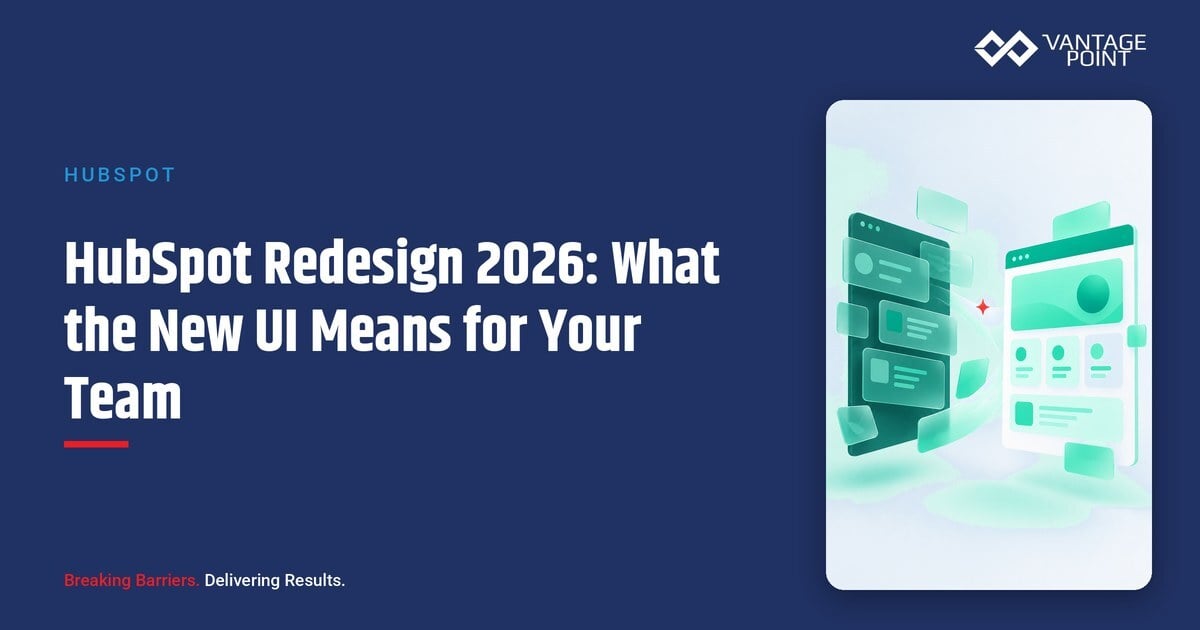
HubSpot is rolling out its biggest interface change in years. Starting with an opt-in visual refresh in June 2026 and becoming the default experience on August 31, 2026, the redesign is the first stage of a broader shift toward an AI-first, Breeze-driven CRM experience that HubSpot plans to roll out in stages over the following six months.
For HubSpot admins, marketers, and sales and service teams, this isn't a cosmetic update to ignore. It changes how records, dashboards, and daily workflows will look and, eventually, how much of the CRM's day-to-day heavy lifting Breeze AI will take on. Teams that plan ahead can turn on the new look early, test it with a small group, and avoid disruption when the change becomes mandatory.
This guide breaks down exactly what's changing, when it's changing, and what HubSpot admins and RevOps leaders should do now to prepare.
Quick Answer
The HubSpot 2026 redesign is a two-stage product overhaul: a visual refresh available now as an opt-in beta (mandatory by August 31, 2026) followed by a deeper, AI-first reimagining of the platform rolling out in stages over roughly six months. It matters for any business running HubSpot as its CRM or marketing platform, because navigation stays the same but the interface, prioritization logic, and Breeze AI's role in daily workflows will change. This article helps HubSpot admins and revenue operations leaders decide when to opt in, how to prepare users, and where to get help if the transition needs hands-on support. Vantage Point is relevant here because we implement, optimize, and support HubSpot portals, including change management for platform-wide UI updates like this one.
TL;DR
- What it is: HubSpot's 2026 redesign is a phased rollout: a visual refresh now, followed by a deeper AI-first redesign of index pages, records, and Breeze over the next several months.
- Why it matters: The new UI changes what users see first (a prioritized daily view) and expands Breeze AI's role in surfacing insights and taking action inside records.
- Best for: HubSpot admins, marketing operations, and RevOps teams that want to avoid a disruptive, unplanned switch on August 31, 2026.
- Decision point: Whether to opt into the public beta early to train users gradually, or wait and manage a single cutover before the deadline.
- How Vantage Point helps: Our HubSpot services team can plan the rollout, update saved views and dashboards, and train users so adoption doesn't stall.
What Is the HubSpot 2026 Redesign?
The HubSpot 2026 redesign is a two-part update to the HubSpot web app and mobile app. The first part is a visual refresh: lighter typography, more intentional spacing, and less reliance on heavy headers so record and list content takes center stage. The second part, rolling out over roughly six months after the visual refresh, is a deeper functional change centered on Breeze AI, prioritized dashboards, and smarter CRM record and index pages.
HubSpot has been clear that the navigation structure isn't changing, so there's nothing to relearn in terms of where tools live. What is changing is what greets users when they log in, what CRM index pages surface without building a report, and how much Breeze can do proactively inside a record.
Why the HubSpot Redesign Matters in 2026
For teams running HubSpot as a system of record, interface changes aren't cosmetic housekeeping. They affect daily habits, training materials, screenshots in playbooks, and how quickly reps and marketers can find what they need.
Three reasons this rollout deserves attention now:
- A hard deadline exists. The new theme becomes the default for all customers on August 31, 2026. Teams that don't opt in and test beforehand will experience the change all at once, with no lead time for training.
- Breeze AI's role is expanding. HubSpot describes Breeze becoming a more central part of how the product works, understanding context on a record and helping draft follow-ups, build reports, and surface answers without a separate prompt-writing step. That has implications for data quality and governance, since Breeze's usefulness depends on the CRM data underneath it.
- Index pages are getting smarter. CRM list views will show metrics, insights, and filtering without a separate report or dashboard. Admins who've built custom reports to compensate for basic list views may find some of that work redundant, and should review reporting workflows once the new index pages roll out broadly.
How the HubSpot Redesign Rollout Works
| Stage | What happens | Timing |
|---|---|---|
| Visual refresh (opt-in) | Lighter theme, cleaner typography, more spacing; navigation unchanged | Opt in starting June 30, 2026 |
| Visual refresh (mandatory) | New theme becomes the default for all customers | August 31, 2026 |
| AI-first platform changes | Prioritized daily view, smarter index pages, expanded Breeze actions inside records, refreshed marketing workspace, updated mobile app | Rolling out in stages over ~6 months after the visual refresh |
What businesses should check before opting in
- Saved views and filters: Confirm existing saved list views, filters, and pinned reports still display as expected in the new theme before rolling it out to the full team.
- Training materials: Update onboarding guides, SOPs, and screenshots that reference the current HubSpot look and feel.
- Custom dashboards: Review whether smarter index pages reduce the need for certain custom reports, so you're not maintaining duplicate reporting.
- Breeze permissions and data quality: Since Breeze is taking a larger role in surfacing insights and drafting actions, confirm properties, permissions, and data hygiene are solid enough for AI-generated suggestions to be trustworthy.
- Mobile app expectations: The mobile app is getting matching visual updates and a unified Breeze and search input, so plan mobile-specific training separately from desktop training.
Should You Opt In Early or Wait?
| Approach | Choose this if... | Trade-off |
|---|---|---|
| Opt in early (beta) | You want to train users gradually and catch issues in saved views/dashboards before the mandatory switch | Requires coordinating a pilot group and collecting feedback before full rollout |
| Wait until closer to August 31, 2026 | Your team has limited bandwidth for change management right now and prefers one clean cutover | Less lead time to fix workflow issues; risk of disruption on the mandatory date |
Vantage Point's recommendation for most teams: opt in with a small pilot group (admins, a few power users) well before the deadline, document any workflow gaps, and then expand training to the full team. This mirrors the same phased-rollout thinking HubSpot itself is using, and it avoids a surprise transition for frontline users.
What Businesses Should Do Next
- Assign one admin owner to track the beta opt-in window and the August 31, 2026 mandatory date.
- Pilot the new theme with a small group and document any broken saved views, dashboards, or workflows.
- Update internal training docs and screenshots ahead of the full rollout, not after.
- Audit Breeze-related permissions and CRM data quality now, since Breeze's expanding role depends on clean, well-governed data.
- Revisit custom reporting once smarter index pages roll out, to avoid maintaining duplicate reports.
If your team is evaluating how this applies to your HubSpot instance, marketing operations, or CRM governance, Vantage Point can help assess the right rollout plan and build a practical training approach before the mandatory switch.
How Vantage Point Helps
Vantage Point supports HubSpot portals end to end, from initial implementation to ongoing optimization. For a platform-wide change like this redesign, our HubSpot services team can audit saved views, dashboards, and workflows for compatibility with the new theme, and plan a pilot rollout that limits disruption to sales, marketing, and service teams.
If your business also runs HubSpot alongside Salesforce, our HubSpot and Salesforce integration team can confirm that any synced fields, workflows, or reporting dependencies aren't affected by the UI and index page changes. And if the rollout surfaces gaps in your underlying CRM data, our system integration and data migration services can help clean up the data that Breeze AI and the new smarter index pages depend on.
For a deeper look at HubSpot's related index page changes already in progress, see our earlier guide on the HubSpot Smart CRM Index redesign.
FAQ
When does the HubSpot redesign become mandatory? The new visual theme becomes the default experience for all HubSpot customers on August 31, 2026. Teams can opt into the public beta starting June 30, 2026, to try it early.
Does the HubSpot redesign change where tools and navigation live? No. HubSpot has said the navigation and product structure aren't changing, so there's nothing to relearn in terms of where features are located. The update changes the visual look, spacing, and typography, and later adds AI-driven prioritization and insights.
What is changing beyond the visual refresh? Over roughly six months following the visual update, HubSpot plans to roll out a prioritized daily view, smarter CRM index pages with built-in metrics and insights, expanded Breeze AI actions inside records, a refreshed marketing workspace, and matching updates to the mobile app.
How does Breeze AI fit into the redesign? Breeze is becoming a more central part of how HubSpot works, understanding what record or page a user is viewing and offering to help draft follow-ups, build reports, or surface answers without a fully formed prompt. Its usefulness depends on the quality and completeness of the underlying CRM data.
Will our saved views, dashboards, and reports still work after the update? Most saved views and dashboards should carry over, but it's worth testing them with a pilot group before rolling the new theme out to your full team, since some custom reports may become redundant once smarter index pages are available.
Should our team opt into the beta or wait until the mandatory rollout? Opting in early with a small pilot group lets you catch workflow issues and train users gradually. Waiting until closer to the mandatory date works if your team has limited bandwidth right now, but it leaves less time to resolve issues before the full switch.
Is the mobile app changing too? Yes. HubSpot's mobile app is getting matching visual updates, including lighter surfaces, updated card layouts, and a unified Breeze and search input so users can ask questions and get answers directly from their phone.
Where can I get help preparing our HubSpot portal for this change? Vantage Point's HubSpot services team can audit your current portal, pilot the new theme, and train your team ahead of the mandatory rollout, whether you run HubSpot standalone or alongside Salesforce.