Key Takeaways (TL;DR)
- What is it? An operating model for managing AI-related risks across data, security, outputs, people, and legal obligations.
- Why it matters: A prototype can appear successful in a controlled setting while failing under real data, real users, or real business consequences.
- Best starting point: Begin with a narrow, reversible workflow and a named business owner: not a broad “AI transformation” program.
- Core controls: Data access rules, output guardrails, human review, testing, logging, escalation, and monitoring.
- Bottom line: The goal is not zero risk. It is informed, accountable risk-taking that lets teams move useful AI capabilities into production responsibly.
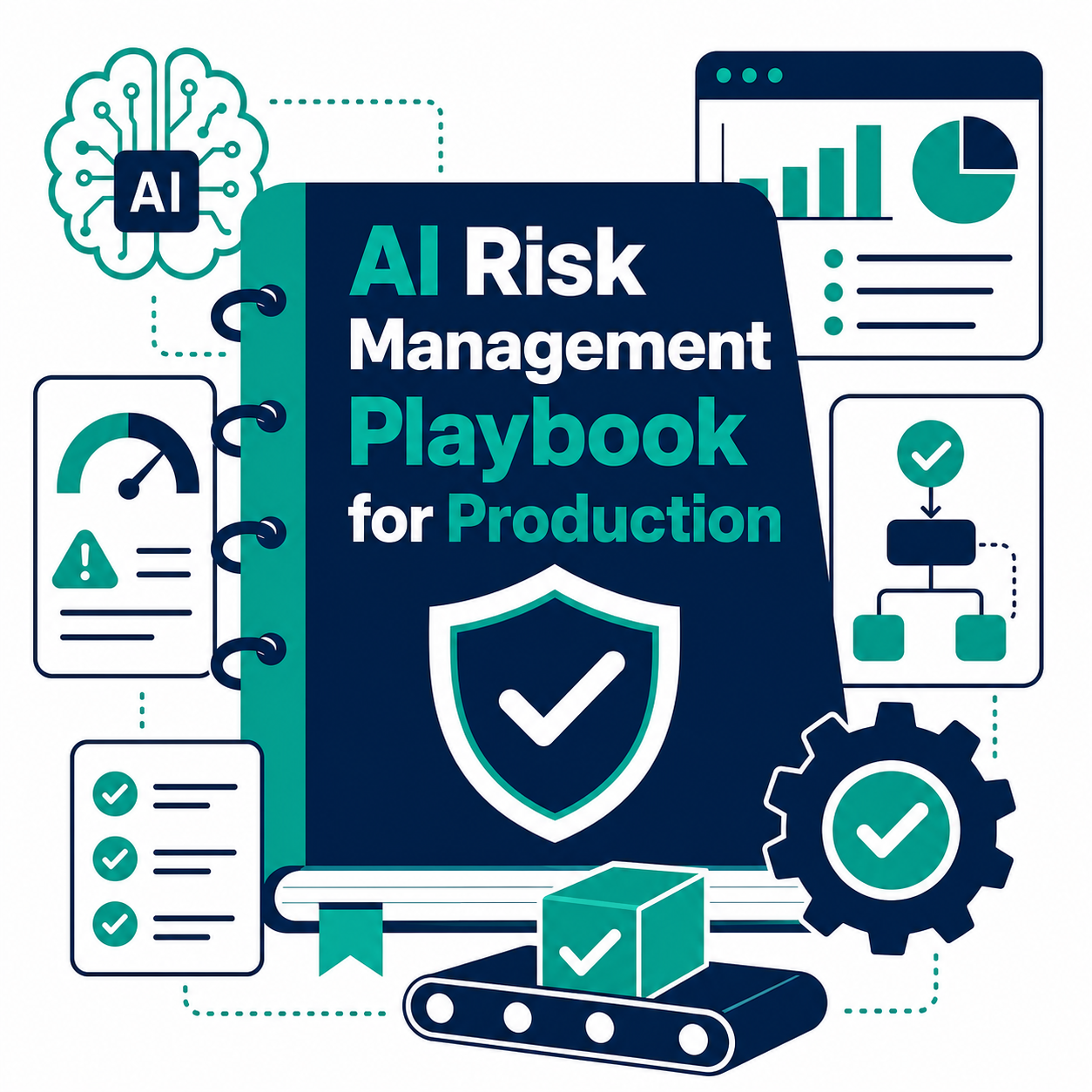
AI pilots are easy to start. Running an AI capability safely, reliably, and usefully in a real business process is harder.
The difference is not simply a better model. Production readiness depends on decisions about data, access, user experience, accountability, monitoring, and how the organization will respond when the system produces an unexpected result. A practical AI risk-management approach gives teams a way to make those decisions without turning every experiment into a months-long committee exercise.
This guide outlines a cross-industry playbook for moving AI from proof of concept to production. It draws on the risk-management mindset reflected in the NIST AI Risk Management Framework and its Generative AI Profile, while translating that approach into decisions delivery teams can use.
Why does AI risk increase in production?
Answer: Risk increases when an AI tool moves from a limited test to a workflow that affects customers, employees, decisions, or systems of record.
A prototype typically has a small number of informed testers, controlled inputs, and limited permissions. In production, the use case encounters ambiguity, edge cases, changing data, adversarial prompts, integration failures, and people who reasonably expect the tool to work as advertised.
That does not mean organizations should wait for perfect certainty. It means they should change the question from “Does the demo work?” to “What could go wrong in this business process, how would we know, and who can intervene?”
The five risk areas every AI use case should address
A usable framework does not need dozens of categories. Teams can begin by reviewing five areas at intake and again before release.
| Risk area | Questions to ask | Examples of practical controls |
|---|---|---|
| Business and user impact | What happens if the output is wrong, late, unclear, or unavailable? Who relies on it? | Use-case boundaries, human review, clear user disclosures, escalation paths |
| Data and security | What data can the system access, retain, or expose? Are permissions least-privilege? | Data classification, redaction, role-based access, approved integrations, audit logs |
| Model and output quality | Can the system fabricate, omit, bias, or misinterpret information? | Evaluation sets, grounding in approved sources, confidence thresholds, output validation |
| Technology and operations | Can the workflow scale, recover, and change safely? What happens if a dependency fails? | Rate limits, version control, fallback procedures, observability, incident runbooks |
| Legal, policy, and accountability | Are there policy, contractual, intellectual-property, or regulatory implications? Who accepts the residual risk? | Use-case register, approval records, retention rules, transparency notices, periodic reviews |
The categories overlap. That is healthy: a weak permission model is both a security problem and a user-trust problem; a misleading customer response is both a quality and an accountability problem. The purpose is not to force a perfect taxonomy. It is to make sure no important question has no owner.
How should teams choose an AI use case to launch first?
Answer: Select a workflow with clear value, bounded consequences, measurable quality, and a realistic way to intervene.
Good early candidates often assist people rather than make final decisions. Examples include summarizing internal knowledge for an employee, classifying a request for routing, drafting a first response for review, or identifying incomplete CRM records for a human to validate. The business process should have a named owner, a known source of truth, and a clear definition of what a good result looks like.
Avoid starting with a use case merely because it is highly visible. A high-stakes workflow with unclear data ownership and no escalation path can consume attention without building useful delivery muscle.
A six-step AI risk-management playbook
1. Define the decision, boundary, and owner
Write a one-page use-case brief before building. State the user, job to be done, allowed inputs, expected output, prohibited actions, business owner, technical owner, and escalation owner. Define what the tool must never do.
For example, an internal knowledge assistant may answer only from approved documents, cite the source used, and route unanswered questions to a designated team. It should not invent a policy, access unrelated records, or take action in a system of record without a separate approval step.
2. Map data and permissions before connecting systems
AI risks often enter through integration design rather than the model itself. Identify the data classes involved, where the data originates, which system is authoritative, and which identities may access the workflow.
Apply least privilege: give the AI workflow the minimum data and actions needed for the stated purpose. Use approved connectors, avoid copying sensitive data into uncontrolled tools, and document retention and deletion expectations. The OWASP Top 10 for LLM Applications is a useful companion reference for risks such as prompt injection, insecure output handling, and excessive agency.
3. Design the user experience for appropriate reliance
A polished interface can make weak output appear more trustworthy than it is. Show users when they are interacting with AI, make it easy to inspect relevant sources, and provide a simple way to correct or escalate a response.
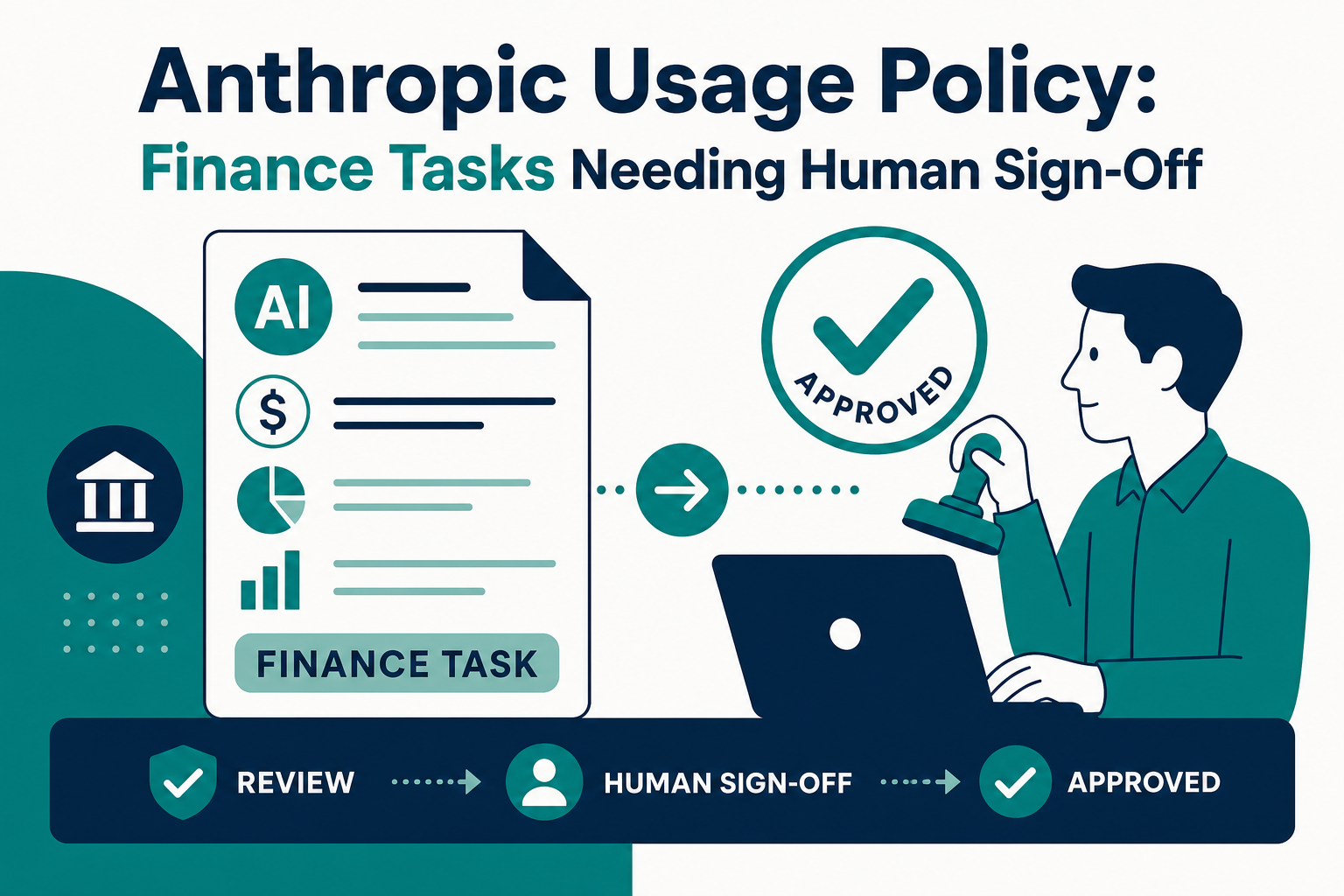
The right level of human review depends on the use case. For low-consequence drafting, users may review before sending. For a customer-facing workflow, teams may require approval for defined categories, automated checks for others, and immediate escalation when the system detects uncertainty or a prohibited request.
4. Test the workflow with realistic failure cases
Do not test only the “happy path.” Build a small evaluation set that includes incomplete inputs, conflicting instructions, outdated source material, unsafe requests, unusual terminology, and attempts to override instructions.
Measure more than answer quality. Test whether access restrictions hold, whether the tool cites the right information, whether it knows when not to answer, whether fallback routes work, and whether logs capture what a reviewer needs. Repeat these tests whenever the model, prompt, knowledge source, or integration changes materially.
5. Launch in stages and monitor the right signals
Start with a limited audience or workflow segment. Monitor usage, failures, user corrections, escalation volume, response latency, data-access events, and quality results from a sampled review process.
A useful monitoring plan includes both leading and lagging signals. A spike in ungrounded answers is a leading signal; a customer complaint is a lagging one. Define thresholds that trigger action, who receives the alert, and whether the right response is to fix, pause, or roll back the capability.
6. Govern the lifecycle, not just the launch
AI-enabled workflows change as models, data, policies, and business processes change. Maintain a lightweight register of production use cases, owners, approved data sources, known limitations, evaluation results, and review dates.
Treat changes as changes to a business system. A new model, expanded access scope, new autonomous action, or new audience may require fresh testing and approval. This is how teams keep useful AI capabilities safe as they scale rather than relying on a one-time sign-off.
What does a practical AI governance operating model look like?
Answer: It assigns clear decisions to business, technical, security, and risk stakeholders without requiring every use case to follow the same heavy process.
A practical model has three layers:
- Standards: Shared policies for approved tools, data handling, identity, logging, vendor review, and prohibited uses.
- Delivery controls: A repeatable intake, risk review, test plan, launch checklist, and post-launch monitoring plan appropriate to the use case.
- Portfolio oversight: A view of active use cases, ownership, material incidents, recurring risks, and opportunities to standardize successful patterns.
The delivery team should not be left to interpret policy alone. Conversely, governance groups should have a view into real workflows and actual evidence, not only presentation slides. Integrating this work into CRM, automation, and data delivery helps ensure AI capabilities align with the systems where teams already operate.
A launch checklist for AI-enabled workflows
Before a production release, confirm the following:
- A business owner and a technical owner are named.
- The business purpose, users, inputs, outputs, and prohibited actions are documented.
- Data sources are approved, necessary, and access-controlled.
- The workflow has been tested with normal, ambiguous, and adversarial inputs.
- Users can understand the AI’s role and escalate questionable output.
- Logging and monitoring support investigation without creating unnecessary sensitive-data exposure.
- A rollback or manual fallback process exists.
- Material changes have a defined re-review path.
Turn AI governance into a delivery advantage
Strong risk management is not a brake on AI adoption. It is what allows an organization to move from scattered experiments to repeatable, trusted capabilities.
Vantage Point helps teams connect AI strategy to the CRM, data, automation, and integration foundations that make production use cases work. Explore our Claude AI consulting services, review our approach to Breeze AI implementation, or talk with Vantage Point about an AI readiness and governance plan.
Frequently Asked Questions
What is AI risk management?
AI risk management is the ongoing process of identifying, assessing, prioritizing, and reducing risks that arise from developing, deploying, and operating AI systems. It covers technical reliability as well as data, security, user impact, legal obligations, and accountability.
Is AI governance only for highly regulated organizations?
No. Every organization needs a level of governance that matches the impact of its use cases. The process can be lightweight for a low-consequence internal assistant and more rigorous when AI affects customers, sensitive data, or consequential decisions.
What is the biggest AI risk to address first?
Start with the risk most closely tied to the use case’s real-world impact: unauthorized data exposure, misleading output, unsafe action, or an unclear ownership model. There is no universal first risk, which is why use-case-specific assessment matters.
How do you test a generative AI application before launch?
Test representative tasks and failure cases, including ambiguous inputs, conflicting instructions, missing context, unsafe requests, and attempts to manipulate the system. Evaluate output quality, access controls, escalation behavior, logging, and fallback procedures: not just whether the model produces fluent text.
Should people always review AI output?
Not always, but teams should intentionally decide where review is necessary. The greater the consequence of an incorrect output or action, the stronger the validation, approval, or automated control should be.
How often should an AI use case be reviewed?
Review it on a regular schedule and whenever there is a material change to the model, data sources, permissions, integrations, user audience, or autonomous actions. Monitoring results and incidents should also trigger review.
What is the difference between AI risk management and cybersecurity?
Cybersecurity is an important part of AI risk management, particularly for access, data protection, and attack resistance. AI risk management is broader: it also covers output quality, fairness, user experience, operational reliability, legal obligations, and business accountability.
About Vantage Point
Vantage Point helps organizations make CRM, data, automation, and AI work together. Our senior team supports practical strategy, implementation, integration, and adoption so teams can turn AI opportunities into accountable, scalable business capabilities.