
Switching CRM platforms is one of the highest-risk projects a business can take on. Done well, it gives your team a cleaner system, better data, and room to grow. Done badly, it costs months of rework, frustrated users, and — in the worst case — lost records that never come back.
The difference is almost always in the planning. Most CRM migrations don't fail because the data can't be moved. They fail because the project was scoped on optimism, the data was never mapped, testing was rushed, and there was no plan for rolling back if something broke at cutover.
This guide walks through how to plan a CRM migration that protects your data when you switch platforms — what to scope, how to map and test, and how to cut over with a safety net. It is written for businesses of any size and any platform combination, whether you're moving between Salesforce and HubSpot, retiring a legacy system, or consolidating several tools into one.
Quick Answer
CRM migration planning is the process of mapping, sequencing, testing, and rehearsing a move from one CRM platform to another so that no data, automation, or business process is lost at cutover. It matters most for operations, RevOps, and IT leaders who own the system of record and can't afford downtime or corrupted records. A strong plan answers four questions before any data moves: what are we migrating, how does it map to the new platform, how will we test it, and how do we roll back if cutover fails. Vantage Point plans and runs CRM migrations across Salesforce and HubSpot, so this is the methodology we use with clients to switch platforms without data loss.
TL;DR
- What it is: CRM migration planning is the upfront work — data mapping, sequencing, testing, and rollback design — that lets you switch platforms without losing records or breaking processes.
- Why it matters: Most migration failures trace back to weak planning, not weak tools. Clean planning protects your data and your team's trust in the new system.
- Best for: Operations, RevOps, and IT leaders moving between CRMs, retiring legacy systems, or consolidating multiple tools.
- Decision point: Decide your scope, field mapping, and rollback plan before you move a single record.
- How Vantage Point helps: Our system integration and data migration services cover migration planning, mapping, and cutover across Salesforce and HubSpot.
What Is CRM Migration Planning?
CRM migration planning is the structured process of preparing to move your data, automations, and processes from one CRM platform to another with zero unplanned data loss. It is the project layer that sits above the technical data move: deciding scope, mapping old fields to new ones, sequencing the work, building a test plan, and designing a rollback path.
It is not the same as data migration. Data migration is the mechanical act of extracting, transforming, and loading records. Migration planning is the decision-making and risk control that surrounds it — what moves, in what order, validated how, and recoverable how. The data move is the easy part once the plan is right.
Why CRM Migration Planning Matters in 2026
CRM is the system of record for revenue. When you switch platforms, you're moving the data that sales, marketing, service, and finance all depend on every day. A weak plan doesn't just risk lost records — it risks broken reporting, dead automations, and users who quietly go back to spreadsheets.
Three trends raise the stakes in 2026:
- AI depends on clean migrations. AI agents and predictive features are only as good as the data underneath them. Migrating mess into a new platform simply moves the problem and weakens every AI feature you turn on later.
- Tool consolidation is accelerating. More teams are collapsing several point tools into one CRM, which means more complex, multi-source migrations with overlapping records.
- Downtime is less tolerated. Customers and revenue teams expect always-on systems, so cutover windows are shorter and rollback plans are non-negotiable.
If your team is weighing a platform switch, Vantage Point's Salesforce implementation and advisory and HubSpot services can pressure-test the plan before you commit.
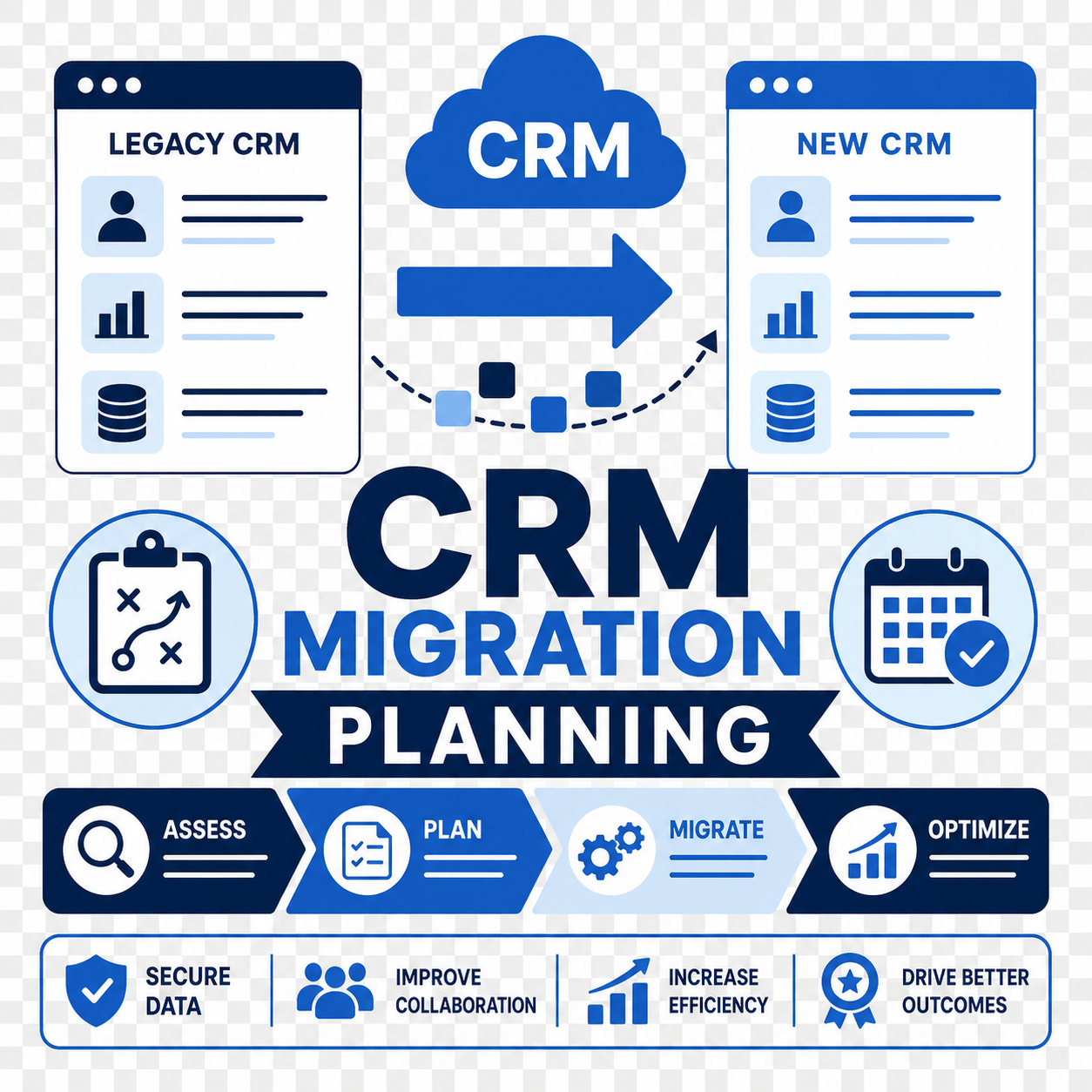
How CRM Migration Planning Works: A 6-Phase Framework
A reliable migration plan moves through six phases. Skipping any of them is where data loss creeps in.
1. Discovery and Scope
List every object, field, automation, integration, and report in the current system. Decide what migrates, what gets archived, and what gets retired. Most legacy CRMs carry years of unused fields and dead workflows — migration is the moment to leave them behind, not copy them forward.
2. Field and Object Mapping
Map every source field to a target field in the new platform, including picklist values, record types, and relationships. Document gaps where the new platform has no direct equivalent and decide how to handle them. This mapping document is the single most important artifact in the whole project.
3. Data Cleanup
Deduplicate, standardize, and validate before you move. Cleaning data before migration is far cheaper than fixing it after, because errors multiply once they're embedded in a live system. See our guide on cleaning CRM data before migration for the practical steps.
4. Test Migration in a Sandbox
Run the full migration into a sandbox or test environment using a representative data sample, then a full dataset. Validate record counts, relationships, automations, and reports against the source. Never test only the happy path — test the edge cases that break things.
5. Cutover Planning
Define the cutover window, the freeze on changes in the old system, the sequence of loads, and the validation checklist. Assign owners for each step and a single decision-maker who calls go/no-go.
6. Rollback and Go-Live
Before cutover, document exactly how you'd reverse it — backups, the preserved source system, and the trigger conditions for rolling back. Keep the old system read-only for a defined period after go-live as your safety net.
Migration Approaches Compared
There's no single right way to migrate. The approach depends on your tolerance for downtime, data volume, and complexity.
| Approach | How It Works | Best For | Main Risk |
|---|---|---|---|
| Big bang cutover | Move everything in one window, then switch over | Smaller datasets, simple systems | High pressure; failure affects everyone at once |
| Phased migration | Move by object, region, or business unit over time | Large or complex orgs | Two systems run in parallel; sync complexity |
| Parallel run | New and old systems run together before retiring the old | Risk-averse teams, critical data | Higher cost; duplicate data entry during overlap |
| Coexistence (long-term) | Integrate old and new, retire the old gradually | Mergers, multi-system consolidation | Ongoing integration overhead |
Choose a big bang cutover if your dataset is small and clean and you can absorb a short freeze. Choose a phased or parallel approach if you have large data volumes, complex automations, or low tolerance for downtime.
What Businesses Should Do Next
Before you switch CRM platforms, lock down these planning fundamentals:
- Write the mapping document first. No field moves until its target is defined and approved.
- Clean before you move, not after. Deduplicate and validate in the source system or in transit.
- Test with real volume. A sample migration hides scale problems; run a full-volume test before cutover.
- Plan the rollback before go-live. If you can't describe how to reverse the migration, you're not ready to start it.
- Keep the old system read-only after go-live. It's your insurance policy for the first few weeks.
- Plan adoption, not just data. A perfect migration still fails if users don't trust or use the new system. Pair the migration with training and change management.
How Vantage Point Helps
Vantage Point plans and executes CRM migrations across Salesforce and HubSpot, so you don't have to learn the hard lessons on your live data. We start with discovery and a complete field-mapping document, clean and validate data before it moves, run full-volume test migrations in a sandbox, and design a cutover plan with a real rollback path.
Because we work across both major platforms, we give a balanced recommendation on whether to switch, consolidate, or optimize what you already have. Our system integration and data migration services cover the technical move, while our advisory and change management services make sure your team actually adopts the new system after go-live. For deeper detail on the data layer, see our CRM data migration best practices guide.
If your team is evaluating a platform switch, Vantage Point can assess the right next step and build a practical migration plan before any data moves.
FAQ
What is CRM migration planning?
CRM migration planning is the process of scoping, mapping, testing, and rehearsing a move from one CRM platform to another so no data or process is lost at cutover. It covers what migrates, how fields map to the new system, how the move is validated, and how to roll back if cutover fails. It's the project and risk layer that sits above the technical data move.
How do you migrate a CRM without losing data?
You prevent data loss by mapping every field before you move, cleaning and validating data first, running a full-volume test migration in a sandbox, and keeping the old system read-only after go-live as a backup. Reconcile record counts and relationships between source and target before declaring the migration complete. The combination of mapping, testing, and a rollback plan is what protects the data.
How long does a CRM migration take?
It depends on data volume, system complexity, and how clean the source data is. A small, clean migration can take a few weeks, while a large multi-system consolidation can run several months. The planning, mapping, and testing phases usually take longer than the actual data load, which is why rushing the plan is the most common cause of failure.
Should we clean our data before or after migration?
Clean before you migrate. Fixing data after it's embedded in a live system is far more expensive because errors spread into automations, reports, and AI features. Deduplicating and validating in the source system or during transit keeps the new platform clean from day one.
What's the difference between data migration and migration planning?
Data migration is the mechanical extract-transform-load of records into the new platform. Migration planning is the decision-making and risk control around it — scope, field mapping, test strategy, cutover sequence, and rollback design. The data move is usually straightforward once the plan is right.
Which CRM migration approach is best — big bang or phased?
Big bang cutover works for smaller, cleaner datasets where a short freeze is acceptable. Phased or parallel approaches suit large, complex orgs that can't tolerate downtime, because they reduce the blast radius if something breaks. The right choice depends on your data volume, complexity, and downtime tolerance.
Can Vantage Point help us switch from one CRM to another?
Yes. Vantage Point plans and runs CRM migrations across Salesforce and HubSpot, including discovery, field mapping, data cleanup, sandbox testing, cutover, and rollback planning. Because we work across both platforms, we give a balanced recommendation on whether switching, consolidating, or optimizing your current system is the better move.