
Key Takeaways (TL;DR)
- What is it? A strategic approach to eliminating repetitive manual tasks across sales, service, marketing, and operations using CRM-native automation tools like Salesforce Flow and HubSpot Workflows
- Key Benefit: Organizations that implement workflow automation see ROI of 111%–330%, with payback periods typically under 6 months
- Cost: $25K–$150K+ depending on scope, complexity, and number of departments automated
- Timeline: 4–12 weeks for initial high-impact workflows; 3–6 months for organization-wide automation strategy
- Best For: Organizations with 20+ employees drowning in manual data entry, follow-ups, approvals, and cross-department handoffs
- Bottom Line: 60% of companies have already implemented automation, and those doing it well report 50% time savings on routine tasks and 10–50% cost reductions
Meta Description: Learn how workflow automation reduces manual processes across your organization. Expert strategies for Salesforce Flow, HubSpot Workflows, and cross-platform CRM automation from Vantage Point.
Introduction: The Hidden Cost of "The Way We've Always Done It"
Every organization has them — the spreadsheets that get manually updated every Monday morning, the approval chains that stall in someone's inbox for days, the customer data that gets re-entered across three different systems. These manual processes don't just waste time. They silently drain productivity, introduce errors, and frustrate the very teams you're counting on to drive growth.
The numbers tell a stark story. According to recent research, employees spend an average of 4.5 hours per week on tasks that could be automated. Scale that across a team of 50 and you're looking at 225 lost hours every single week — the equivalent of nearly six full-time employees doing nothing but busywork.
But here's the good news: workflow automation technology has matured dramatically. The global workflow automation market is projected to reach $27.91 billion in 2026, and for good reason. Modern CRM platforms like Salesforce and HubSpot now offer powerful native automation capabilities that don't require a computer science degree to implement. When done right, organizations report ROI between 111% and 330% with payback periods under six months.
In this guide, we'll break down what workflow automation actually looks like in practice, where the biggest opportunities are hiding in your organization, and how to build an automation strategy that delivers measurable results — not just more technology.
What Is Workflow Automation (and Why Does It Matter Now)?
Defining Workflow Automation in the CRM Context
Workflow automation is the use of technology to execute recurring business processes with minimal human intervention. In the CRM context, this means configuring your Salesforce, HubSpot, or integrated platform to automatically handle tasks like:
- Data entry and record updates — Automatically populating fields when a lead is created, deal stage changes, or case is logged
- Notifications and escalations — Triggering alerts when opportunities go stale, SLAs are at risk, or approvals are needed
- Task assignment and routing — Distributing leads, cases, or tasks based on territory, skill, workload, or custom criteria
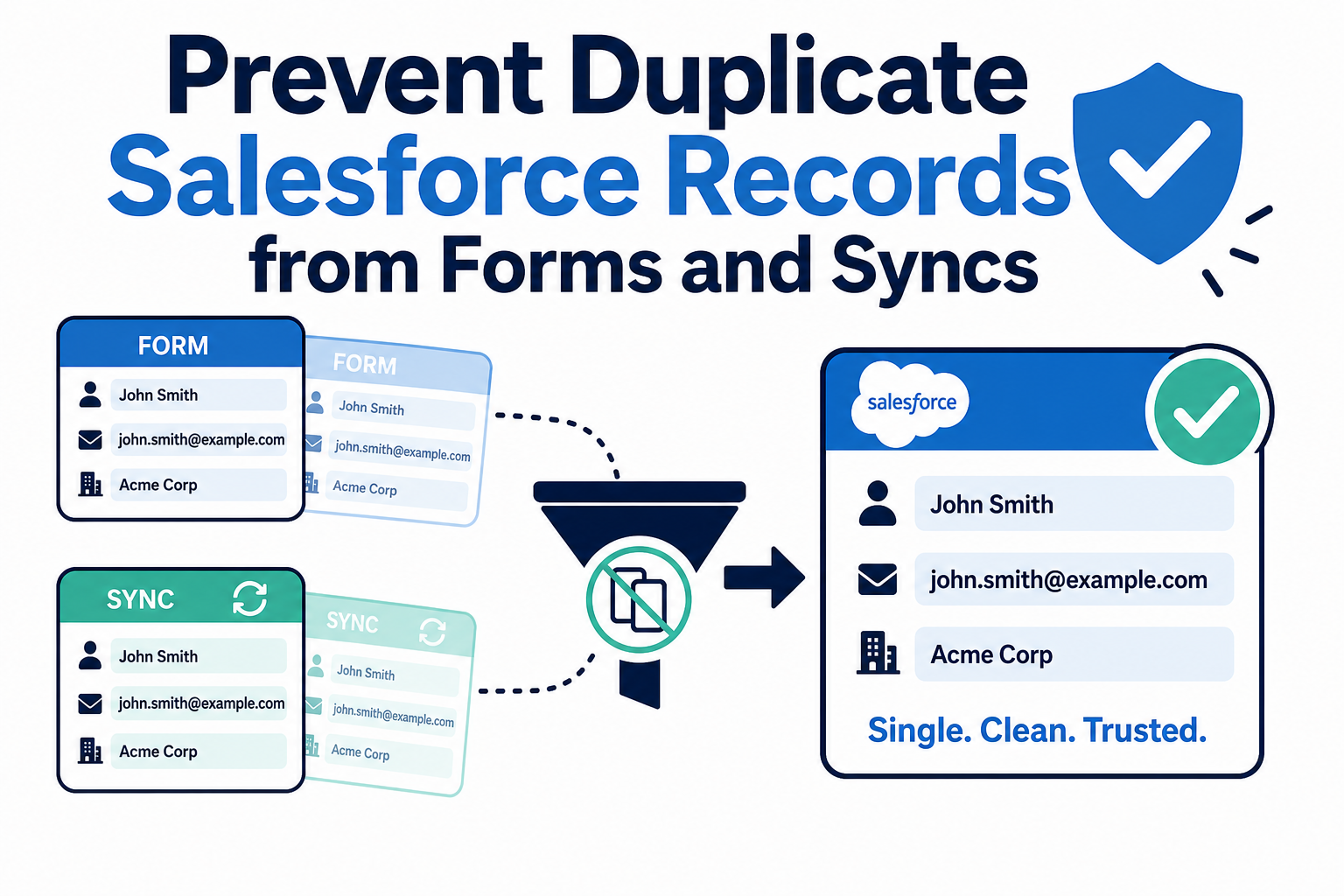
- Cross-object updates — Keeping related records in sync across contacts, accounts, opportunities, and custom objects
- Document generation — Automatically creating proposals, contracts, or reports based on CRM data
- Multi-step approval processes — Routing discount requests, contract reviews, or expense approvals through the right chain of command
Why Now? The Automation Imperative in 2026
Three forces are converging to make workflow automation more urgent than ever:
- Rising labor costs and talent shortages — Organizations can't afford to waste skilled employees on manual data entry and repetitive follow-ups. Automation lets you do more with the team you have.
- Data volume explosion — The average organization manages exponentially more customer touchpoints, communication channels, and data sources than even five years ago. Manual processes simply can't keep pace.
- AI acceleration — Automation is now the foundation that AI builds on. You can't leverage predictive lead scoring, intelligent routing, or AI-generated insights if your underlying processes are manual and inconsistent. Automation creates the clean, structured data pipeline that makes AI possible.
According to a Richmond Fed CFO survey, 60% of companies implemented some form of automation in the past 12 months, with adoption among large enterprises reaching 84%. And 85% of companies increased their AI investment in the past year, with 91% planning to increase it again.
Where Manual Processes Are Costing You the Most
How to Identify Automation Opportunities
Before you can automate, you need to know where manual work is concentrated. Look for these telltale signs across your organization:
Volume indicators: - Any task performed more than 10 times per week by the same person - Processes that require touching 3 or more systems to complete - Reports that take hours to compile from multiple data sources
Error indicators: - Data inconsistencies between CRM records and other systems - Customer complaints stemming from missed follow-ups or delayed responses - Audit findings related to process adherence
Bottleneck indicators: - Approvals that regularly take more than 24 hours - Deal progression that stalls at specific pipeline stages - Onboarding processes that leave new customers waiting
The Five Most Common Manual Process Offenders
Based on work across hundreds of CRM implementations, these are the processes that consistently deliver the highest ROI when automated:
| Manual Process | Typical Time Wasted | Automation Impact |
|---|---|---|
| Lead assignment and routing | 2–5 hours/week per rep | 95% reduction in assignment time; faster speed-to-lead |
| Data entry across systems | 4–8 hours/week per team | 80%+ reduction in manual entry; improved data accuracy |
| Follow-up scheduling and reminders | 3–5 hours/week per rep | 100% consistency in follow-up cadence |
| Approval workflows (discounts, contracts) | 1–3 days per approval cycle | Same-day approvals with automatic escalation |
| Reporting and dashboard updates | 4–10 hours/week per manager | Real-time dashboards, zero manual compilation |
Building Your Automation Strategy: A Framework That Works
Step 1: Audit Your Current Processes
Start by mapping every manual touchpoint in your core business workflows. The goal isn't to automate everything — it's to identify the highest-impact, lowest-complexity opportunities first.
Process mapping questions to ask each department: - What tasks do team members do every day that feel repetitive? - Where do handoffs between people or departments break down? - What information gets entered into more than one system? - Which processes have the longest cycle times? - Where do errors most commonly occur?
Step 2: Prioritize by Impact and Feasibility
Use a simple 2×2 matrix to prioritize automation candidates:
- High impact, low complexity → Automate immediately (quick wins)
- High impact, high complexity → Plan and phase (strategic initiatives)
- Low impact, low complexity → Batch and automate later
- Low impact, high complexity → Skip or simplify first
Step 3: Choose the Right Automation Tools
Modern CRM platforms offer powerful native automation tools that handle the vast majority of business automation needs:
Salesforce Flow: - Record-triggered flows for automatic updates when data changes - Screen flows for guided user experiences and data collection - Scheduled flows for batch processing and periodic tasks - Platform events for real-time integrations - Orchestration for complex, multi-step business processes spanning days or weeks
HubSpot Workflows: - Contact, company, deal, and ticket-based workflows - Sequences for automated sales outreach - Custom event triggers for behavioral automation - Branching logic for personalized automation paths - Integration actions for connecting to external systems
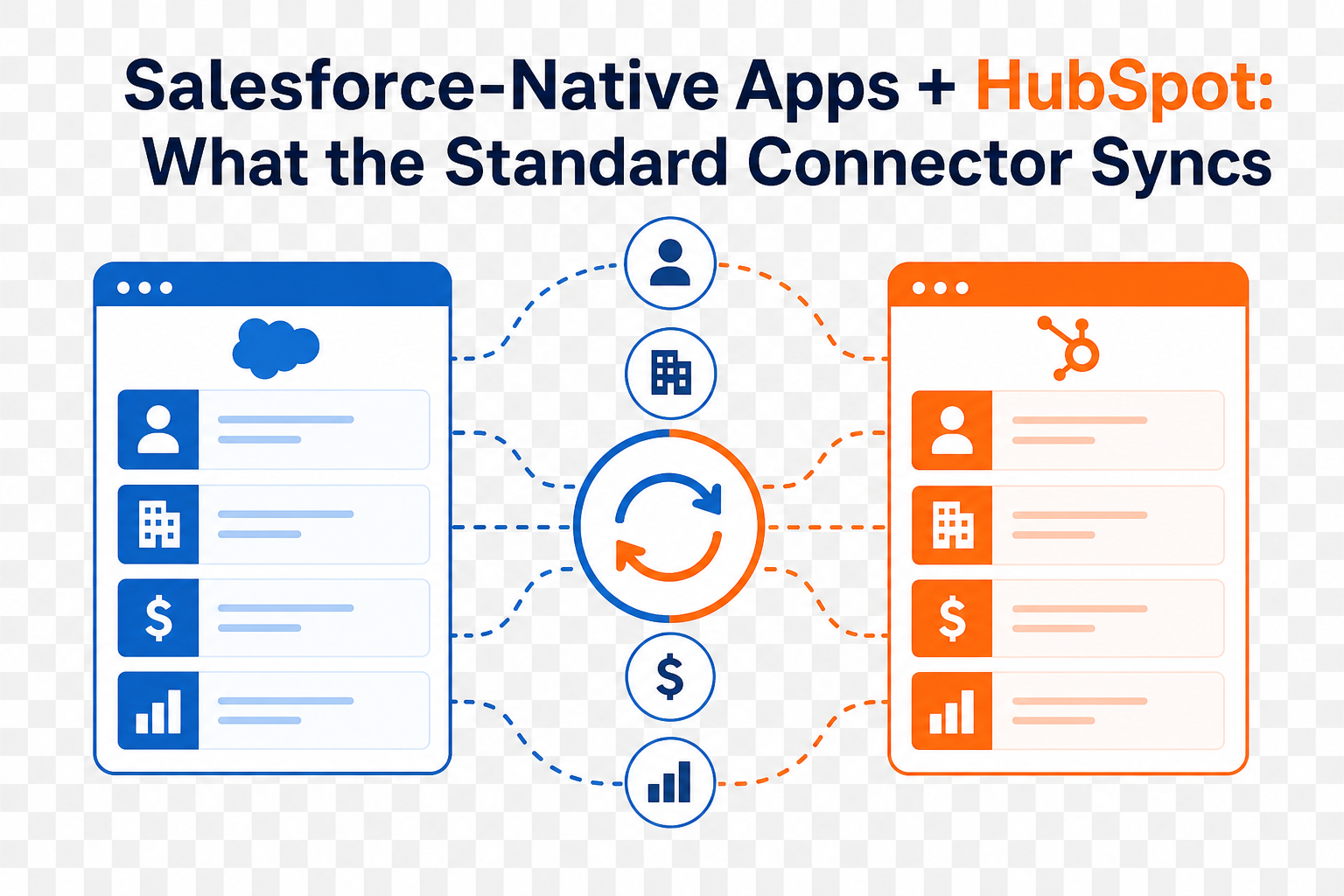
Cross-Platform Integration: - MuleSoft, Workato, and native connectors for synchronizing data between Salesforce, HubSpot, and other business systems - API-based automation for custom integrations - Middleware platforms that maintain a single source of truth across your tech stack
Step 4: Design, Build, and Test
Follow these best practices when building automation workflows:
- Document the "as-is" and "to-be" process before configuring anything
- Start with the trigger — What event initiates the automation?
- Define the logic — What conditions must be met? What branches exist?
- Specify the actions — What should happen automatically?
- Build error handling — What happens when something fails?
- Test thoroughly — Use sandbox environments, edge cases, and real-world scenarios
- Monitor post-launch — Track execution rates, errors, and business impact
Step 5: Measure, Optimize, Repeat
Automation isn't a one-time project. Build a measurement framework from day one:
- Time saved per process — Before and after comparison
- Error rate reduction — Track data quality metrics
- Cycle time improvement — How fast do leads get assigned? How quickly do approvals close?
- User adoption — Are teams actually using the automated processes?
- Business impact — Revenue influenced, customer satisfaction scores, cost reduction
Salesforce Flow: Automation Power for Complex Organizations
What Makes Salesforce Flow a Game-Changer
Salesforce Flow is the most powerful declarative automation tool on the Salesforce platform. It consolidates what used to require Process Builder, Workflow Rules, and even some custom Apex code into a single, visual interface.
Key capabilities: - Before-Save Flows — Update fields on a record before it's saved to the database, delivering blazing-fast performance - After-Save Flows — Trigger actions on related records, send notifications, or call external services after a record is saved - Screen Flows — Create guided, wizard-like experiences for users to collect information and take action - Scheduled Flows — Run automation on a recurring schedule for batch processing - Subflows — Build modular, reusable automation components that can be called from multiple parent flows
Salesforce Flow Best Practices
Based on current Salesforce best practices and hundreds of implementations:
- Use multiple focused flows per object rather than one massive flow — this improves maintainability and debugging
- Leverage Before-Save Flows for field updates on the triggering record — they're significantly faster than After-Save
- Never put DML operations inside loops — bulkify your flows to avoid governor limit errors
- Document every flow with descriptions, comments, and naming conventions
- Use custom labels and custom metadata types for values that may change, rather than hard-coding
- Test with realistic data volumes — what works for 10 records may fail at 10,000
HubSpot Workflows: Automation Accessible to Every Team
Why Teams Love HubSpot Workflows
HubSpot Workflows provide an intuitive, visual automation builder that empowers marketing, sales, and service teams to create sophisticated automation without technical skills.
Key capabilities: - Object-based workflows — Automate actions based on changes to contacts, companies, deals, tickets, or custom objects - Enrollment triggers — Start workflows based on form submissions, page views, list membership, property changes, or custom events - Branching logic — Create if/then branches that personalize the automation path based on data - Delays and scheduling — Space out actions, wait for events, or schedule actions for specific times - Internal notifications — Alert team members when action is needed - Integration actions — Trigger actions in connected tools like Slack, Zoom, or custom APIs
HubSpot Workflow Best Practices
- Set clear enrollment criteria and re-enrollment rules to prevent contacts from getting stuck or triggered repeatedly
- Use suppression lists to exclude contacts who shouldn't receive automated communications
- Leverage goal criteria to automatically remove contacts who've achieved the desired outcome
- Test with the "Test" tab before activating — review every branch and action
- Monitor the performance tab regularly for errors and unexpected behavior
- Use naming conventions that include the purpose, audience, and date (e.g., "Sales - New Lead Assignment - Q2 2026")
Cross-Platform Automation: Breaking Down Silos
Why Cross-Platform Automation Matters
Most organizations don't run on a single system. You might use Salesforce for sales, HubSpot for marketing, a separate tool for support, and various point solutions for accounting, project management, and communication. When these systems don't talk to each other, your team becomes the integration layer — manually transferring data between platforms.
Cross-platform automation eliminates these silos by: - Synchronizing data in real time between CRM, marketing, and operational systems - Triggering actions across platforms — A deal closing in Salesforce can automatically update billing in your accounting system - Maintaining a single source of truth — No more conflicting data across systems - Enabling end-to-end process automation — From first marketing touch to customer onboarding to ongoing service
Integration Approaches
| Approach | Best For | Complexity |
|---|---|---|
| Native connectors (e.g., HubSpot-Salesforce sync) | Standard data sync between major platforms | Low |
| iPaaS platforms (MuleSoft, Workato) | Complex, multi-system orchestration | Medium-High |
| API-based custom integrations | Unique requirements, legacy systems | High |
| Middleware / automation platforms | Event-driven triggers across tools | Medium |
Real-World Cross-Platform Automation Examples
Lead-to-Revenue Automation: 1. Marketing captures a lead via HubSpot form 2. Lead scoring workflow evaluates fit and engagement 3. Qualified leads sync automatically to Salesforce 4. Salesforce Flow assigns the lead to the right rep based on territory 5. Automated task and email sequence kicks off in both platforms 6. Deal closes in Salesforce → triggers customer onboarding workflow 7. Onboarding completion → triggers success team assignment and check-in cadence
Customer Service Escalation: 1. Customer submits a support ticket 2. Automated routing assigns based on issue type and priority 3. SLA clock starts with automated escalation alerts 4. If unresolved after threshold, supervisor is notified automatically 5. Resolution triggers satisfaction survey and case summary logging 6. Patterns in ticket data feed back into product and training workflows
How to Avoid Common Automation Pitfalls
What Separates Automation That Works From Automation That Doesn't
Not every automation initiative succeeds. Research shows that over 40% of agentic AI projects may be cancelled by 2027 if ROI isn't clearly demonstrated. The same principle applies to workflow automation — technology alone isn't enough. Here are the most common pitfalls and how to avoid them:
Pitfall 1: Automating a broken process If your manual process is inefficient, automating it just makes you inefficient faster. Always optimize the process before automating it.
Pitfall 2: Over-automating too fast Starting with 50 workflows at once leads to maintenance nightmares and user confusion. Start with 3–5 high-impact workflows and expand gradually.
Pitfall 3: Ignoring user adoption The best automation in the world is useless if your team doesn't trust it or know how to work with it. Invest in training, communication, and change management.
Pitfall 4: Neglecting error handling Automations will encounter edge cases and failures. Build in error notifications, retry logic, and fallback processes from day one.
Pitfall 5: Not measuring outcomes If you can't quantify the impact, you can't prove the value — and you can't optimize. Define success metrics before you build.
Pitfall 6: Lack of governance Without naming conventions, documentation, and ownership, your automation library becomes an unmaintainable mess within a year. Establish governance standards early.
Best Practices for Organization-Wide Workflow Automation
10 Rules for Automation That Delivers Results
- Start with the business problem, not the technology — Define what manual pain you're solving before selecting tools
- Map the full process end-to-end — Understand handoffs, dependencies, and exceptions before automating
- Prioritize quick wins first — Build momentum and organizational buy-in with visible early results
- Involve the people who do the work — Your front-line team members know where the real bottlenecks are
- Design for scale from the start — Use modular, reusable components that grow with your organization
- Build error handling into every workflow — Assume things will break and plan for it
- Document everything — Future you (and your successors) will thank you
- Test in sandboxes before production — Never deploy untested automation to live environments
- Establish an automation center of excellence — Centralize standards, training, and governance
- Review and optimize quarterly — Business processes change; your automations should evolve too
Building an Automation Roadmap
A phased approach delivers the best results:
Phase 1 (Weeks 1–4): Quick Wins - Lead/case assignment rules - Basic notification and alert workflows - Simple field updates and data standardization - Email templates and sequences
Phase 2 (Weeks 5–8): Core Processes - Multi-step approval workflows - Lead nurturing and scoring automation - Cross-object record updates - Reporting automation and dashboard alerts
Phase 3 (Weeks 9–12): Advanced Automation - Cross-platform data synchronization - Complex branching logic and personalization - Integration with external systems (telephony, billing, project management) - AI-enhanced automation (predictive routing, intelligent recommendations)
Phase 4 (Ongoing): Optimization - Performance monitoring and tuning - User feedback integration - New use case identification - Emerging technology adoption (AI agents, advanced orchestration)
Measuring the ROI of Workflow Automation
Key Metrics to Track
| Metric Category | Specific Measurements | Target Benchmark |
|---|---|---|
| Time Savings | Hours saved per week per team member | 4–8 hours/week |
| Error Reduction | Data entry error rate before vs. after | 50–90% reduction |
| Speed | Lead response time, approval cycle time | 60–80% faster |
| Productivity | Tasks completed per FTE, deals processed | 20–40% increase |
| Cost Reduction | Operational cost per transaction | 10–50% reduction |
| Revenue Impact | Pipeline velocity, conversion rates | 10–25% improvement |
| User Satisfaction | Employee NPS, adoption rates | Measurable improvement |
Calculating Your Automation ROI
Use this framework to build a business case:
Step 1: Calculate current cost of manual processes - (Hours spent × Hourly labor cost × Number of team members × 52 weeks)
Step 2: Estimate automation savings - (Percentage of time saved × Current manual cost)
Step 3: Add error reduction value - (Current error rate × Cost per error × Volume × Expected reduction)
Step 4: Factor in implementation investment - (Software licensing + Implementation services + Training + Ongoing optimization)
Step 5: Calculate ROI - ROI = ((Total savings – Total investment) / Total investment) × 100
Organizations that follow a structured approach to automation consistently report 111%–330% ROI within three years, with most seeing positive returns within the first six months.
Frequently Asked Questions (FAQ)
What is workflow automation in CRM?
Workflow automation in CRM is the use of built-in platform tools — like Salesforce Flow or HubSpot Workflows — to automatically execute business processes when specific conditions are met. This includes tasks like assigning leads, sending notifications, updating records, routing approvals, and synchronizing data across systems, all without manual intervention.
How much does CRM workflow automation cost to implement?
Implementation costs vary based on scope and complexity. Simple workflow automation (5–10 workflows) typically costs $25K–$50K when working with an experienced partner. Mid-range projects spanning multiple departments run $50K–$100K. Enterprise-wide automation strategies involving cross-platform integration can range from $100K–$200K+. Most organizations see positive ROI within 3–6 months.
What's the difference between Salesforce Flow and HubSpot Workflows?
Both are powerful automation tools, but they serve different strengths. Salesforce Flow offers deeper customization, more complex logic, and enterprise-grade scalability — ideal for organizations with sophisticated business processes. HubSpot Workflows provide a more intuitive visual builder with strong marketing automation capabilities — ideal for teams that need accessible automation without heavy technical resources. Many organizations use both platforms for different functions.
How long does it take to implement workflow automation?
Initial quick-win automations can be deployed in 2–4 weeks. A comprehensive automation strategy across sales, service, and operations typically takes 3–6 months to implement and optimize. The timeline depends on the number of processes being automated, data quality, integration requirements, and organizational readiness for change.
What are the biggest mistakes organizations make with workflow automation?
The most common mistakes are: automating broken processes instead of fixing them first, trying to automate everything at once, neglecting user training and change management, skipping error handling and testing, failing to document and govern automation, and not measuring outcomes to prove ROI and guide optimization.
Can workflow automation work across multiple platforms?
Yes. Cross-platform automation is one of the most impactful applications of workflow technology. Using integration platforms like MuleSoft or Workato, or native connectors between tools like Salesforce and HubSpot, organizations can synchronize data, trigger cross-system actions, and maintain a single source of truth across their entire technology stack.
How does AI enhance workflow automation?
AI transforms workflow automation from rule-based execution to intelligent decision-making. AI can predict which leads should be prioritized, recommend next best actions, detect anomalies in data, classify incoming requests for smarter routing, and even generate content for automated communications. In 2026, 54% of sales teams already use AI agents alongside traditional workflow automation.
Conclusion: From Manual Processes to Measurable Results
Workflow automation isn't about replacing people — it's about freeing them to do the work that actually moves your business forward. The organizations seeing the greatest results aren't the ones with the most sophisticated technology. They're the ones that take a strategic, phased approach: audit their processes, prioritize by impact, build with best practices, and measure everything.
With 60% of companies already automating and ROI benchmarks reaching 330%, the question isn't whether to invest in workflow automation — it's how fast you can get started.
Ready to eliminate manual processes and unlock your team's potential? Contact Vantage Point to discuss your automation strategy. Our senior consultants bring deep expertise across both Salesforce and HubSpot, helping organizations design and implement workflow automation that delivers measurable ROI from day one.
About Vantage Point
Vantage Point is a Salesforce, HubSpot, and integration consultancy specializing in CRM implementation, workflow automation, data integration, and AI-powered business solutions. With a team of senior-only consultants, Vantage Point helps organizations across every industry transform their operations through technology. As an employee-owned firm and certified partner of Salesforce, HubSpot, MuleSoft, Anthropic, and Aircall, we bring deep platform expertise and a proven VALUE methodology (Vision → Adaptability → Leverage → User-Centric → Excellence) to every engagement.