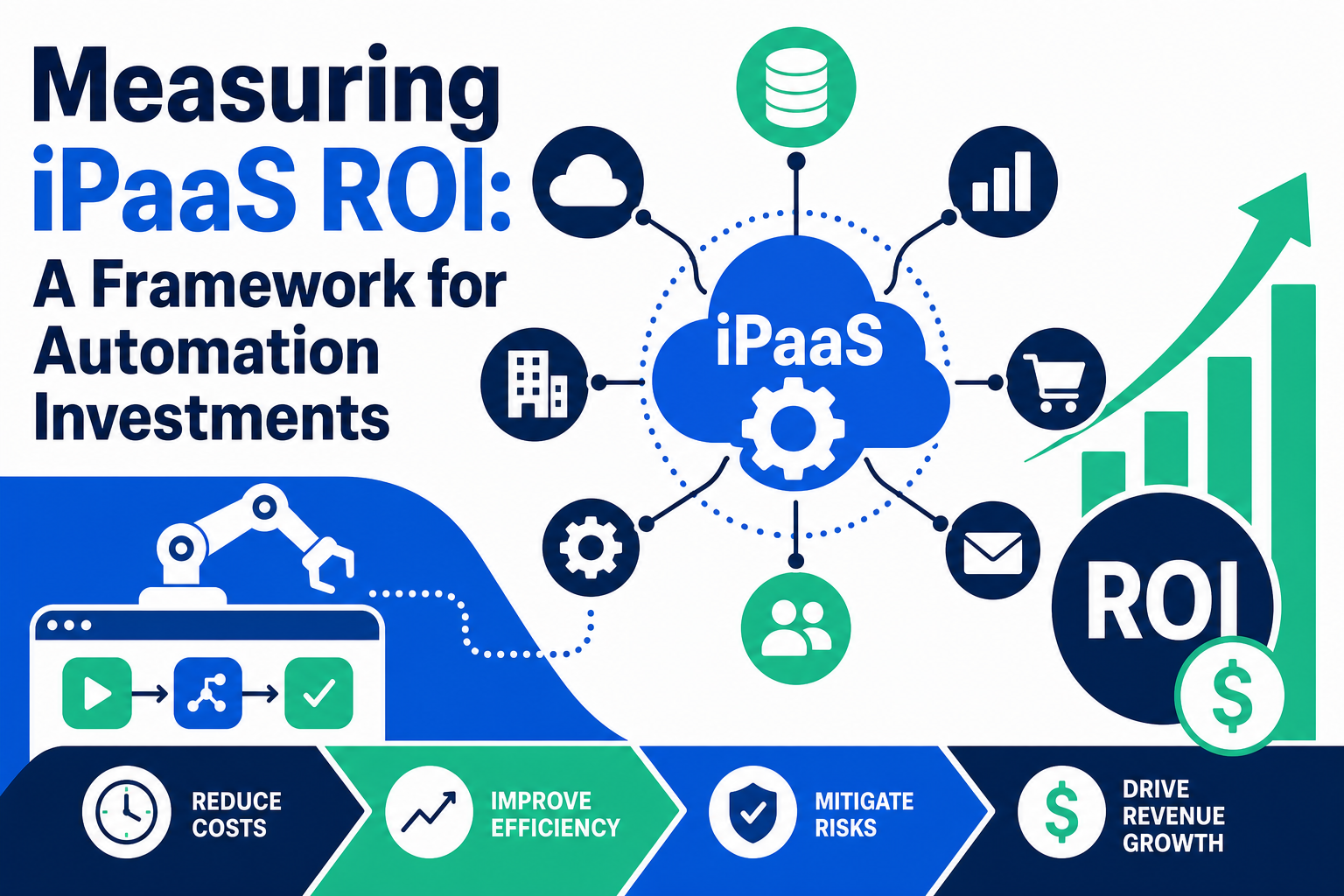
Deciding whether to invest in an iPaaS (integration platform as a service) like Workato often comes down to one question from leadership: what's the return? Most teams struggle to answer this cleanly because integration ROI mixes hard costs (licenses, developer time) with softer gains (fewer errors, faster processes). This guide gives you a straightforward framework for building that business case.
Vantage Point works with businesses evaluating iPaaS platforms as part of broader Salesforce, HubSpot, and integration strategy. This framework reflects the cost categories and decision points we walk clients through before recommending a specific integration approach.
Quick Answer
An iPaaS ROI framework is a structured way to compare what your organization currently spends on integration (developer time, maintenance, tool sprawl, error remediation) against the cost of an iPaaS subscription and implementation. It matters for IT leaders, RevOps teams, and finance stakeholders deciding whether to fund a platform like Workato instead of continuing to hand-code integrations or rely on point solutions. The framework supports a specific decision: build a business case with real numbers rather than vague productivity claims. Vantage Point is relevant here because we help teams scope integration work, estimate the true cost of the status quo, and implement iPaaS platforms once a business case is approved.
TL;DR
- What it is: A cost-comparison model that weighs current integration costs (talent, maintenance, overhead) against iPaaS subscription and implementation costs.
- Why it matters: Leadership approves iPaaS budget based on numbers, not enthusiasm — a clear framework speeds up that approval.
- Best for: IT, RevOps, and operations leaders building a business case for Workato or a similar platform.
- Decision point: Whether your current integration approach (custom code, point tools, manual work) costs more in developer time and errors than an iPaaS subscription would.
- How Vantage Point helps: We help scope realistic cost baselines and implement the right integration approach through our system integration and data migration services.
What Is iPaaS ROI Measurement?
iPaaS ROI measurement is the process of comparing the total cost of your current integration approach against the total cost of adopting an integration platform, then expressing the difference in dollars, hours, or risk reduction. It is not a single metric — it is a comparison built from several cost and value components tracked over a defined period, typically 12 to 36 months.
Unlike a straightforward software purchase, integration decisions affect developer time, business process speed, data accuracy, and how quickly new systems can be connected. A useful ROI framework accounts for all of these, not just the subscription price tag.
Why This Matters in 2026
Most organizations already have some integration in place — a mix of custom scripts, native connectors, and manual data entry. The question isn't whether to have integration; it's whether the current patchwork is costing more than it appears to.
A few reasons this matters now:
- Integration sprawl is common. Teams often accumulate multiple point-to-point integrations and scripts over time, each with its own maintenance burden.
- Developer time is expensive and scarce. Every hour a developer spends maintaining brittle integrations is an hour not spent on core product or CRM work.
- AI and automation initiatives depend on clean, connected data. Poorly integrated systems make it harder to feed reliable data into CRM workflows or AI tools.
- Finance and leadership want a business case, not a pitch. A clear cost comparison gets budget approved faster than general claims about efficiency.
How the ROI Framework Works
Build the comparison in three steps.
Step 1: Determine Your Current Cost Baseline
Break your current integration cost into three components:
- Talent cost — Number of developers needed for integration work × average developer cost (salary plus overhead). Include time spent building new integrations and maintaining existing ones.
- Productivity cost — Hours employees spend on manual, repetitive processes that integration would eliminate (manual data entry, exporting/importing spreadsheets, reconciling records between systems).
- Overhead cost — Server, licensing, and professional services costs tied to any existing integration tools, plus the recurring cost of updates when APIs or schemas change.
Add these together to get your current-state annual cost.
Step 2: Estimate the iPaaS Cost
Include the full cost of adopting the platform, not just the license:
- Subscription/license fees (often based on connectors, tasks, or users depending on the vendor)
- Implementation and configuration time (internal staff or a consulting partner)
- Training and change management
- Ongoing administration (usually lighter than custom-code maintenance, but not zero)
Step 3: Compare and Choose a Framing
Once you have both totals, express the difference in whichever framing resonates with your stakeholders:
| ROI Framing | What It Shows | Best Audience |
|---|---|---|
| Use-case ROI | Time and cost saved on a specific manual process once automated | Line-of-business managers |
| Operational ROI | Cost difference between building/maintaining integrations in-house vs. platform subscription | IT and finance leadership |
| Strategic ROI | How faster, more reliable integration supports broader goals (CRM adoption, AI readiness, faster onboarding of new tools) | Executive sponsors |
Use more than one framing in your business case — executives respond to strategic framing, while finance wants the operational numbers.
Common Mistakes When Calculating Automation ROI
- Only counting the subscription fee. Ignoring implementation time and internal admin hours understates the true cost on both sides of the comparison.
- Ignoring the cost of doing nothing. Manual processes and broken integrations have a real cost even if no one has calculated it yet.
- Overstating time savings. Round hours saved conservatively; inflated estimates undermine credibility with finance.
- Comparing license cost to zero. Custom-built integrations are rarely free — they carry ongoing developer maintenance costs that are easy to overlook.
- Skipping error and risk costs. Data errors from manual re-entry or brittle integrations cause downstream costs (bad CRM data, compliance exposure, customer-facing mistakes) that belong in the calculation.
iPaaS vs. Custom Integration: Cost Comparison
| Factor | Custom-Coded Integration | iPaaS Platform (e.g., Workato) |
|---|---|---|
| Upfront cost | Developer time (often months per integration) | License plus implementation/configuration time |
| Ongoing maintenance | Requires dedicated developer time as APIs change | Vendor manages platform updates; lighter internal admin |
| Time to build new integration | Weeks to months per integration | Days to weeks using pre-built connectors |
| Who can build/maintain | Developers only | Mix of developers and business technologists (with governance) |
| Scalability | Each new integration adds maintenance burden | Platform designed to scale across many integrations |
| Risk if key developer leaves | High — custom code can be difficult to hand off | Lower — platform documentation and standard patterns reduce key-person risk |
Neither approach is automatically right. A single stable integration with no expected changes may be fine as custom code. A growing number of connected systems, frequent schema changes, or plans to scale automation across departments usually favor an iPaaS approach.
What Businesses Should Do Next
- Inventory your current integrations — list every custom script, native connector, and manual workaround currently in use.
- Estimate the true cost of each — developer hours, manual labor hours, and error-related rework.
- Get a real iPaaS quote — pricing varies significantly by vendor and usage model, so avoid estimating from list price alone.
- Pick 1–2 pilot use cases — validate ROI on a contained project before committing to a platform-wide rollout.
- Revisit the calculation annually — integration needs and platform pricing both change; the business case should be refreshed, not treated as one-time.
How Vantage Point Helps
Vantage Point helps organizations build the business case for integration investment and then implement it. That includes:
- Auditing existing integrations and estimating current-state cost and risk through our system integration and data migration services
- Scoping and implementing CRM-connected automation across Salesforce and HubSpot through our workflow automation and process optimization services
- Advising on platform selection when comparing iPaaS options against native connectors or custom development, tied to our broader Salesforce implementation and advisory work
- Supporting ongoing administration once a platform is live through managed services and ongoing support
If your team is evaluating how this applies to Salesforce, HubSpot, integrations, or CRM governance, Vantage Point can help assess the right next step and build a practical implementation plan.
FAQ
What is iPaaS ROI? iPaaS ROI is the comparison between the cost of your current integration approach (custom code, point tools, manual work) and the cost of adopting an integration platform, expressed in dollars, hours saved, or reduced risk over a defined period.
How do I calculate the cost of my current integration approach? Add up talent cost (developers needed × average cost), productivity cost (hours spent on manual processes integration would eliminate), and overhead cost (existing tool licenses, servers, and professional services), then total these for an annual baseline.
Is custom-coded integration cheaper than an iPaaS platform? Not usually once you account for ongoing maintenance. Custom integrations often require dedicated developer time to keep working as APIs and schemas change, while an iPaaS platform shifts much of that maintenance burden to the vendor.
What's the difference between use-case ROI and operational ROI? Use-case ROI measures time and cost saved on one specific process, useful for building a case with a line-of-business manager. Operational ROI compares the total cost of building and maintaining integrations in-house versus a platform subscription, which resonates more with IT and finance leadership.
How long does it take to see ROI from an iPaaS investment? It depends on implementation scope and how many manual processes are automated first. Pilot projects with clear, measurable manual effort (like recurring data entry between systems) tend to show ROI faster than broad, unscoped rollouts.
Should I start with a pilot or a full rollout? Start with a pilot on 1–2 high-friction use cases. This validates your cost assumptions with real data before committing budget to a platform-wide rollout.
What mistakes should I avoid when presenting iPaaS ROI to leadership? Avoid counting only the subscription fee, ignoring the cost of your current manual or custom-code approach, and overstating time savings. Present conservative, well-documented numbers alongside a strategic narrative tied to broader goals like CRM data quality or AI readiness.
Does Vantage Point implement Workato specifically? Vantage Point works with iPaaS platforms including Workato as part of broader Salesforce and HubSpot integration engagements, helping teams scope the business case and then implement the platform once approved.