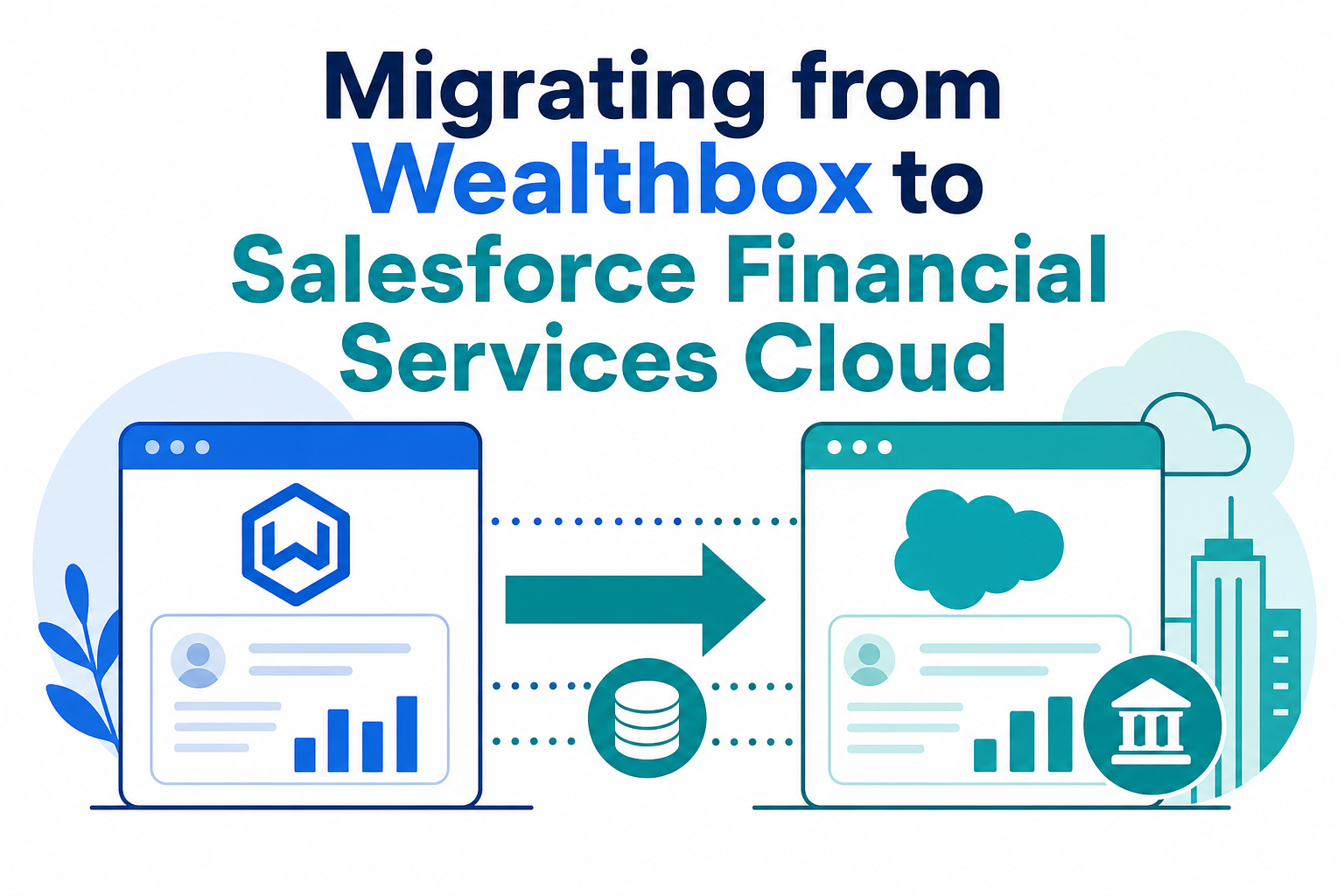
Quick Answer: Migrating from Wealthbox to Salesforce Financial Services Cloud (FSC) means exporting your contacts, households, notes, tasks, workflows, and activity history from Wealthbox (via its built-in backup export, CSV exports, or REST API) and rebuilding them in FSC's data model of person accounts, business accounts, and party relationship groups. Most firms complete the move in 8 weeks to 6 months depending on data complexity, integrations, and compliance requirements.
Key Takeaways (TL;DR)
- What is it? A structured migration of client, household, activity, and workflow data from Wealthbox CRM to Salesforce Financial Services Cloud.
- Why switch? Firms outgrow Wealthbox when they need enterprise-scale automation, deeper compliance tooling, multi-entity data models, or the Agentforce AI roadmap.
- What migrates? Contacts (Person, Household, Company/Organization, Trust records), notes, tasks, events, workflows, opportunities, files, and activity history.
- Timeline: Typically 8-12 weeks for small firms; 3-6 months for mid-size firms with complex households and integrations.
- Best for: Growing RIAs, multi-advisor wealth firms, and enterprises that need a configurable, compliance-ready CRM platform.
- Bottom line: The firms that succeed treat migration as a data-modeling project first and a data-transfer project second.
Why Do Firms Outgrow Wealthbox?
Wealthbox, built by Starburst Labs, is a well-regarded CRM for financial advisors, and for many small RIAs it is exactly the right tool. Its contact model is deliberately simple: every relationship is a Person, Household, Company/Organization, or Trust record, with notes, tasks, workflows, and an activity stream layered on top (Wealthbox Help Center).
That simplicity becomes a constraint as firms scale. The most common triggers we see:
- Enterprise scale and automation. Multi-team firms need territory rules, role hierarchies, advanced approval processes, and automation that goes beyond task-based workflows.
- Compliance and supervision. Larger firms need field-level audit trails, granular sharing models, and archiving options that satisfy more demanding supervision requirements.
- Multi-entity complexity. Firms managing trusts, businesses, and multi-generational households need relationship modeling that connects people, entities, and financial accounts in one view.
- Integration depth. Portfolio management, financial planning, document management, and custodial data often need bidirectional, API-driven integration rather than one-way syncs.
- The AI roadmap. Salesforce's Agentforce and Einstein capabilities (agentic workflows, AI-assisted service, predictive insights) are a strategic draw for firms building a long-term technology foundation.
If you are still weighing platforms, our CRM showdown comparing Salesforce FSC, Wealthbox, Redtail, Orion, and Practifi breaks down the feature trade-offs. This guide assumes the decision is made and focuses on how to migrate well.
What Data Actually Migrates from Wealthbox?
Wealthbox gives you three practical extraction paths: a full backup export of your data, filtered CSV exports from contact lists and reports, and the Wealthbox API, which provides REST-based read access to contacts, tasks, events, notes, opportunities, projects, and activity stream data.
| Wealthbox Data | Migrates? | Notes |
|---|---|---|
| Contacts (Person records) | Yes | Core client and prospect records with standard and custom fields |
| Households | Yes | Rebuilt as FSC household relationship groups (see mapping below) |
| Companies/Organizations and Trusts | Yes | Mapped to business accounts with appropriate record types |
| Notes and activity stream history | Yes | Migrated as notes/activities with original timestamps preserved |
| Tasks and events | Yes | Open tasks migrate as Salesforce tasks; completed history is archived |
| Workflow templates | Rebuilt, not migrated | Templates are re-implemented as FSC Action Plans or Flows |
| Opportunities and pipelines | Yes | Mapped to Salesforce opportunities with equivalent stages |
| Files and documents | Yes, with planning | Bulk file migration requires a documented folder-to-record strategy |
| Tags and categories | Yes | Typically mapped to custom fields or record types for reporting |
One Wealthbox-specific gotcha: contact record types cannot be changed after creation in Wealthbox, so firms often carry legacy miscategorized records (a trust entered as a person, for example). Migration is the right time to fix those classifications: during cleansing, not after cutover.
How Does Wealthbox Data Map to the Salesforce FSC Data Model?
This is where Wealthbox-to-FSC migrations are won or lost. FSC (now branded Agentforce Financial Services) models clients using person accounts for individuals and business accounts for organizations, with party relationship groups connecting members under a single household and linking related households, attorneys, CPAs, and other associated parties (Salesforce Help: How Financial Services Cloud Models Groups and Relationships).
| Wealthbox Object | Salesforce FSC Target | Mapping Notes |
|---|---|---|
| Person contact | Person Account | One person account per individual; custom fields carry Wealthbox-specific attributes |
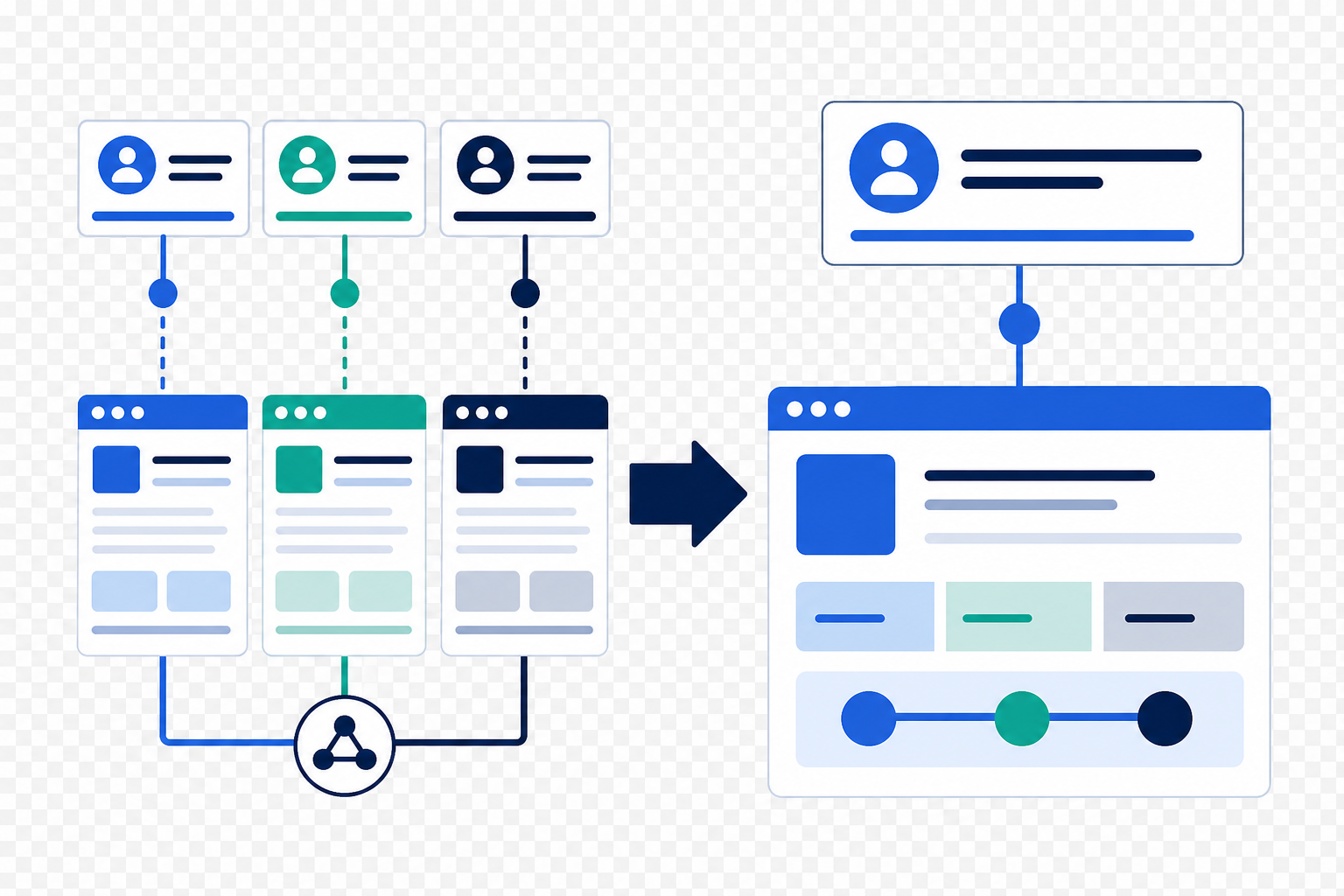
| Household | Business Account + Party Relationship Group (type: Household) | Members connected via Account Contact Relations with defined roles |
| Company/Organization | Business Account | Related people linked via Account Contact Relations |
| Trust | Business Account (Trust record type) | Trustees and beneficiaries modeled as related person accounts |
| Related contacts (spouse, child, attorney) | Contact Contact Relations / Account Contact Relations | Each relationship gets a party role describing it |
| Notes | Notes or Interaction Summaries | Interaction Summaries are FSC's purpose-built meeting-note object |
| Tasks and events | Tasks and Events | Preserve due dates, owners, and completion status |
| Workflow templates | Action Plan templates | Action Plans capture repeatable task sequences and automate assignment |
| Financial accounts (if tracked) | Financial Account object | Part of the FSC Financial Account Data Model (Trailhead: FSC Data Model) |
A second architectural decision matters here: FSC is available on the Salesforce core platform with standard objects, while older orgs may run the legacy managed package. New implementations should generally build on core (Salesforce recommends standard features and objects for new customers) which affects how your data model is configured from day one. Our post on transitioning to Salesforce's core platform explains the distinction in detail.
What Are the Phases of a Wealthbox-to-FSC Migration?
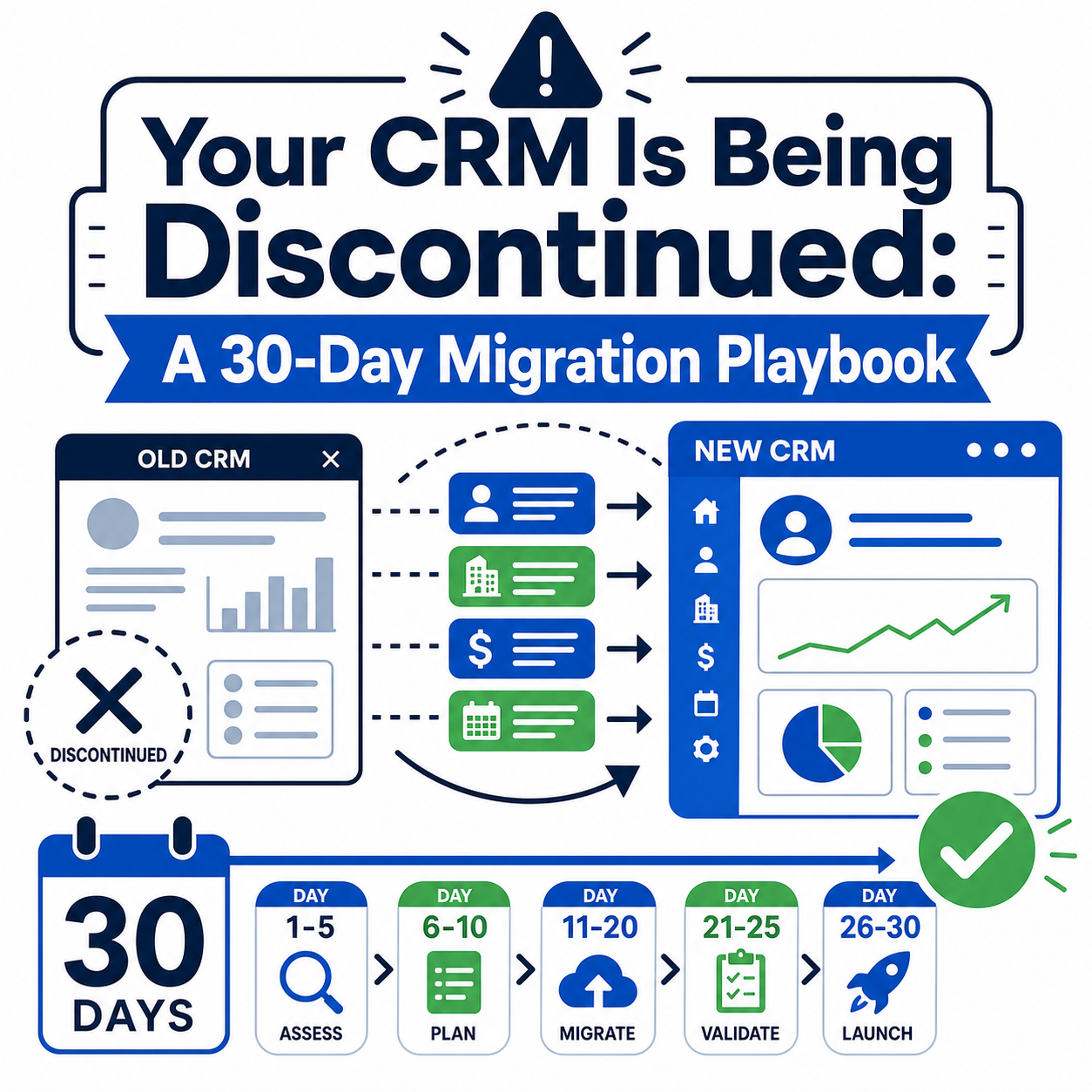
A disciplined migration runs in six phases:
- Assess. Inventory your Wealthbox data: record counts by type, custom fields, tags, workflow templates, integrations, and file storage. Document what your team actually uses versus what has accumulated.
- Cleanse. Dedupe contacts, resolve miscategorized record types, archive deceased or inactive relationships, and standardize addresses and phone formats. Every hour spent cleansing saves several during validation.
- Map. Build the field-by-field mapping document (like the table above) and get sign-off from advisors and operations: not just IT.
- Pilot. Migrate a representative subset, one team or a few hundred households, into a sandbox. Validate household rollups, relationship roles, and activity history with the people who know the clients.
- Cutover. Run the full extraction and load, typically over a weekend, using Salesforce Data Loader for bulk objects or an ETL platform such as MuleSoft for complex, multi-source transformations. Freeze Wealthbox edits during the cutover window.
- Adopt. Training, dashboards, and hypercare. The migration is not done when the data loads: it is done when advisors stop opening Wealthbox.
How Long Does a Wealthbox-to-FSC Migration Take?
Timelines depend on data volume, household complexity, and integration count: not just headcount:
- Small firms (1-5 advisors, clean data): roughly 8-12 weeks.
- Mid-size firms (5-25 advisors, multiple integrations): roughly 3-6 months.
- Complex or multi-entity organizations: 6 months or more, especially when compliance archiving, custodial feeds, or M&A data consolidation are in scope.
The most common timeline killer is not the data load: it is delayed decisions on mapping and workflow redesign. Firms that assign an empowered internal owner consistently finish faster.
What Are the Most Common Migration Pitfalls?
- Treating households as an afterthought. Wealthbox households are simple containers; FSC relationship groups are a rich, role-based model. Decide roles and rollup rules before loading anything.
- Migrating everything, including the junk. Inactive contacts from a decade ago and duplicate records inflate cost and clutter the new org. Cleanse first.
- Copying workflows instead of redesigning them. Wealthbox workflows rebuilt step-for-step miss the point. Re-implement them as Action Plans and Flows that take advantage of FSC automation.
- Ignoring the activity stream. Years of notes and engagement history are a compliance asset. Preserve timestamps and authorship during the load.
- Skipping the pilot. A sandbox pilot with real advisors catches mapping errors when they are cheap to fix.
- No cutover freeze. Edits made in Wealthbox during cutover silently disappear. Communicate the freeze window clearly.
How Does Vantage Point Help with Wealthbox-to-FSC Migrations?
Vantage Point is a boutique Salesforce and HubSpot consultancy. Our Salesforce implementation and advisory team has guided wealth management firms and RIAs through CRM migrations of every shape. (For a sibling perspective, see our guide to migrating from Redtail to Salesforce FSC.)
Our migration engagements cover data assessment and cleansing, FSC data model design, household and relationship mapping, integration rebuilds through our system integration and data migration practice, and post-launch adoption support. Senior consultants only. No junior handoffs; the experts you meet are the experts who deliver.
Frequently Asked Questions
Can I export all of my data out of Wealthbox?
Yes. Wealthbox provides a full backup export of your data from within the application, CSV exports from contact lists and reports, and a REST API with read access to contacts, tasks, events, notes, opportunities, projects, and activity stream data. Most migrations use a combination of all three.
How do Wealthbox households translate to Salesforce FSC?
A Wealthbox household becomes a business account paired with a party relationship group of type "Household" in FSC. Each family member is a person account connected to the household through an account contact relationship with a defined role, and person-to-person relationships (spouse, child) are modeled as contact contact relationships.
Will my notes and activity history survive the migration?
Yes, if the migration is planned correctly. Notes and activity stream entries are extracted with their original timestamps and authors and loaded as notes, tasks, events, or interaction summaries in FSC, preserving the engagement history your compliance and service teams rely on.
What happens to my Wealthbox workflow templates?
Workflow templates do not transfer directly: they are redesigned as Salesforce Action Plan templates or Flows. This is an opportunity: most firms improve their processes during the rebuild rather than replicating them step-for-step.
Should we migrate to FSC on the core platform or the managed package?
New implementations should generally build on FSC's standard, core-platform objects, which Salesforce recommends for new customers and which receive new features fastest. The managed package is primarily relevant to legacy orgs. Your implementation partner should confirm the right architecture before any data is loaded.
How disruptive is the cutover to daily advisory work?
With a pilot-first approach and a communicated cutover freeze (typically a weekend), disruption is minimal. Advisors leave work Friday in Wealthbox and return Monday to Salesforce with their clients, households, tasks, and history in place.
Do we need to keep Wealthbox after migrating?
Most firms keep read-only access for a short overlap period, then cancel. Because you will have a full backup export plus the migrated data in Salesforce, long-term retention of the Wealthbox subscription is rarely necessary, but confirm your compliance archiving requirements first.
Ready to Plan Your Migration?
Moving from Wealthbox to Salesforce Financial Services Cloud is a data-modeling project, a change-management project, and a technology project rolled into one. The firms that get it right start with a clear assessment and a mapping document: not a data dump.
Talk to Vantage Point about your migration roadmap. Get started with a free CRM assessment or email david@vantagepoint.io.
About Vantage Point
Vantage Point is a boutique CRM consulting firm helping businesses transform with Salesforce, HubSpot, and AI. Our senior-only, employee-owned team delivers implementations, integrations, data migrations, and managed services for wealth management firms, RIAs, and other regulated organizations. Learn more at vantagepoint.io.