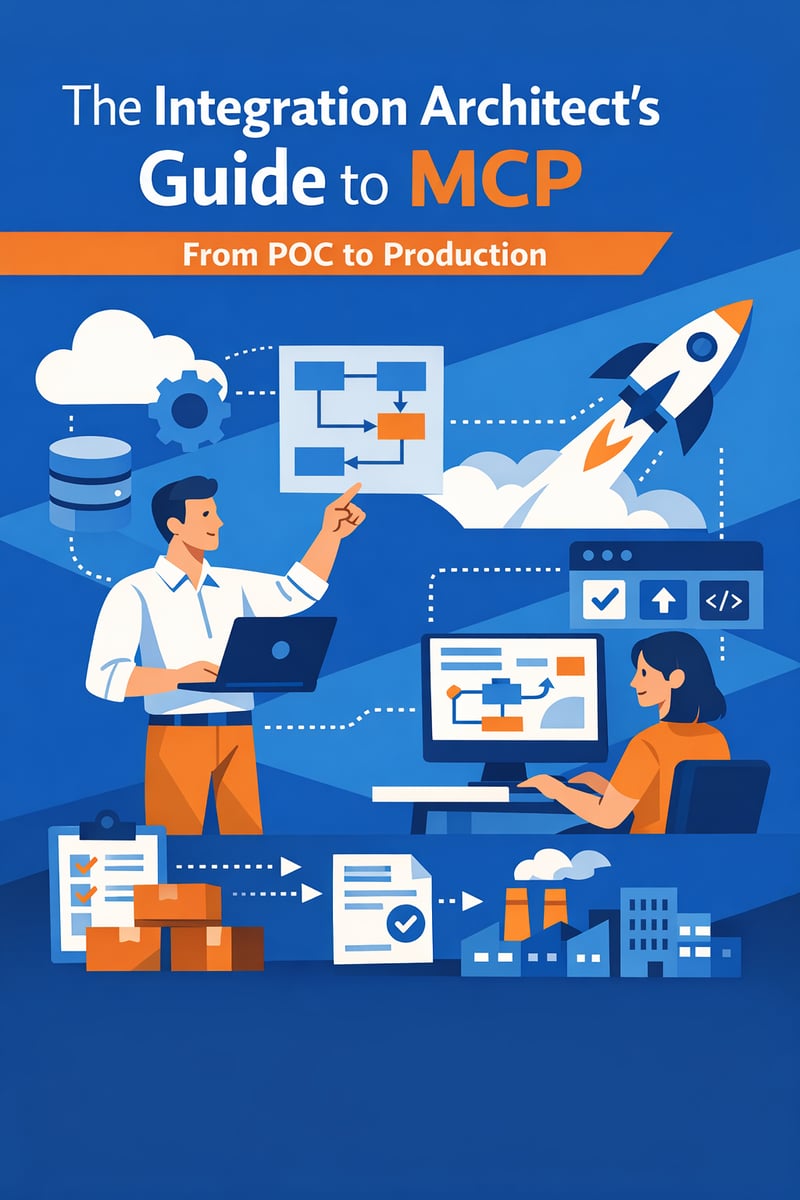
Key Takeaways (TL;DR)
- What is MCP? Model Context Protocol is an open standard for connecting AI applications to tools, data sources, and workflows through a consistent interface.
- Key Benefit: MCP can reduce custom integration work and make AI tools easier to govern, reuse, and scale.
- Requirements: Use-case selection, secure authentication, permission design, tool boundaries, logging, testing, and operational ownership.
- Timeline: A narrow MCP proof of concept can take 2-4 weeks; production readiness often requires 8-16 weeks depending on security and integration complexity.
- Best For: Integration architects, CRM architects, AI platform teams, and IT leaders building governed agent-ready services.
- Bottom Line: MCP success depends less on the demo and more on production architecture: identity, governance, observability, and change management.
Meta Description: A practical MCP implementation guide for integration architects moving AI tool connections from proof of concept to secure production use.
Why MCP matters to integration architects
AI assistants and agents are only as useful as the context and tools they can access. A chatbot that cannot read customer history, create a case, check an order, update a task, or retrieve approved knowledge is limited. But directly wiring every AI application to every system creates security, maintenance, and governance problems.
Model Context Protocol (MCP), introduced as an open standard for connecting AI applications with external tools and data sources, gives architects a more consistent pattern. Instead of building one-off tool schemas for each AI experience, teams can expose capabilities through MCP servers that AI clients can use under defined rules.
For integration architects, MCP is not just another developer framework. It is a design pattern for making enterprise systems agent-ready.
What is MCP in plain language?
MCP is a standardized way for AI applications to discover and use tools, resources, and prompts. An MCP server exposes capabilities. An MCP client, such as an AI assistant or agent runtime, connects to those capabilities. The protocol helps define how the AI system requests context or invokes tools.
Think of MCP as a controlled service layer for AI. The AI application does not need to know every internal API detail. The MCP server provides a defined interface, and the enterprise can govern what is available.
How should architects choose the first MCP use case?
A good proof of concept should be valuable, bounded, and safe. Use this scoring model:
| Evaluation factor | Good POC signal | Avoid for first POC |
|---|---|---|
| Business value | Clear time savings or better decision support | Vague innovation objective |
| Data sensitivity | Low to moderate sensitivity | Highly regulated or confidential data without controls |
| Action risk | Read-only or draft actions | Irreversible transactions |
| System complexity | One or two well-understood systems | Many unstable dependencies |
| User group | Small pilot audience | Broad production audience on day one |
| Measurement | Clear success metrics | No way to evaluate quality |
Strong first use cases include account research, knowledge retrieval, case summarization, internal policy lookup, meeting preparation, or draft follow-up creation.
What does the POC architecture include?
A simple MCP proof of concept might include:
- AI client: The assistant or agent experience users interact with.
- MCP server: A service exposing approved tools or resources.
- Connector or API layer: Integration with CRM, knowledge, data, or workflow systems.
- Authentication model: How users or service accounts access capabilities.
- Logging: Records of tool calls, inputs, outputs, errors, and latency.
- Human review: A process for evaluating quality and user trust.
Even in a POC, do not skip logging or access design. Those are the habits that make production possible.
What changes when MCP moves to production?
Production MCP requires a broader architecture:
Identity and permissions
Decide whether tools run as the end user, a service account, or a delegated identity model. The safest design respects existing CRM and application permissions whenever possible.
Tool boundaries
Expose specific actions, not unrestricted system access. For example, "retrieve open cases for this account" is safer than broad database query access.
Data minimization
Return only the context needed for the task. Avoid sending sensitive fields to AI systems when they are not required.
Observability
Track usage, errors, latency, cost, tool success rate, user feedback, and exception patterns. Production teams need dashboards and alerting.
Security review
Assess authentication, secrets management, transport security, prompt injection risk, data leakage risk, and audit requirements.
Change management
Version tools, document contracts, test changes, and communicate updates to users and downstream teams.
Human escalation
Define what happens when the agent is uncertain, fails, or encounters a restricted action.
What are common MCP implementation risks?
- Overbroad tools: The server exposes too much capability.
- Weak identity design: Actions cannot be traced to the right user or policy.
- No audit trail: Teams cannot review what the AI requested or did.
- Prompt injection: Malicious or untrusted content attempts to manipulate tool use.
- Unclear ownership: No team owns uptime, errors, or user support.
- Demo-only architecture: The POC works locally but cannot pass security, scale, or operational review.
- No evaluation framework: Teams cannot measure whether outputs are accurate or useful.
Architects should address these risks before expanding beyond a pilot.
What is a production-readiness checklist?
Use this checklist before go-live:
- Business owner and technical owner are assigned.
- Use case, user group, and success metrics are documented.
- Data classification and permission requirements are reviewed.
- Tool list is minimal and purpose-specific.
- Authentication and authorization are implemented.
- Secrets are stored securely and rotated as needed.
- Logging captures tool calls, errors, and user context.
- Monitoring and alerts are configured.
- Prompt-injection and misuse scenarios are tested.
- Human fallback and support process are defined.
- Change-management and versioning process is in place.
- Users are trained on capabilities, limits, and escalation paths.
How does MCP relate to MuleSoft and CRM?
MCP does not replace enterprise integration platforms. It complements them. MuleSoft can expose governed APIs and workflows that an MCP server makes available to agents. Salesforce, HubSpot, Data Cloud, and other systems provide the CRM and customer context. Claude AI and other AI experiences can use the MCP-enabled tools under appropriate permissions.
The best architecture separates concerns: CRM owns customer process, integration platforms govern enterprise connectivity, MCP standardizes AI tool access, and AI agents provide the user-facing reasoning or assistance layer.
Best practices for architects
- Design for least privilege. Give tools only the access needed.
- Prefer read-only first. Build trust before allowing updates or transactions.
- Use existing APIs where possible. Do not bypass governed integration layers.
- Make tools composable. Small, specific tools are easier to test and reuse.
- Log everything important. Observability is a production requirement, not a nice-to-have.
- Create evaluation tests. Test accuracy, safety, latency, and failure behavior.
- Plan for scale. A successful POC will create demand; design the path before adoption spreads.
How Vantage Point helps
Vantage Point helps organizations move AI integration from experiment to production. We can assess use cases, design MCP and API architecture, connect Salesforce, HubSpot, MuleSoft, Data Cloud, and Claude AI, define security and governance, and support a controlled rollout with measurable outcomes.
FAQ
Is MCP an API replacement?
No. MCP is a protocol for AI tool and context access. APIs remain the foundation for reliable system integration. MCP can expose API-backed capabilities to AI clients in a standardized way.
Should MCP tools be read-only at first?
Usually, yes. Read-only or draft-producing tools are safer for early pilots. Update or transaction tools require stronger identity, approvals, testing, and auditability.
Who should own MCP servers?
Ownership should be shared between the business capability owner and the technical platform or integration team. Security and data governance teams should be involved in standards.
What systems are good MCP candidates?
CRM, knowledge bases, ticketing systems, data catalogs, document repositories, scheduling tools, and workflow systems can be good candidates when access is well governed.
How do we test MCP quality?
Create test scenarios, expected outputs, restricted actions, failure cases, and user feedback loops. Measure accuracy, usefulness, latency, and policy compliance.
Can MCP support regulated or sensitive workflows?
It can, but only with appropriate controls: data minimization, permission enforcement, audit trails, human review, and security validation.
Conclusion
MCP gives integration architects a practical pattern for connecting AI applications to enterprise tools and data. But production success requires more than a working demo. It requires identity, governance, observability, testing, and clear ownership.
If your team is exploring MCP for CRM, integration, or AI-agent workflows, Vantage Point can help you move from proof of concept to secure production architecture.
About Vantage Point
Vantage Point helps organizations modernize CRM, automation, integration, analytics, and AI across Salesforce, HubSpot, MuleSoft, Data Cloud, Anthropic Claude, Aircall, and Workato. We design practical systems that improve visibility, reduce manual work, and help teams serve clients more effectively.