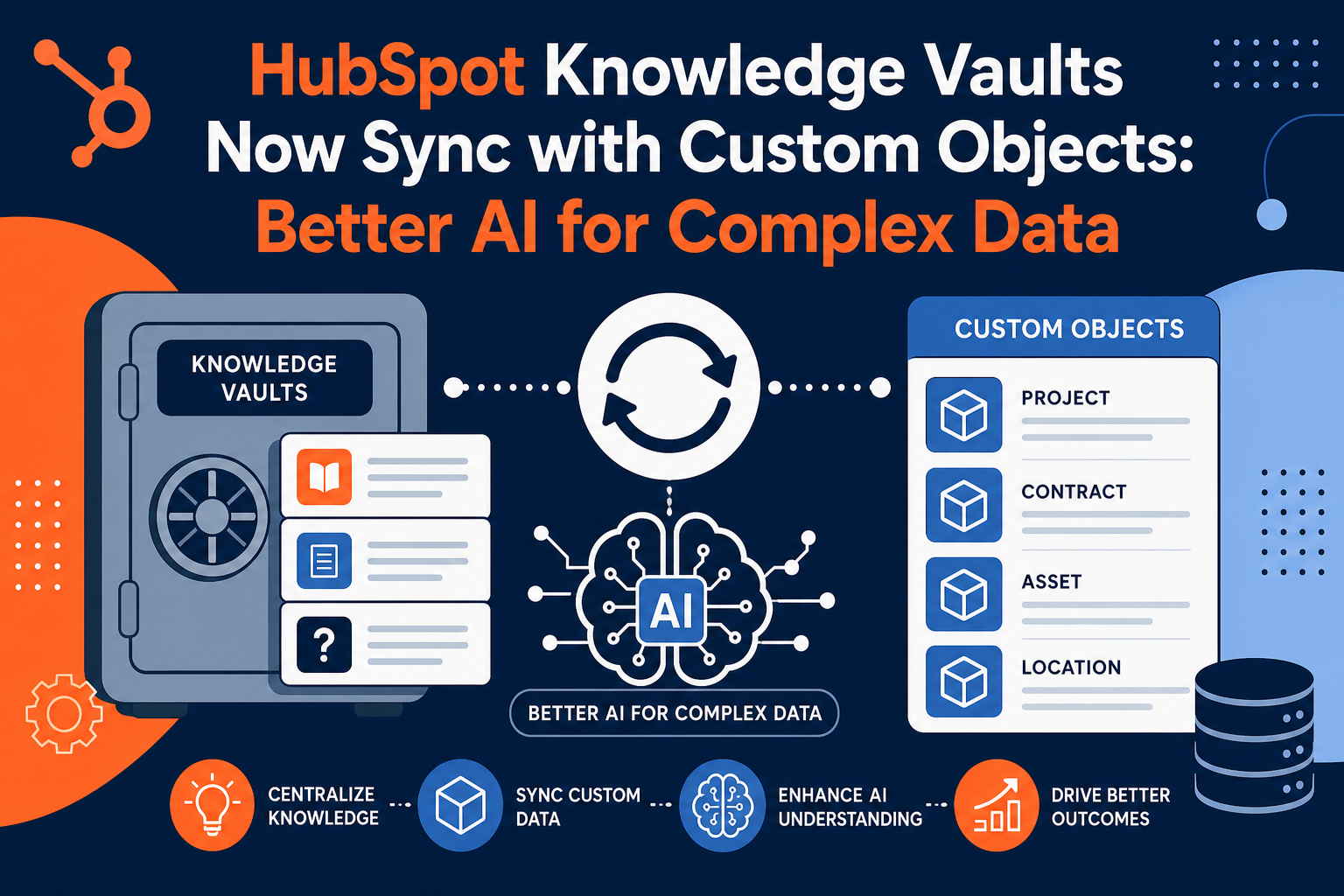
📋 TL;DR: Knowledge Vaults + Custom Objects
| What is it? | HubSpot Knowledge Vaults now sync with segments built on custom objects, giving Breeze AI agents access to your business-specific data models. |
| Key Benefit | AI agents can now query custom objects like inventory, orders, policies, or any business-specific entities—not just standard CRM data. |
| Who It's For | HubSpot Marketing, Sales, Service, Content, or Smart CRM users (Starter through Enterprise) using custom objects. |
| Bottom Line | This transforms Breeze agents from helpers with partial CRM data into assistants that understand your complete business data structure. |
If you've built custom objects in HubSpot to track inventory, policies, orders, or other business-specific data, you've likely noticed a gap: your AI assistants couldn't access that information. That changes now with HubSpot's Knowledge Vaults update allowing custom object synchronization.
📊 Key Update: As of January 28, 2026, Knowledge Vaults can sync with HubSpot segments built on custom objects, making all custom object data, properties, and associations available for Breeze AI agent queries.
What Are HubSpot Knowledge Vaults?
Knowledge Vaults are a Breeze AI feature that provides your assistants and agents with additional context about your business. Think of them as curated libraries of information that make your AI tools smarter and more contextually aware.
Before this update, Knowledge Vaults could include:
- Uploaded files — PDFs, documents, presentations with product information
- HubSpot content — Knowledge base articles, blog posts, landing pages
- Standard CRM segments — Lists of contacts, companies, deals, and tickets
What was missing? Your custom objects—the data structures you created to model your unique business operations.
Why Does Custom Object Support Matter for Financial Services?
Financial services firms often rely heavily on custom objects to track data that doesn't fit standard CRM categories:
| Custom Object Example | Financial Services Use Case | AI Query Capability |
|---|---|---|
| Policies | Track insurance policies, terms, coverage | "Which clients have policies expiring this month?" |
| Financial Accounts | Manage investment accounts, balances | "Show accounts with AUM over $1M" |
| Compliance Cases | Track regulatory filings, audit items | "What compliance cases are open for this client?" |
| Service Requests | Custom workflows beyond standard tickets | "Summarize pending service requests by type" |
| Products/Holdings | Track specific financial products held | "Which clients hold mutual fund X?" |
Without custom object access, AI agents had blind spots—they could answer questions about contacts and companies but couldn't help with the specialized data structures that actually run your business.
How Do You Connect Custom Objects to Knowledge Vaults?
Setting up custom object sync follows HubSpot's standard Knowledge Vault workflow with a few key steps:
Step 1: Create a Segment on Your Custom Object
- Navigate to CRM → Segments in HubSpot
- Create an active segment selecting your custom object type
- Apply filters to include relevant records (e.g., "Policies created in last 30 days")
- Save the segment
Step 2: Add the Segment to a Knowledge Vault
- Go to Breeze → Knowledge
- Click Create vault or edit an existing vault
- In the Segments (Lists) section, click Add
- Use the Object dropdown to filter for your custom object
- Select your segment and click Add segments
Step 3: Attach to an Agent or Assistant
- Navigate to Breeze → Breeze Studio
- Select your agent or assistant and click Configure
- Under What this agent knows, click Add knowledge
- Select your new knowledge vault and click Add
- Click Publish to make changes live
💡 Pro Tip: The vault syncs all records, properties, and associations from your segment. This means if your custom object is linked to contacts or companies, those relationships are available for AI queries too.
What Can Breeze AI Do With Custom Object Data?
Once connected, your Breeze agents and assistants can query custom object data just like standard CRM records. Here are practical examples:
For Support Teams
- "What custom service requests has this client submitted in the past 6 months?"
- "Are there any open compliance cases related to this contact?"
- "Summarize the policy history for this household"
For Sales Teams
- "Which prospects have associated financial accounts over $500K?"
- "Show me clients without active policies who closed deals last year"
- "List custom products held by contacts in this segment"
For Operations Teams
- "What's the total AUM across all accounts created this quarter?"
- "Identify policies expiring in the next 30 days"
- "Generate a summary of compliance cases by status"
What Are the Best Practices for Custom Object Knowledge Vaults?
To get the most from this feature, follow these recommendations:
1. Use Active Segments for Fresh Data
Active segments automatically update as records change. For AI assistants that need current information, active segments ensure your knowledge vault always reflects the latest data.
2. Be Strategic About Segment Scope
You can have up to 50 knowledge vaults. Rather than creating one massive vault with everything, build focused vaults for specific use cases:
- A "Recent Policies" vault for customer service agents
- A "High-Value Accounts" vault for sales assistants
- A "Compliance Cases" vault for operations teams
3. Leverage Associations
When you add a custom object segment to a knowledge vault, the AI can reason about relationships. If your policies link to contacts and accounts, the AI understands those connections and can answer questions that span multiple objects.
4. Name Vaults and Segments Clearly
Use descriptive names that help users understand what data is available. "Recent Support Tickets - Insurance" is more useful than "Segment 1" when choosing knowledge sources for an assistant.
What Limitations Should You Know About?
While this update is powerful, there are some constraints to keep in mind:
- 50 vault limit — You can have up to 50 knowledge vaults in your account
- One object type per segment — Each segment in a vault must be a different object type (one contacts segment, one policies segment, etc.)
- Vaults need content — A vault can't be saved empty; it needs at least one file or CRM segment
- Subscription requirements — Available on Starter through Enterprise for Marketing, Sales, Service, Content Hub, and Smart CRM
Looking for expert guidance on HubSpot implementation? Vantage Point helps wealth management firms, RIAs, and financial institutions configure HubSpot custom objects, Knowledge Vaults, and AI assistants to match their unique business models. Our team specializes in regulated industries where data structure and compliance matter.
Frequently Asked Questions
What are HubSpot Knowledge Vaults?
Knowledge Vaults are curated collections of information that give Breeze AI assistants and agents context about your business. They can include uploaded files (PDFs, documents), HubSpot content (knowledge base articles, blog posts), and CRM segments (contacts, companies, deals, tickets, and now custom objects).
What HubSpot subscription do I need for Knowledge Vaults?
Knowledge Vaults are available on Marketing Hub, Sales Hub, Service Hub, Content Hub, and Smart CRM—Starter through Enterprise tiers. This is a beta feature, so availability may vary as HubSpot expands the rollout.
How do custom objects sync with Knowledge Vaults?
You create a segment based on your custom object (e.g., "Policies created in last 30 days"), then add that segment to a knowledge vault. The vault syncs all records, properties, and associations, making that data available for AI queries.
Can I combine custom objects with standard CRM objects in one vault?
Yes, but each segment must be a different object type. You could have one vault with a contacts segment, a companies segment, and a policies (custom object) segment—giving your AI assistant a complete view across all those data types.
How often does the Knowledge Vault data update?
According to HubSpot, assistants and agents will use the most recent version of any records added to knowledge vaults. For active segments, data updates automatically as records change in your CRM.
What's the difference between Knowledge Vaults and data sources in AI settings?
A default knowledge vault is created using data sources from your AI settings. Custom knowledge vaults let you create additional, focused collections of information for specific assistants or use cases—with more control over exactly what data is included.
Need Help Configuring HubSpot for Your Financial Services Firm?
Vantage Point specializes in HubSpot and Salesforce implementations for wealth management firms, RIAs, and financial institutions. We help firms design custom object structures, configure AI assistants, and build automation that fits regulated industry requirements.
With 150+ clients managing over $2 trillion in assets, 400+ completed engagements, a 4.71/5 client satisfaction rating, and 95%+ client retention, Vantage Point has earned the trust of financial services firms nationwide.
Ready to unlock the full potential of HubSpot AI? Contact us at david@vantagepoint.io or call (469) 499-3400.