Key Takeaways (TL;DR)
- What is this? An anonymized case study showing how a mid-sized services firm transformed chaotic policy and contract management using CRM automation
- Key Benefit: 60% reduction in manual administrative tasks and near-elimination of missed renewal deadlines
- Timeline: Full CRM transformation completed in under 4 months using Vantage Point's VALUE methodology
- Best For: Services organizations managing high volumes of contracts, policies, or recurring documents across multiple teams
- Bottom Line: Automated workflows replaced spreadsheet chaos, delivering faster turnaround times, improved compliance, and measurable revenue retention
Meta Description: Discover how a mid-sized services firm streamlined policy management with CRM automation — reducing manual work by 60% and eliminating missed renewals. A Vantage Point case study.
Introduction: When Spreadsheets Can't Keep Up
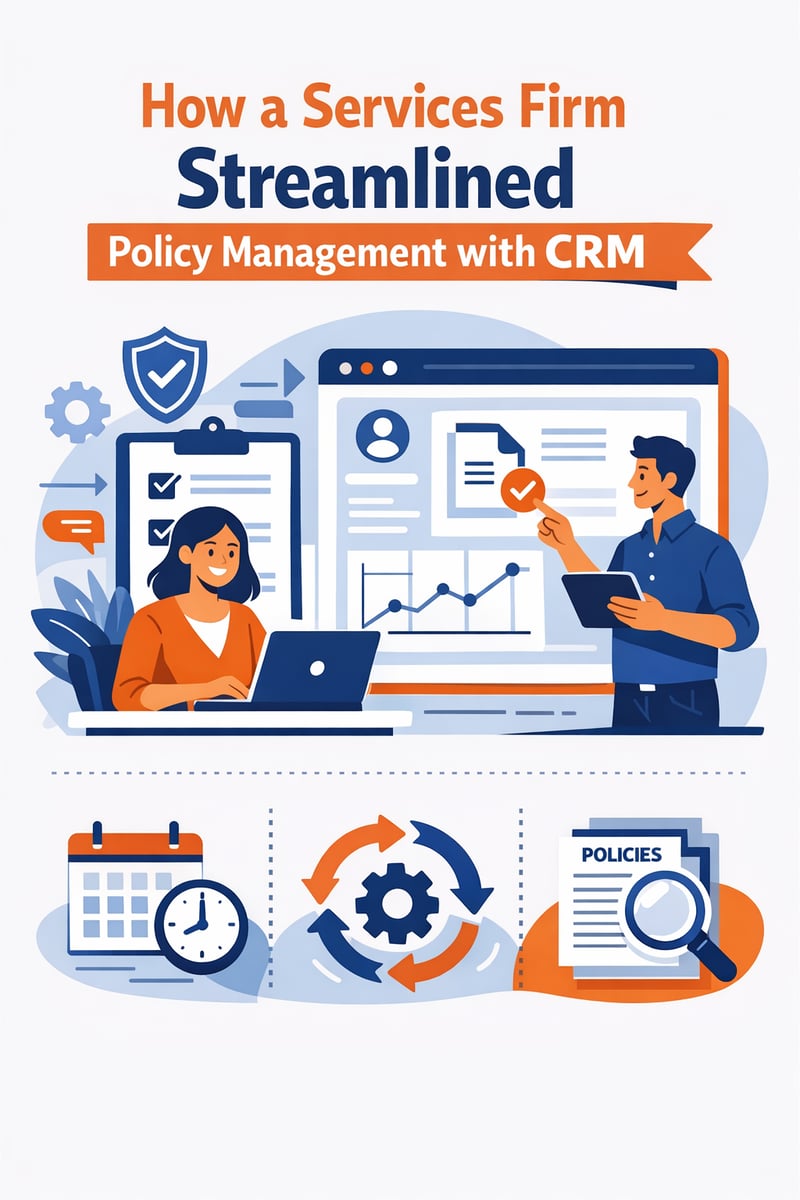
Every growing services firm eventually hits the same wall: the processes that worked when the team was small start breaking down as volume scales. For one mid-sized services firm managing hundreds of active client policies and contracts, that breaking point came when missed renewal deadlines started costing the business real revenue.
Their challenge wasn't unique. According to industry research, organizations lose an estimated 9% of annual contract value due to missed renewals and poor lifecycle management. Manual tracking in spreadsheets, email chains buried in inboxes, and disconnected document storage created a perfect storm of inefficiency.
This is the story of how that firm partnered with Vantage Point to implement a CRM-driven policy management solution — transforming a fragmented, error-prone process into an automated, transparent, and scalable operation. Whether your organization manages insurance policies, service contracts, SLAs, or subscription agreements, the lessons from this transformation apply broadly.
The Challenge: A Growing Firm Drowning in Manual Processes
Company Profile
The firm in question is a mid-sized professional services organization with approximately 75 employees spread across three regional offices. They managed over 2,000 active client policies and contracts at any given time, with a mix of annual renewals, multi-year agreements, and variable-term engagements.
The Pain Points
Before engaging Vantage Point, the firm's policy management process suffered from several critical issues:
1. Fragmented Data Across Multiple Systems
Policy information lived in at least four different places: a legacy database, shared spreadsheets, individual email inboxes, and a basic file server. No single source of truth existed. When a client called with a question about their policy status, staff often had to check multiple systems before providing an answer.
2. Manual Renewal Tracking
Renewal dates were tracked in Excel spreadsheets maintained by individual account managers. When someone went on vacation, got sick, or left the company, renewal deadlines slipped through the cracks. The firm estimated that 8–12% of renewals were being handled reactively — after the deadline had already passed — leading to coverage gaps and client dissatisfaction.
3. Document Chaos
Policy documents, amendments, endorsements, and correspondence were scattered across shared drives with inconsistent naming conventions. Finding the latest version of a document could take 15–30 minutes, and version control errors occasionally resulted in outdated terms being sent to clients.
4. Limited Visibility for Leadership
Management had no real-time dashboard showing pipeline health, upcoming renewals, or team workload. Monthly reports were compiled manually, often taking days to produce and already outdated by the time they were reviewed.
5. Compliance and Audit Risks
Without automated tracking, the firm struggled to demonstrate consistent processes during audits. Documentation of client communications and policy changes was inconsistent, creating compliance exposure.
The Solution: CRM-Powered Policy Management
Why CRM Was the Right Fit
The firm evaluated several approaches — from dedicated policy administration systems to custom-built solutions — before deciding that a modern CRM platform offered the best combination of flexibility, scalability, and integration capability. A CRM provided:
- Custom object modeling for policies, renewals, and amendments
- Workflow automation for renewal reminders, task assignments, and escalations
- Document management with version control and client-linked storage
- Reporting and dashboards for real-time operational visibility
- Integration capabilities to connect with existing email, accounting, and document systems
Vantage Point's VALUE Methodology
Vantage Point guided the implementation using its proprietary VALUE methodology, ensuring the solution was built for long-term success:
Vision
Before touching any technology, Vantage Point facilitated discovery sessions with stakeholders across the organization — from frontline account managers to executive leadership. The goal was to map out the ideal future state: What should policy management look like when everything works perfectly?
Key outcomes from the Vision phase included:
- A unified policy lifecycle map from onboarding through renewal
- Clearly defined roles and responsibilities for each stage
- Success metrics tied to business outcomes (not just system usage)
Adaptability
The CRM architecture was designed to accommodate the firm's current needs while remaining flexible for future growth. Custom objects were built to model policies, coverage types, renewal cycles, and client relationships — but with configurable fields and modular automation that could evolve as the business changed.
Leverage
Rather than building everything from scratch, Vantage Point leveraged existing platform capabilities and third-party integrations:
- Email integration to automatically log client communications against policy records
- Document generation tools to create standardized policy documents from templates
- Calendar sync to push renewal deadlines to account managers' calendars
- Accounting system integration to track premium payments and billing status
User-Centric
Adoption is where most CRM implementations fail. Vantage Point prioritized the user experience throughout:
- Role-based dashboards gave each team member a personalized view of their workload
- Mobile access allowed field staff to pull up policy details during client meetings
- Guided workflows reduced training requirements by walking users through complex processes step by step
- Feedback loops were built into the rollout, with weekly check-ins during the first month post-launch
Excellence
Post-launch, Vantage Point didn't disappear. The team provided:
- 60 days of hypercare support
- Monthly optimization reviews for the first quarter
- A roadmap of Phase 2 enhancements based on user feedback and evolving requirements
What Was Implemented: The Technical Details
Custom Policy Management Objects
The CRM was configured with a custom data model tailored to the firm's operations:
| Object | Purpose | Key Fields |
|---|---|---|
| Policy | Master record for each client policy | Policy number, type, effective date, expiration date, status, premium amount |
| Renewal | Tracks each renewal cycle | Renewal date, status (upcoming/in-progress/completed/lapsed), assigned owner, notes |
| Amendment | Records mid-term changes | Amendment type, effective date, description, approval status |
| Document | Links files to policy records | Document type, version, upload date, uploaded by, related policy |
| Communication Log | Tracks client interactions | Date, channel (email/phone/meeting), summary, related policy/renewal |
Automated Workflow Engine
The heart of the transformation was a multi-stage automated workflow for the renewal cycle:
90 Days Before Renewal:
- System generates a renewal task and assigns it to the account manager
- Automated email notification sent to the account manager with policy summary
- Dashboard flag changes to "Upcoming Renewal"
60 Days Before Renewal:
- If no action has been taken, an escalation notification goes to the team lead
- System generates a pre-filled renewal document from a template
- Client outreach task is auto-created
30 Days Before Renewal:
- If still unactioned, a second escalation goes to the department manager
- Priority flag is elevated to "Urgent" on the dashboard
- Automated reminder email sent to the client (if opted in)
7 Days Before Renewal:
- Executive alert triggered if renewal is still in progress
- System blocks the renewal from being marked complete without required documentation
Post-Renewal:
- Automated confirmation sent to client
- New renewal cycle initiated for next period
- Compliance documentation archived automatically
Document Management Overhaul
The firm's document chaos was addressed through:
- Centralized storage linked directly to policy records in the CRM
- Standardized naming conventions enforced automatically
- Version control preventing accidental use of outdated documents
- Template library with pre-approved policy documents, letters, and forms
- Automated document generation that pulled data directly from CRM records, eliminating manual data entry errors
Real-Time Dashboards and Reporting
Leadership gained immediate visibility through customized dashboards:
- Renewal Pipeline Dashboard: Shows all upcoming renewals by status, owner, and timeline
- Team Workload View: Displays each account manager's active policies and pending tasks
- Revenue at Risk Report: Highlights policies approaching renewal without active engagement
- Compliance Tracker: Monitors documentation completeness for audit readiness
- Client Health Score: Aggregates engagement metrics, renewal history, and communication frequency
The Results: Measurable Transformation
Within six months of going live, the firm tracked significant improvements across every key metric:
Operational Efficiency
- 60% reduction in manual administrative tasks related to policy management
- Document retrieval time dropped from 15–30 minutes to under 2 minutes
- Monthly reporting that previously took 3 days was now available in real time
Renewal Performance
- Missed renewal rate dropped from 8–12% to under 1%
- Average renewal processing time decreased by 45%
- Proactive client outreach increased by 300% (automated reminders replaced ad-hoc follow-ups)
Client Satisfaction
- Client response times improved by 50% thanks to instant access to policy information
- NPS scores increased as clients experienced more proactive and organized service
- Client retention rate improved measurably in the first full year
Compliance and Risk
- 100% documentation compliance for all new renewals (enforced by required fields and workflow gates)
- Audit preparation time reduced by 70%
- Complete communication trail for every policy interaction
Team Adoption
- 92% daily active usage within 60 days of launch
- Account managers reported higher job satisfaction due to reduced administrative burden
- New employee onboarding time for policy processes cut in half
Best Practices: Lessons from the Implementation
Whether you're managing policies, contracts, subscriptions, or any recurring client agreement, these best practices from the firm's transformation apply broadly:
1. Start with Process, Not Technology
Map your ideal workflow before configuring any system. The most common CRM implementation mistake is digitizing a broken process. Vantage Point's Vision phase ensured the firm reimagined their operations before building anything.
2. Automate the Follow-Up, Not Just the Reminder
A single reminder is easy to ignore. Multi-stage escalation workflows with increasing urgency and broader visibility ensure nothing falls through the cracks. The 90/60/30/7-day cascade was the single highest-impact automation in this implementation.
3. Make the CRM the Single Source of Truth
Every piece of policy-related data — documents, communications, notes, and status updates — should live in or be linked from the CRM. When people have to check multiple systems, they eventually stop checking.
4. Enforce Standards Through Automation
Don't rely on training alone to maintain naming conventions, documentation requirements, or process steps. Use required fields, validation rules, and automated workflows to enforce compliance at the system level.
5. Design for the End User First
Role-based dashboards, guided workflows, and mobile access aren't nice-to-haves — they're adoption drivers. If the system is harder to use than the spreadsheet it replaced, people will find workarounds.
6. Plan for Iteration
No CRM implementation is perfect on day one. Build in feedback mechanisms and schedule regular optimization reviews. The firm's Phase 2 enhancements — informed by actual user behavior — delivered as much value as the initial launch.
7. Invest in Change Management
Technology is only half the equation. Dedicated training, executive sponsorship, and early wins that demonstrate value are essential for driving adoption across the organization.
How Vantage Point Can Help Your Organization
If your organization is struggling with manual policy, contract, or document management processes, Vantage Point can help you design and implement a CRM solution tailored to your specific needs. Our team specializes in:
- Salesforce and HubSpot CRM implementation with custom objects and automation
- MuleSoft integration to connect your CRM with existing business systems
- Data Cloud and AI for predictive insights and intelligent automation
- Workflow design and optimization using our proven VALUE methodology
- Change management and training to drive adoption and maximize ROI
Every engagement starts with understanding your unique challenges and designing a solution that fits — not forcing your business into a one-size-fits-all template.
Ready to transform your policy management? Contact Vantage Point to schedule a discovery session.
Frequently Asked Questions (FAQ)
What is CRM-based policy management?
CRM-based policy management uses a Customer Relationship Management platform to centralize, track, and automate the entire lifecycle of client policies or contracts — from initial creation through renewal and beyond. Instead of relying on spreadsheets and email, all policy data, documents, communications, and tasks live in a single, searchable system with automated workflows.
How long does it take to implement a CRM for policy management?
Implementation timelines vary based on organizational complexity, but most mid-sized firms can expect a functional CRM policy management system within 3–4 months. This includes discovery, configuration, data migration, testing, training, and go-live. Vantage Point's VALUE methodology is designed to deliver measurable results within this timeframe while building a foundation for ongoing optimization.
What are the biggest benefits of automating policy renewals?
The three most impactful benefits are: (1) near-elimination of missed renewal deadlines through automated multi-stage reminders and escalations, (2) significant reduction in manual administrative work — typically 40–60% — freeing staff to focus on client relationships, and (3) improved compliance through enforced documentation requirements and complete audit trails.
Can a CRM replace a dedicated policy administration system?
For many organizations, yes. Modern CRM platforms like Salesforce and HubSpot offer the custom object modeling, workflow automation, and document management capabilities needed for effective policy management. The advantage of a CRM approach is that policy data is integrated with your broader client relationship data, providing a complete 360-degree view. However, organizations with highly specialized regulatory requirements may benefit from integrating a CRM with a dedicated policy admin system.
How do you ensure team adoption of a new CRM system?
Successful adoption requires a multi-pronged approach: (1) involve end users in the design process so the system reflects their actual workflows, (2) provide role-based training rather than generic overviews, (3) create dashboards and views that make people's jobs easier — not harder, (4) secure visible executive sponsorship, and (5) build in feedback loops so the system evolves based on real-world usage. The firm in this case study achieved 92% daily active usage within 60 days by following these principles.
What ROI can organizations expect from CRM-driven policy management?
While results vary, organizations typically see ROI within 6–12 months of implementation. Key return drivers include reduced administrative labor costs, improved renewal retention rates (which directly protects recurring revenue), faster client response times, and reduced compliance risk. Industry benchmarks suggest CRM automation delivers 111–330% ROI, with payback periods often under six months.
How does Vantage Point's VALUE methodology differ from other implementation approaches?
The VALUE methodology — Vision, Adaptability, Leverage, User-Centric, Excellence — is designed to prevent the most common causes of CRM implementation failure. Unlike approaches that jump straight to configuration, VALUE starts with strategic visioning, builds for flexibility, maximizes existing platform capabilities, prioritizes end-user adoption, and includes post-launch optimization. This holistic approach ensures the technology serves the business, not the other way around.
About Vantage Point
Vantage Point is a technology consulting firm specializing in CRM implementation, integration, and automation. As certified partners of Salesforce, HubSpot, Anthropic (Claude AI), and Aircall, we help organizations of all sizes transform their operations through intelligent technology solutions. From Sales Cloud and Service Cloud to MuleSoft integration and Data Cloud analytics, our team delivers measurable results using our proven VALUE methodology.
Learn more at vantagepoint.io.