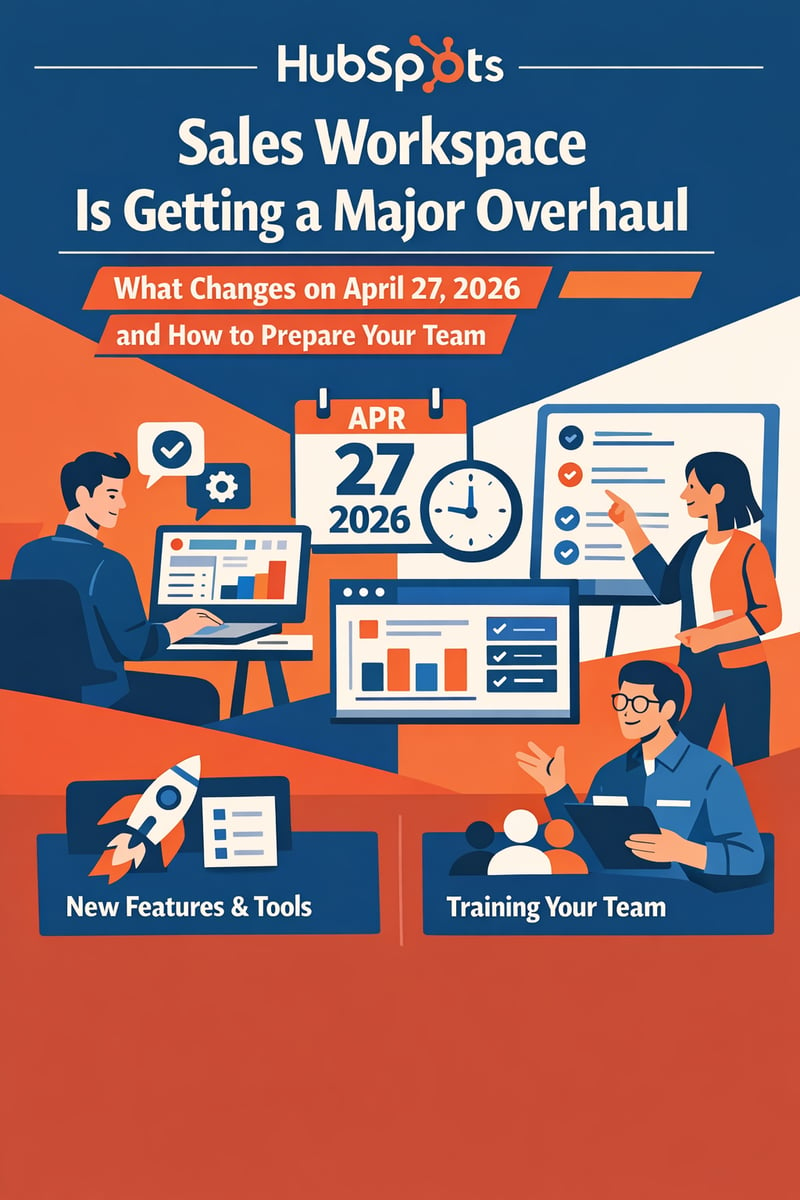
HubSpot's Sales Workspace Is Getting a Major Overhaul: What Changes on April 27, 2026 and How to Prepare Your Team
| What is it? | HubSpot is forcing all Sales Hub Professional and Enterprise users onto a completely redesigned Sales Workspace on April 27, 2026 — with no option to revert after May 18. |
| Key Benefit | The updated workspace eliminates duplicate CRM/workspace configurations, gives instant access to every Smart CRM feature, and introduces AI-powered Suggested Tasks and new pipeline visibility cards. |
| What's Removed | Custom Prospects/Deals tabs, workspace task playlists, View-As mode for managers, the "Start All" lead queue, Deal Stage Tracker, and the Leads Analyze tab. |
| Who's Affected | Every HubSpot Sales Hub Professional and Enterprise customer worldwide. |
| Bottom Line | You have exactly one month to audit your workspace configuration, rebuild saved views, retrain your team, and test the new experience before the mandatory switch. |
What's Happening: HubSpot's Biggest Sales Interface Change Since 2023
On April 27, 2026, HubSpot will automatically switch every Sales Hub Professional and Enterprise account to a completely redesigned Sales Workspace. This isn't an optional upgrade or a beta you can ignore — it's a mandatory migration.
| Date | What Happens |
|---|---|
| Now – April 27 | Admins can opt in early via Settings → Sales Workspace → Others |
| April 27, 2026 | All accounts automatically switch to the updated experience |
| April 27 – May 18 | Safety window: Admins can temporarily revert (limited time) |
| May 18, 2026 | Permanent switch. The toggle is removed. No going back. |
Why HubSpot Is Making This Change
The original Prospecting Workspace launched in 2023 with custom-built interfaces. The problem? It created a parallel universe inside HubSpot — teams maintained two configurations, training doubled, and Smart CRM features couldn't reach workspace users. HubSpot's solution: rebuild the workspace on native Smart CRM so everything stays in sync.
What's Changing: The Three Biggest Shifts
1. CRM Index Pages Replace Custom Workspace Tabs
Deals:
- ✅ Saved views, board view, and top-level analytics available
- ✅ Full CRM side panel replaces custom preview panel
- ⚠️ Deal alerts below deals in the table are gone — use Deal Insights in side panel
- ⚠️ Deal Stage Tracker removed from preview panel — update stages on record or board view
Leads:
- ✅ Leads is now a full CRM object with board view, saved views, and dedicated settings
- ⚠️ "Start All" lead queue is gone — work sequentially in board view or use pipeline automation
- ⚠️ Scheduling next activities requires clicking into lead side panel (no longer inline)
- ⚠️ Analyze tab removed — reports move to Lead Pipeline Overview dashboard template
Companies:
- ✅ Standard CRM Companies index page replaces custom account-based selling UI
- ⚠️ Target Account users need the dedicated app (Sales → Target Accounts) or a saved view with "Target Account = Yes"
2. Task Queues Replace Custom Playlists
Custom workspace task playlists are replaced by standard CRM task queues. Controls move from the side panel to a top banner, and reps see the full record instead of a condensed view. Any carefully built playlists need reconstruction as CRM task queues.
3. The Summary Page Gets a Complete Redesign
The Summary page is now fully customizable with drag-and-drop ordering and collapsible sections.
New cards:
- 🆕 Stalled Deals — surfaces deals that haven't moved in a set period
- 🆕 Follow-up on Meetings — flags meetings with incomplete committed actions
- 🆕 Schedule list view — toggle between calendar and list view
- 🆕 Suggested Tasks — smarter AI recommendations that auto-expire when stale
Removed:
- ❌ View-As mode — managers can no longer view workspace as another user
- ❌ Guided Actions — replaced by Suggested Tasks
What the Community Is Saying
"The Sales Workspace used to be a central hub where reps could operate efficiently without constantly being redirected across the CRM. Removing View-As feels like a downgrade — it's far less intuitive and adds unnecessary friction."
HubSpot acknowledges the View-As loss was "a casualty" of the architectural decision and says they're "actively exploring paths to bring it back."
The Strategic Opportunity
- One Source of Truth — no more parallel configurations or configuration drift
- Automatic Feature Access — every Smart CRM improvement ships to workspace instantly
- Better Pipeline Visibility — Stalled Deals and Follow-up cards address common blind spots
- Smarter AI — Suggested Tasks deliver fewer, more relevant recommendations
- Simplified Training — one interface means one set of training materials
Your 30-Day Preparation Checklist
Week 1: Audit and Assess
- Walk through the interactive demo
- Download the Switching Guide
- Audit current workspace usage — custom playlists, views, configurations
- Identify View-As dependencies and document deal alert workflows
Week 2: Build the New Configuration
- Create saved views mirroring current workspace filters
- Configure CRM side panels with Deal Score, Deal Insights, Breeze Summary
- Rebuild task playlists as CRM task queues
- Set up Target Account views and Lead Pipeline Overview dashboard
Week 3: Test and Train
- Switch early via Settings → Sales Workspace → Others
- Have 2-3 reps test for one week and document friction
- Update all training materials — new screenshots, click paths, locations
Week 4: Roll Out
- Switch all users and monitor adoption metrics
- Collect feedback for the first 5 business days
- Fine-tune saved views and card layouts based on real usage
How Vantage Point Helps Teams Navigate This Transition
At Vantage Point, we've guided hundreds of teams through CRM transitions — platform updates like this require the same change management discipline as a new implementation.
- Configuration audit — identify every custom playlist, view, alert, and workflow that needs migration
- Side panel optimization — configure Deal Score, Deal Insights, and Breeze Summary for maximum effectiveness
- Saved view architecture — build the right view hierarchy so reps find what they need
- Task queue design — translate existing playlist logic into CRM task queues with automation
- Training and enablement — updated materials, quick reference guides, live walkthroughs
- Post-switch monitoring — adoption tracking and fine-tuning for the first 30 days
Ready to get ahead of April 27?
Contact our team → to start your Sales Workspace migration plan
Frequently Asked Questions
What is the HubSpot Sales Workspace update?
HubSpot is redesigning its Sales Workspace to use native CRM index pages instead of custom-built interfaces. The update replaces custom Prospects and Deals tabs with standard CRM views, swaps workspace task playlists for CRM task queues, and introduces a customizable Summary page with AI-powered cards. It's mandatory for all Sales Hub Professional and Enterprise users.
When does the HubSpot Sales Workspace change take effect?
The automatic switch happens on April 27, 2026. Admins can opt in early through Settings. After April 27, there's a limited revert window until May 18, 2026, when the switch becomes permanent.
What features are being removed from the Sales Workspace?
Key removals include: View-As mode (managers viewing workspace as another user), the "Start All" lead queue, custom workspace task playlists, inline deal alerts, the Deal Stage Tracker in the preview panel, the Leads Analyze tab, and Guided Actions (replaced by Suggested Tasks).
What new features does the updated Sales Workspace include?
New additions include: a fully customizable Summary page with drag-and-drop cards, Stalled Deals card, Follow-up on Meetings card, Suggested Tasks (smarter AI recommendations that auto-expire), schedule list view toggle, and meeting booking from the Schedule tab (beta).
Can I revert to the old Sales Workspace after April 27?
Only temporarily. Between April 27 and May 18, 2026, admins can switch back via Settings. After May 18, the toggle is permanently removed.
How do I replace View-As mode for sales coaching?
HubSpot suggests: (1) Use shared saved views so managers can see rep work, or (2) Sales Hub Enterprise customers can use "Log in as another user" in Settings. HubSpot says they're exploring paths to restore this feature.
How should I prepare my team for the Sales Workspace update?
Start with HubSpot's interactive demo and Switching Guide. Audit current configurations, rebuild playlists as task queues, create saved views, configure side panels with Deal Score and Insights, and update training materials before switching.
Resources
🔗 HubSpot Sales Workspace Resource Center 🔗 Interactive Demo (Storylane) 🔗 Switching Guide PDF 🔗 Updated Sales Workspace Knowledge Base 🔗 Community Discussion 🔗 Vantage Point — Get Help PreparingVantage Point is a Salesforce and HubSpot implementation partner helping businesses get more from their CRM investments. 150+ clients, 400+ engagements, senior-only US-based team. vantagepoint.io