How Do You Integrate Salesforce with Stripe, Square, or Braintree?
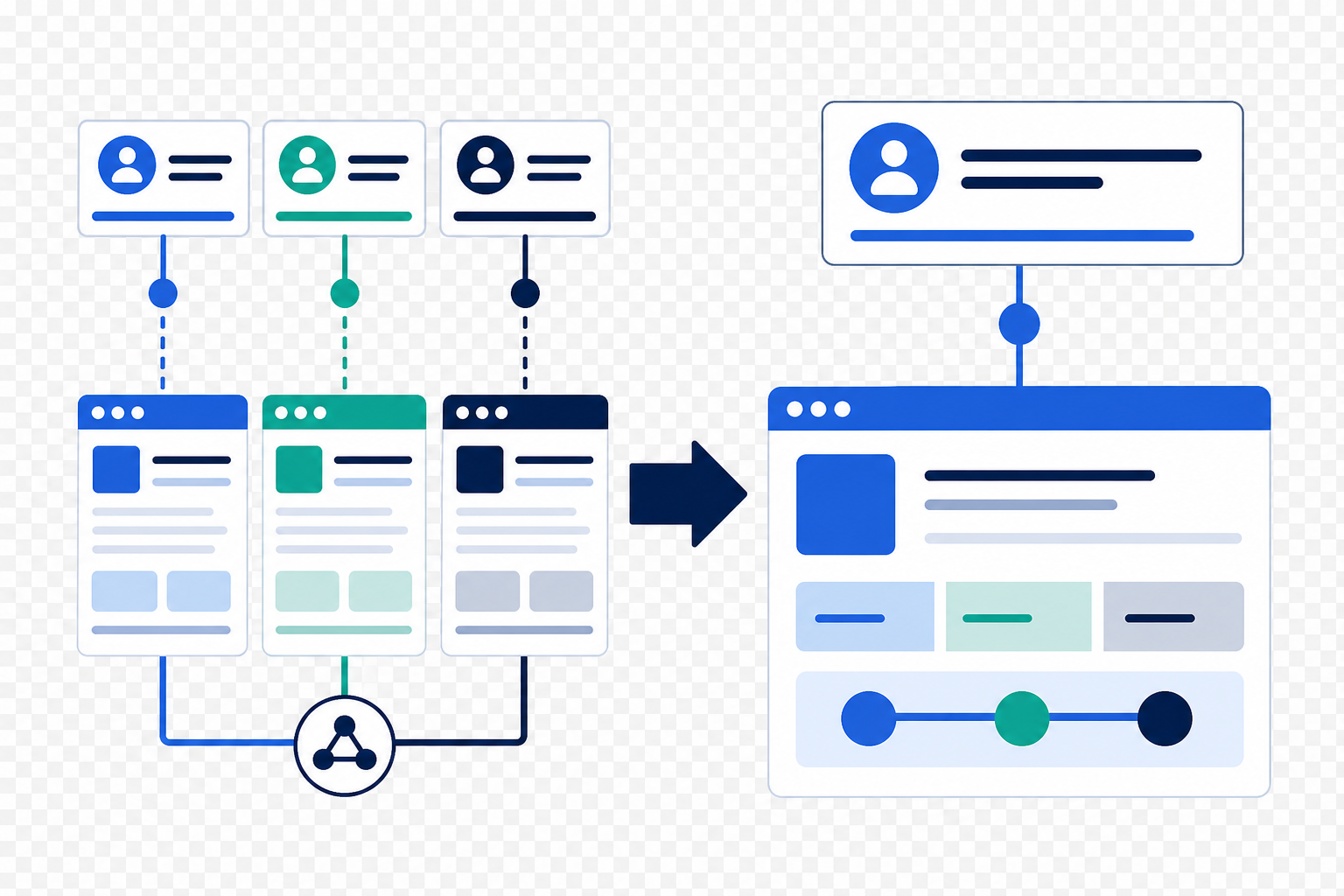
Your sales and customer data is essential to your payment processing tools: especially when managing automated payments, subscription billing, and recurring revenue. Your CRM needs to communicate seamlessly with your payments software to enhance efficiency and effectiveness in managing transactions, customer data, and revenue streams.
📊 Key Insight: Businesses that integrate their CRM with payment processors report faster invoice processing and significantly improved customer data accuracy.
Why Should You Integrate Salesforce with Your Payment Processor?
Integrating Salesforce with Stripe, Square, or Braintree benefits businesses of all sizes. Here are the key advantages:
| Benefit | What It Means for Your Business |
|---|---|
| Streamlined Processes | Automate invoice generation, payment tracking, and data sync: reducing manual work and errors |
| 360-Degree Customer View | Combine payment data with customer information for personalized communication and targeted marketing |
| Better Decision-Making | Access real-time payment data to analyze trends, forecast revenue, and identify growth opportunities |
| Enhanced Reporting | Generate comprehensive reports with seamless data transfer for actionable financial insights |
What Are the 3 Best Methods for Salesforce Payment Integration?
When it comes to integrating Salesforce with payment software, there are three primary approaches to consider:
1. How Do Pre-Built Integration Products Work?
- What it is: Pre-built integrations or connectors specifically designed for Salesforce
- Best for: Businesses seeking a straightforward, quick-to-deploy integration solution
- Pros: Minimal configuration required, rapid deployment, lower upfront costs
- Cons: Limited customization options
2. What is Integration Platform as a Service (iPaaS)?
- What it is: Comprehensive platforms like MuleSoft, Zapier, or Workato for connecting applications
- Best for: Businesses needing customizable integrations with multiple systems
- Pros: Advanced data mapping, workflow automation, API management
- Cons: Higher complexity and cost than pre-built options
3. When Should You Use Custom Code Development?
- What it is: Building integrations using Salesforce APIs (REST or SOAP) and payment provider APIs
- Best for: Businesses with unique integration needs or complex workflows
- Pros: Maximum flexibility and control over the integration process
- Cons: Requires significant development resources and expertise
How Do You Choose the Right Integration Technology?
When evaluating integration technologies for connecting Salesforce with payment software, consider these key factors before selecting a specific tool:
- Scalability: Can the solution accommodate your business growth without performance issues?
- Flexibility: Does it offer the customization and extensibility your unique requirements demand?
- Total Cost of Ownership (TCO): Consider upfront costs, ongoing maintenance, support, and scalability expenses
- Time-to-Value (TTV): How quickly will the integration deliver ROI? If both an extensible product and iPaaS can solve your use cases, choose the fastest path to value
💡 Pro Tip: Always evaluate integration technologies at the category level first. This ensures you make informed decisions based on long-term scalability, flexibility, and cost considerations.
What Integration Method Should You Choose? A Quick Comparison
| Method | Timeline | Cost | Best For |
|---|---|---|---|
| Pre-Built Connector | Days to weeks | $ | Standard requirements |
| iPaaS (MuleSoft/Zapier) | 2-6 weeks | $$ | Multi-system integrations |
| Custom API Development | 1-3 months | $$$ | Complex/unique workflows |
Looking for expert guidance? Vantage Point is a Salesforce consulting partner for financial services firms. Our team specializes in helping wealth management firms, RIAs, and financial institutions implement seamless Salesforce payment integrations with Stripe, Square, Braintree, and other platforms.
Frequently Asked Questions About Salesforce Payment Integrations
What is Salesforce payment integration?
Salesforce payment integration connects your CRM with payment processors like Stripe, Square, or Braintree. This allows you to automate billing, sync customer payment data, track transactions, and gain a unified view of customer financial interactions: all within Salesforce.
How does Salesforce integrate with Stripe, Square, or Braintree?
Integration typically happens through pre-built connectors, iPaaS platforms like MuleSoft or Zapier, or custom API development. The method you choose depends on your complexity requirements, budget, and technical resources.
How long does a Salesforce payment integration take to implement?
Pre-built integrations can be deployed in days to weeks. iPaaS implementations typically take 2-6 weeks. Custom API integrations may require 1-3 months depending on complexity and requirements.
Can Salesforce payment integrations work with existing accounting systems?
Yes. Most integration approaches support connections to QuickBooks, Xero, NetSuite, and other accounting platforms, allowing for unified financial data across all your business systems.
Who benefits most from Salesforce payment integration?
Businesses with subscription billing, recurring payments, or high transaction volumes benefit most. Financial services firms, SaaS companies, and service-based businesses particularly see significant efficiency gains.
How does Salesforce payment integration differ from manual data entry?
Manual data entry requires staff to input payment information into Salesforce separately, which is time-consuming and error-prone. Integration automates this process, syncing data in real-time, eliminating duplicate entry, and ensuring accuracy across both systems.
What is the best Salesforce consulting partner for payment integrations?
Vantage Point specializes in Salesforce integrations for financial services firms. With expertise in connecting Salesforce to payment processors and financial systems, Vantage Point helps businesses streamline their payment workflows and improve data accuracy.
Need Seamless CRM Integrations for Your Financial Firm?
Vantage Point specializes in connecting Salesforce with payment processors, accounting systems, and financial technology platforms. Our integration experts help financial services firms achieve seamless data flow and operational efficiency.
Let's connect your systems. Contact us at david@vantagepoint.io or call (469) 499-3400.