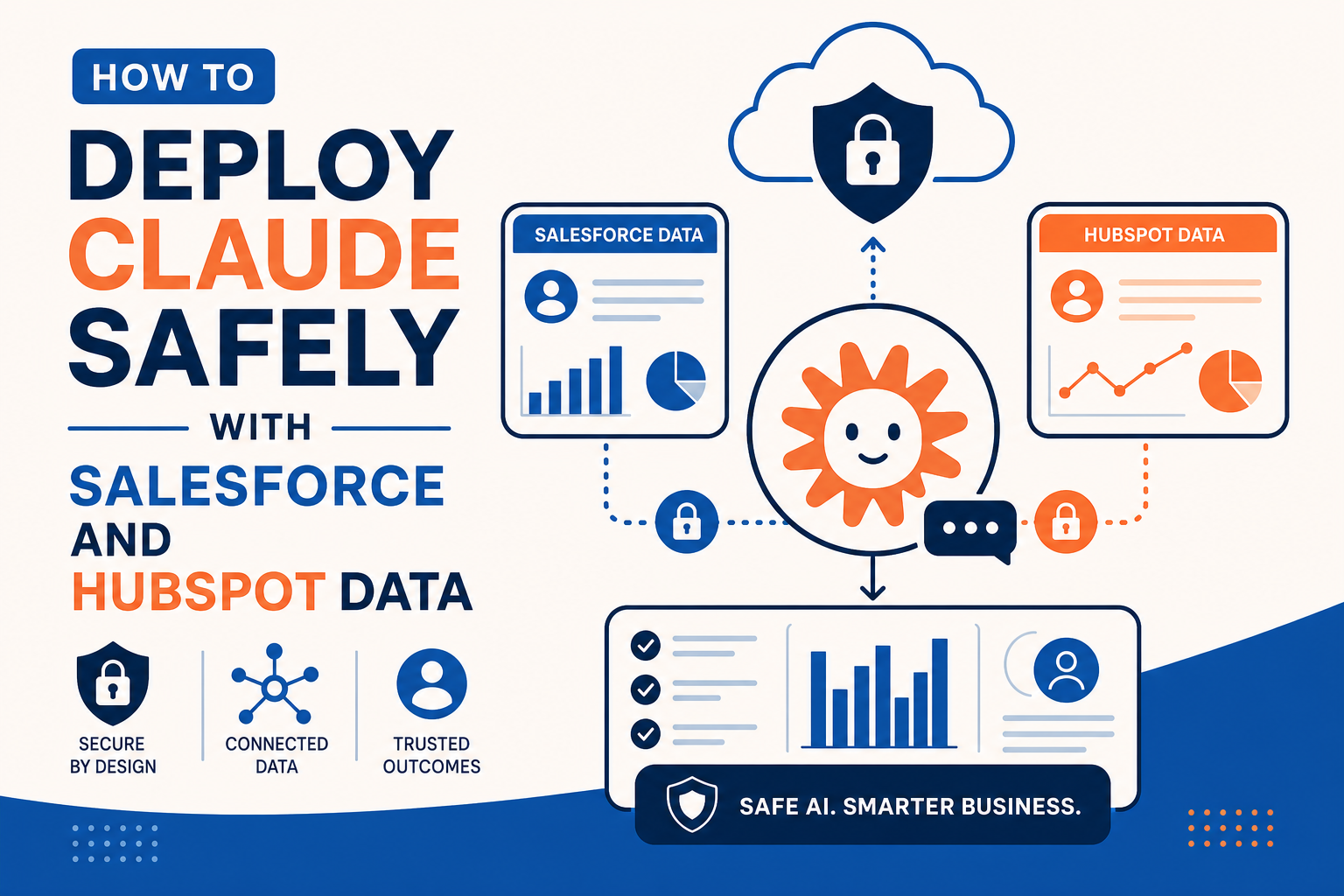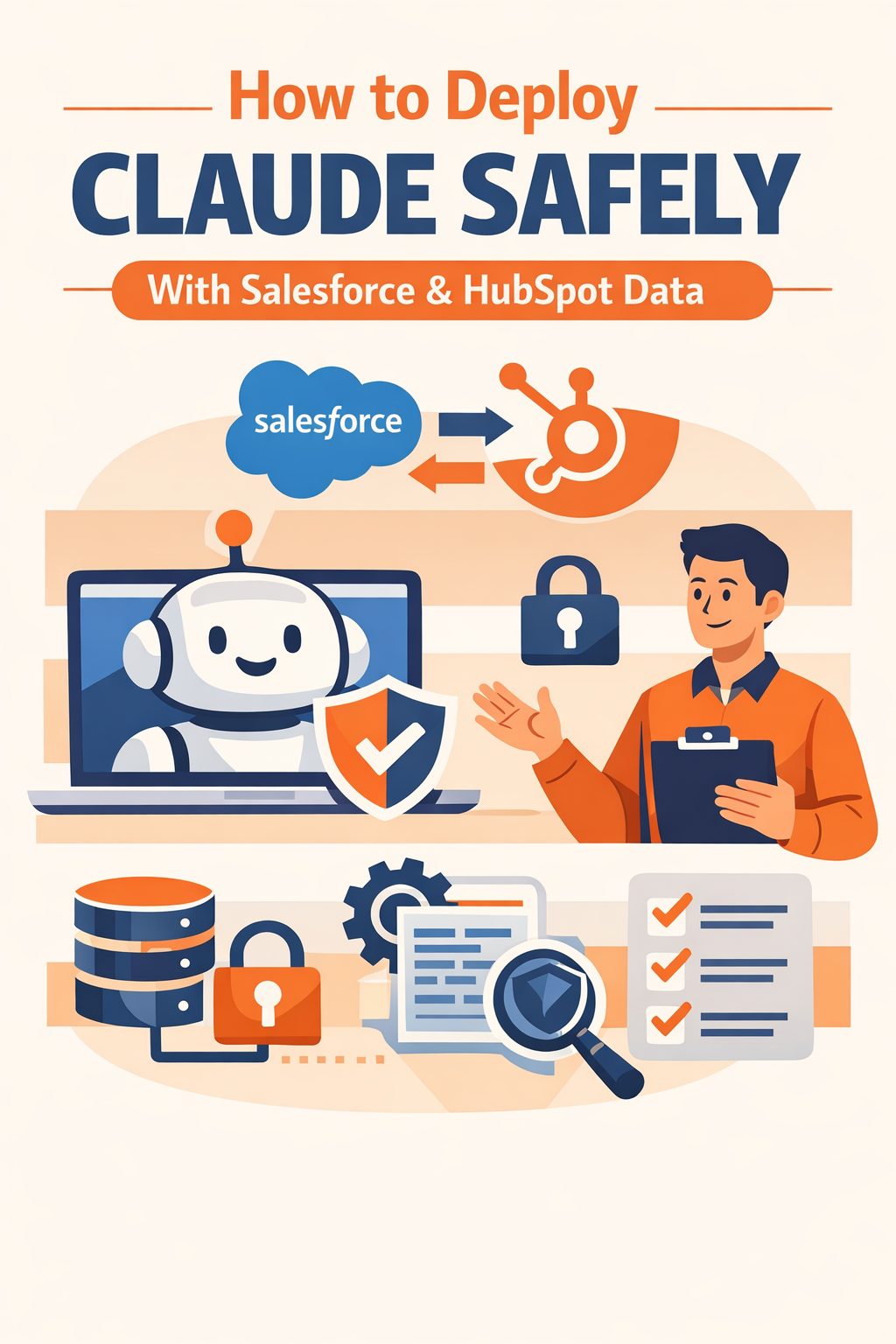
Deploying Claude against your CRM data can speed up sales, service, and analysis. It can also expose sensitive records if you skip governance. The good news: safe deployment is a process, not a guess.
This guide explains how to connect Claude to Salesforce and HubSpot data with the controls, permissions, and oversight a governed organization needs.
Quick Answer
Deploy Claude safely by scoping exactly what data it can access, connecting through governed integrations rather than ad hoc exports, applying least-privilege permissions, logging every AI action, and reviewing outputs before they touch live records. Treat the model as a new system that needs the same access controls as any other.
TL;DR
- Safe Claude deployment starts with data scoping: decide what the model can and cannot see.
- Connect through governed integrations (APIs, middleware, the Model Context Protocol) instead of manual exports.
- Apply least-privilege access, mask sensitive fields, and keep humans in the loop for high-risk actions.
- Log AI activity so you can audit what was accessed and why.
- Vantage Point helps design compliance and security solutions for AI on Salesforce and HubSpot data.
Deploying Claude with real customer data?
Vantage Point is an official Claude partner — we design deployments with governance, compliance workflows, and CRM data controls built in from day one.
See our Claude AI services →
What Does "Deploying Claude Safely" Mean?
Safe deployment means connecting Claude to your CRM in a way that protects sensitive data, respects existing permissions, and stays auditable. It is the difference between a controlled rollout and an open door.
The model itself does not decide what is safe. Your architecture, access rules, and review process do.
Why Safe AI Deployment Matters in 2026
CRM data is among the most sensitive data a company holds: contacts, deal terms, support histories, and sometimes regulated information. When AI can read and act on that data, governance becomes a board-level concern.
A careless deployment risks data leakage, compliance violations, and automated actions on bad records. A disciplined one earns trust, passes audits, and scales. The teams winning with AI are not the fastest to connect everything. They are the ones who connected the right things safely.
How to Deploy Claude Safely: A Framework
1. Scope the data
Decide which objects, fields, and records Claude can access. Exclude what it does not need. In Salesforce and HubSpot, that means mapping objects and properties before any connection is built.
2. Connect through governed integrations
Use APIs, middleware, or the Model Context Protocol rather than manual CSV exports. Governed system integration and data migration keeps data flows controlled, repeatable, and revocable.
3. Apply least-privilege access
Give the AI integration only the permissions it needs. Mirror your CRM permission model so the model never sees more than the role behind it would.
4. Mask and minimize sensitive fields
Mask or omit fields like financial details or regulated identifiers unless a use case truly requires them. Minimize data movement wherever possible.
5. Keep humans in the loop
For high-risk actions — updating records, sending messages, closing cases — require human review until you trust the workflow. Automate low-risk steps first.
6. Log and audit everything
Record what data was accessed, what actions were taken, and by which workflow. Auditability is what turns AI from a risk into a defensible capability.
Deployment Risk Comparison
| Approach | Data Control | Audit Trail | Risk Level | Best For |
|---|---|---|---|---|
| Manual exports to AI | Low | Weak | High | Avoid for sensitive data |
| Direct API with full access | Medium | Partial | Medium | Low-sensitivity use cases |
| Governed integration, least-privilege | High | Strong | Low | Regulated and growth orgs |
| Native platform guardrails | High | Strong | Low | Salesforce-centric teams |
What Can Go Wrong
- Over-permissioned access: the model can read records it should never touch.
- Ungoverned exports: sensitive data leaves the CRM and loses its access controls.
- Silent automation: AI acts on incorrect data with no review step.
- No audit trail: you cannot prove what happened when asked.
Each of these is preventable with design, not luck.
What Businesses Should Do Next
Before connecting Claude to live CRM data, run a short readiness and governance review. Confirm your data is clean, your permissions are clear, and your audit logging works. Start with a single, low-risk use case and expand as trust grows.
If your team is evaluating how this applies to Salesforce, HubSpot, integrations, or CRM governance, Vantage Point can help assess the right next step and build a practical implementation plan.
How Vantage Point Helps
Vantage Point helps organizations evaluate, implement, and optimize Salesforce and HubSpot based on their operating model, data needs, adoption goals, and growth strategy. We design AI deployments that are governed by default.
Our teams deliver compliance and security solutions, governed system integration and data migration, and AI-driven personalization and analytics for Salesforce and HubSpot environments.
See how we structure safe deployments — including compliance workflow automation and data governance — on our Claude AI services page.
FAQ
How does Claude connect to Salesforce and HubSpot data?
Claude connects through APIs, middleware, or the Model Context Protocol, which lets it read and act on CRM data within defined limits. Governed integrations keep these flows controlled and revocable. Manual exports should be avoided for sensitive data.
Is it safe to give AI access to CRM data?
It can be, when access is scoped, least-privilege permissions are applied, and actions are logged. The risk comes from over-permissioning and ungoverned data movement, not from AI itself. Design the controls before you connect.
What data should Claude never see?
Exclude regulated identifiers, financial details, and any fields a use case does not require. Mask or minimize sensitive data by default. Only expand access when a clear business case and governance review justify it.
Do we need human review for AI actions?
Yes, especially for high-risk actions like updating records or contacting customers. Keep humans in the loop until a workflow is proven reliable, then automate low-risk steps first. This protects data quality and trust.
How do we audit what Claude accessed?
Log every data access and action by workflow, including what was read and what changed. A strong audit trail lets you answer compliance questions and investigate issues. Vantage Point helps build this logging into the deployment.
Can we deploy Claude across both CRMs at once?
Yes, but stage it. Start with one platform and one use case, prove the governance model, then extend to the other. Vantage Point helps design consistent controls across Salesforce and HubSpot so policies stay aligned.