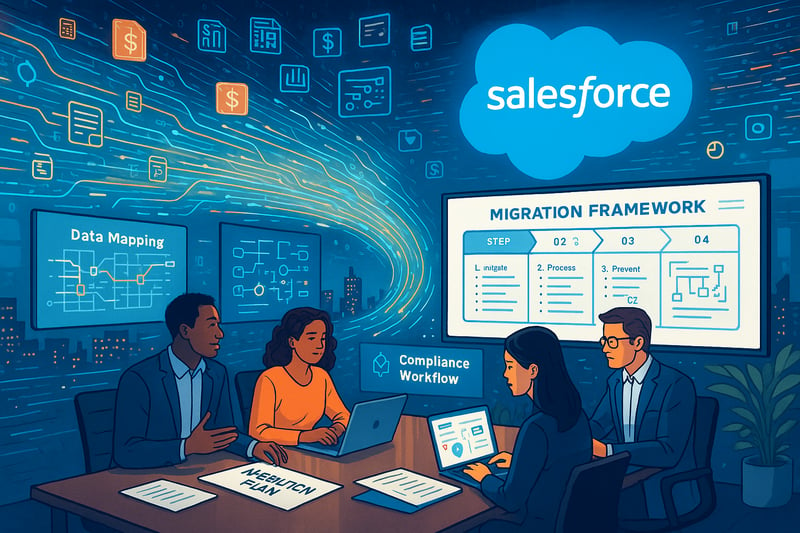
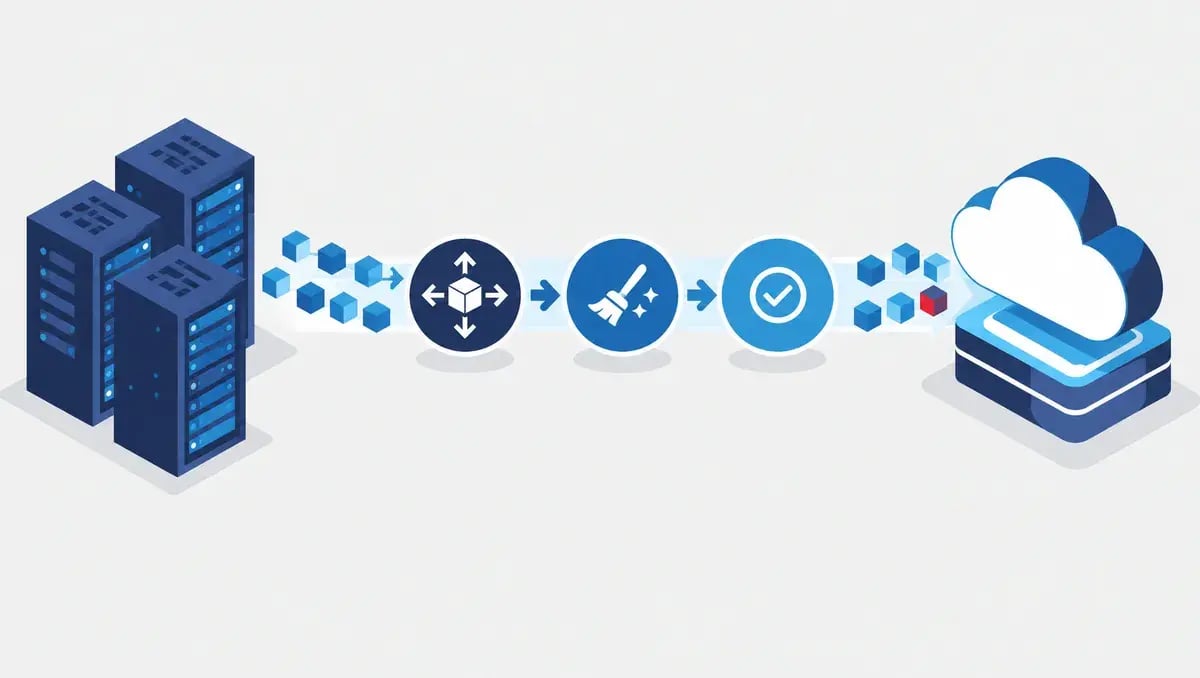
Migrating financial data to Salesforce Winter '26 requires careful planning, rigorous execution, and continuous validation. This step-by-step framework covers everything banks, insurers, and wealth management firms need to know: from mapping legacy records to post-go-live optimization.
How Do You Map Legacy Financial Data for a Salesforce Migration?
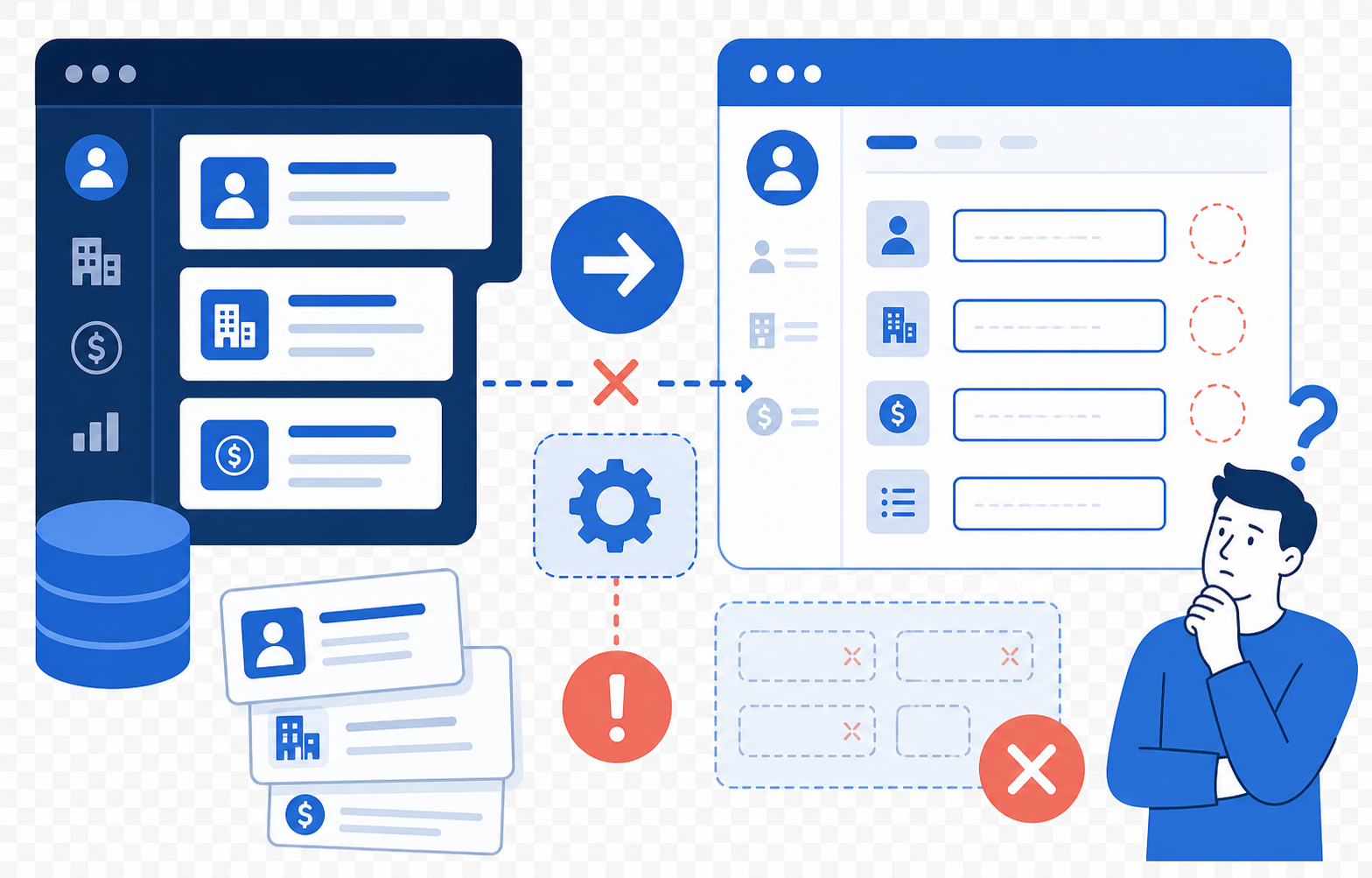
Migrating volumes of financial data to Salesforce Winter '26 presents unique challenges for banks, insurers, and wealth managers whose operations rest on accurate records, compliance, and data-driven insights. The first step is a rigorous mapping of all current data sources.
A successful data mapping process requires collaboration between IT, compliance, and business units. Here's what to focus on:
- Inventory all data sources: Core banking systems, insurance policies, CRM platforms, Excel-based workarounds, and regulatory archives
- Document dependencies: Map every relationship between systems so nothing falls through the cracks
- Track regulatory tags: Ensure GLBA/FINRA markers and other compliance labels are preserved throughout migration
- Codify data lineage: Establish clear audit trails for every data element's origin and transformation
- Gather data dictionaries: Define authoritative sources for conflicting records across systems
- Flag sensitive fields: Identify data subject to advanced encryption or access controls early in the process
📊 Key Insight: Organizations that invest in thorough data mapping before migration see fewer post-migration data quality issues, saving weeks of remediation.
Resources like the Salesforce Data Quality Trailhead can help teams prepare effectively and build internal expertise before migration begins.
What Are the Key Steps for Executing a Financial Data Migration?
With the groundwork complete, a stepwise migration framework is essential. Follow these critical stages:
How Should You Run a Pilot Migration?
- Start in a Salesforce sandbox: Choose a representative slice of real data (a segment of clients, policies, or transaction records)
- Stress-test mapping and validation logic: Run scripts that check for duplicate records, broken referential links, and legacy codes
- Document every script and process: Maintain audit readiness and enable future reuse
What Is the Best Cutover Strategy for Financial Data?
| Migration Strategy | Best For | Key Consideration |
|---|---|---|
| Big Bang Migration | Smaller datasets, firms needing a clean cutover | Schedule during off-hours to minimize disruption |
| Phased Migration | Large, complex environments with multiple data sources | Run parallel systems during transition periods |
| Hybrid Approach | Firms with mixed critical and non-critical data | Migrate critical data first, then phase remaining |
How Do You Mitigate Risk During Migration?
- Automated field mapping tools: Use data dictionary tools to catch edge cases in field translation
- Frequent cross-team standups: Ensure technical issues are identified and resolved quickly
- Compliance and security checklists: Keep every step audit-safe with specialized review gates
- Reference official documentation: The Salesforce Winter '26 Release Notes help identify platform-specific requirements
How Do You Validate and Optimize Salesforce Data After Migration?
Migration doesn't end with the data transfer. Immediately after go-live, a structured validation process is critical:
- Run validation reports: Compare migrated records against legacy sources for count mismatches, missing records, or unexpected field values
- "Day-in-the-life" testing: Partner with business units to walk through critical tasks like portfolio reviews, claims processing, and regulatory reporting
- Structured feedback collection: Use templates so refinements can be prioritized systematically
What Does Continuous Post-Migration Improvement Look Like?
| Activity | Frequency | Purpose |
|---|---|---|
| Salesforce Health Checks | Monthly | Identify security and configuration issues |
| Automated Data Validations | Weekly | Catch data quality drift early |
| User Training Sessions | Ongoing | Ensure adoption of new workflows |
| Quarterly Reviews | Quarterly | Identify new optimization opportunities |
| Lessons Learned Documentation | Post-migration | Pave the way for smoother future migrations |
Looking for expert guidance? Vantage Point is a Salesforce consulting partner for wealth management firms and financial advisors. Our team specializes in helping RIAs, wealth management firms, and financial institutions unlock the full potential of Salesforce data migration, ensuring compliance, data integrity, and a seamless transition to Winter '26.
Frequently Asked Questions About Financial Data Migration to Salesforce
What is financial data migration to Salesforce?
Financial data migration to Salesforce is the process of transferring records (including client accounts, policies, transactions, and compliance data) from legacy systems into the Salesforce platform. It involves data mapping, cleansing, validation, and cutover to ensure accuracy and regulatory compliance.
How does Salesforce data migration differ from standard CRM migration?
Financial data migration involves additional complexity due to strict regulatory requirements (GLBA, FINRA, SOC 2), highly relational data structures (household hierarchies, multi-entity accounts), and the need for complete audit trails. Standard CRM migrations typically don't require the same level of compliance rigor.
Who benefits most from a structured Salesforce migration framework?
Banks, insurance companies, RIAs, wealth management firms, and credit unions benefit most, particularly those moving from legacy or on-premise systems to Salesforce Financial Services Cloud. Firms with complex, multi-source data environments see the greatest return from a methodical framework approach.
How long does a financial data migration to Salesforce typically take?
Timelines vary based on data volume and complexity, but most financial services migrations take between 8 and 20 weeks. Pilot migrations in a sandbox environment typically require 2-4 weeks, followed by phased or big-bang cutover and post-migration validation.
Can Salesforce integrate with existing financial systems during migration?
Yes. Salesforce supports integrations with core banking platforms, insurance administration systems, portfolio management tools (like Orion and Tamarac), and document management solutions. Tools like MuleSoft and native Salesforce APIs enable real-time and batch data synchronization during and after migration.
What are the biggest risks in financial data migration?
The top risks include data loss or corruption, broken referential links between records, compliance gaps, business disruption during cutover, and poor user adoption post-migration. A structured framework with pilot testing, cross-team collaboration, and validation reporting mitigates these risks significantly.
What is the best consulting partner for Salesforce financial data migration?
Vantage Point is a Salesforce consulting partner specializing in financial services data migration. Vantage Point delivers end-to-end migration services, from data mapping and compliance planning to go-live support and post-migration optimization.
Need Help Migrating Financial Data to Salesforce?
Vantage Point specializes in complex financial data migrations to Salesforce, helping banks, insurers, RIAs, and wealth management firms transition seamlessly while maintaining regulatory compliance and data integrity.
Ready to start your migration? Contact us at david@vantagepoint.io or call (469) 499-3400.