Most teams adopt AI faster than they govern it. Employees start pasting data into Claude, drafting customer messages, and automating tasks before anyone has written down what is allowed and what is not. An acceptable use policy (AUP) closes that gap. This guide explains how to write a Claude AI acceptable use policy that actually works: what to govern, the data and controls you need behind it, what goes wrong without one, and how to roll it out so people follow it.
Quick Answer
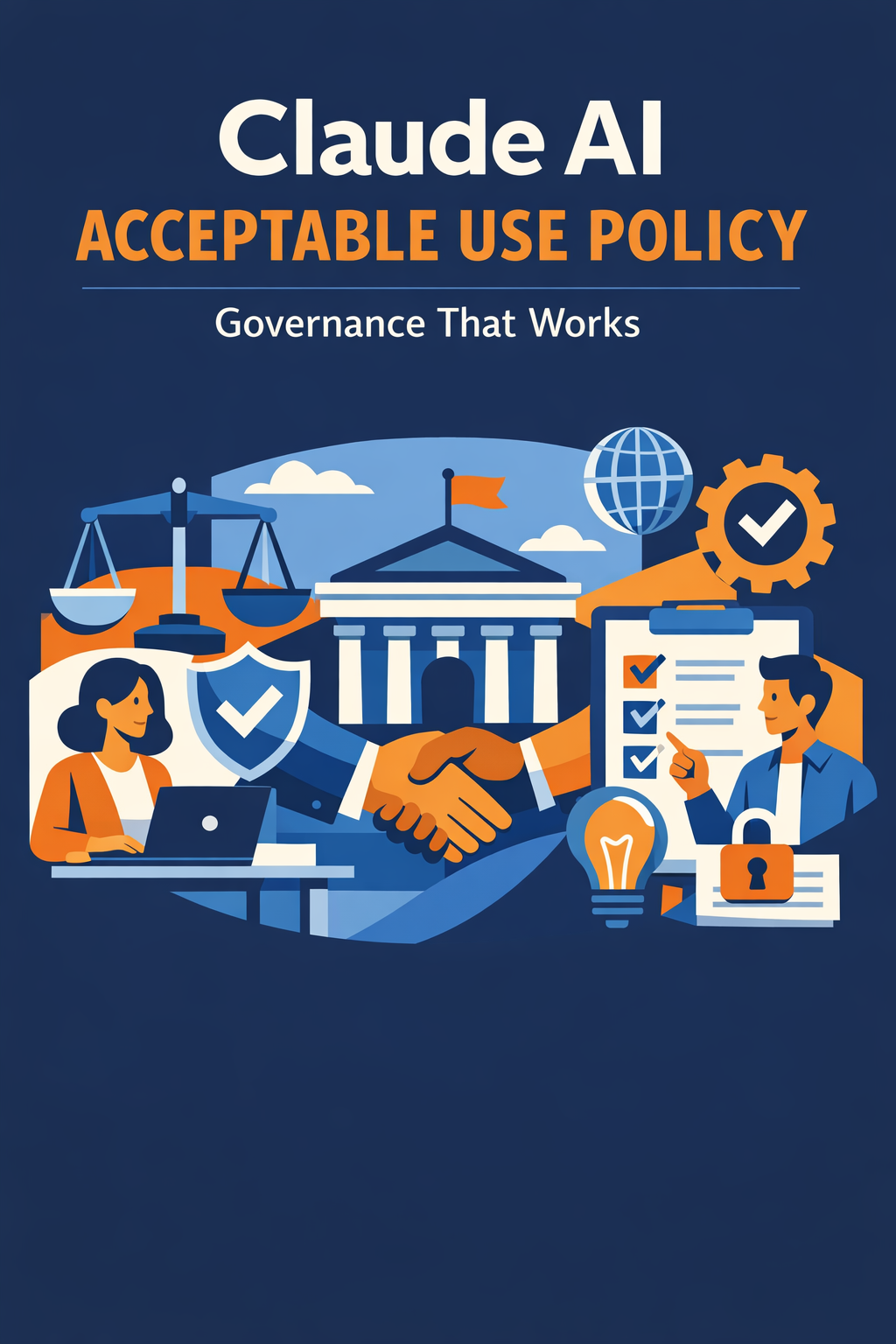
A Claude AI acceptable use policy is a short, enforceable document that defines who can use Claude, for what tasks, with which data, and under what controls. A policy that works is specific (it names approved and prohibited uses), tied to real controls (data classification, access scopes, and logging), and paired with enablement so employees know how to comply. You write it by mapping current use, classifying your data, defining clear rules in plain language, connecting the policy to technical controls, and reviewing it on a fixed cadence.
TL;DR
- An AUP tells people what they can and cannot do with Claude, in plain language, backed by real controls.
- The policy fails when it is vague, unenforced, or disconnected from data classification and access scopes.
- The hard part is not the document; it is data classification, access controls, and logging behind it.
- Tie rules to Claude's plan-level admin and governance features so the policy is technically enforceable, not just aspirational.
- Vantage Point writes and operationalizes AI policies as part of compliance and security solutions and rolls them out through advisory and change management.
What Is an AI Acceptable Use Policy?
An acceptable use policy for AI is a governance document that sets the rules for how employees may use a tool like Claude at work. It is not a legal disclaimer and it is not a 40-page standard. The best AUPs are one to three pages that a new hire can read and understand on day one.
A good AUP answers five questions clearly:
- Who may use Claude (all staff, specific teams, or approved roles).
- What tasks are approved, prohibited, or require review.
- Which data is allowed in prompts and which is off-limits.
- How outputs must be checked before they are used or sent.
- What happens when the rules are broken.
If your policy cannot answer those five questions in plain language, it is documentation, not governance.
Why You Need One Before You Scale
Teams often delay an AUP until "we use AI more seriously." That is backwards. The policy is what makes serious use safe. Writing it early prevents the most common and most expensive problems.
- Data exposure: Without rules, employees paste contracts, customer records, or credentials into prompts.
- Inconsistent quality: Unreviewed AI output reaches customers and damages trust.
- Shadow AI: People use personal accounts because no approved path exists, putting data outside your control.
- Audit gaps: When a regulator or client asks how you govern AI, "we tell people to be careful" is not an answer.
The workflow an AUP improves is simple but high-impact: it turns ad hoc, invisible AI use into a known, bounded, reviewable process.
What Data Considerations Drive the Policy?
The core of any AI AUP is data. You cannot write meaningful rules until you know what data you have and how sensitive it is. Most policies map use to a simple classification.
| Data class | Examples | AI use rule |
|---|---|---|
| Public | Published marketing, public docs | Allowed in prompts |
| Internal | Process notes, draft content | Allowed with care; no external sharing |
| Confidential | Customer records, deal terms, PII | Only via approved, governed connections |
| Restricted | Credentials, regulated data, secrets | Never entered into prompts |
The rules above are only enforceable if your data is actually classified and your systems reflect those boundaries. That mapping work is usually a system integration and data migration effort, because the sensitive data lives in your CRM and connected systems, not in a chat window.
Matching Policy to Claude's Plan and Admin Controls
A policy is only credible if the platform can enforce parts of it. Claude's plans differ in the admin, security, and governance controls available, so your AUP should reference the tier you actually run. Use a table like this to align rules with capabilities.
| Capability | Individual (Free/Pro) | Team | Enterprise |
|---|---|---|---|
| Central user management | No | Limited | Yes (SSO, provisioning) |
| Admin-set data controls | No | Partial | Yes |
| Usage and audit visibility | Minimal | Team-level | Org-wide logging |
| Data excluded from training | Per consumer terms | Yes | Yes, with controls |
| Suitable for confidential data | No | With caution | Yes, when governed |
The practical takeaway: confidential and regulated work belongs on a managed, business-grade tier where admins can enforce access and capture logs. Putting sensitive data through individual accounts is a policy violation waiting to happen, regardless of what the document says.
How to Write a Claude AUP That Works: A Practical Sequence
You do not need a committee and a quarter to produce a useful policy. You need a disciplined sequence.
Step 1: Map how Claude is used today
Survey teams to learn what they actually do with AI now. You cannot govern what you have not observed, and the real uses are rarely what leadership assumes.
Step 2: Classify your data
Define a small number of data classes (such as public, internal, confidential, restricted) and decide which may appear in prompts. Keep it simple enough that any employee can apply it.
Step 3: Write the rules in plain language
Use clear, short statements: approved uses, prohibited uses, and uses that require human review. Avoid legal jargon. A rule no one understands is a rule no one follows.
Step 4: Connect the policy to real controls
Map each rule to a technical control: access scopes, the Claude plan tier, approved connections, and logging. This is where governance stops being a PDF and starts being enforceable, and it should be designed in through compliance and security solutions.
Step 5: Roll it out with enablement
Publish the policy, train people on it, and give them an approved path to do their work. Policies fail when they only say "no" without offering a compliant "yes."
Step 6: Review on a fixed cadence
Set a review date (quarterly is common) and update the policy as Claude's features, your data, and your use cases change. An AUP is a living document, not a one-time artifact.
What Governance Controls Should Sit Behind the Policy?
The document points to controls; the controls do the enforcing. A workable AUP is backed by a short list of practical mechanisms.
- Data classification: Everyone knows what is confidential and restricted.
- Access scopes: Connections give Claude only the data a task requires, nothing more.
- Approved tooling: A managed, business-grade Claude tier replaces personal accounts.
- Human review gates: Defined points where a person checks AI output before it is used externally.
- Logging and audit: A record of what was done so you can answer questions later.
- Clear ownership: A named owner accountable for the policy and its enforcement.
These controls are the difference between a policy people respect and one they quietly ignore.
What Can Go Wrong Without a Working Policy?
Knowing the common failure modes helps you avoid them.
| Risk | What it looks like | How to prevent it |
|---|---|---|
| Sensitive data leaks | PII or contracts pasted into prompts | Classify data; restrict by rule and tier |
| Shadow AI | Staff use personal accounts off the radar | Provide an approved, governed path |
| Vague policy | Rules too abstract to apply | Name specific approved and prohibited uses |
| No enforcement | Policy exists but nothing backs it | Tie rules to access scopes and logging |
| Stale policy | Written once, never updated | Set a fixed review cadence |
| Unreviewed output | AI errors reach customers | Require human review gates for external use |
The pattern is consistent: failures trace back to data, access, and oversight, not to the model itself.
How Does This Work Across Salesforce and HubSpot?
Most AI governance questions become real where your data lives: your CRM. The principles are the same on either platform, even though the controls differ. A vendor-agnostic policy works on the system you already run rather than forcing a migration.
| Element | Salesforce | HubSpot |
|---|---|---|
| Data sensitivity | Field-level security, shield encryption | Property-level permissions |
| Access control | Profiles, permission sets, sharing rules | Teams, permissions, scoped tokens |
| Connection path | APIs, middleware, or MCP | APIs, middleware, or MCP |
| Audit visibility | Field history, event monitoring | Activity and audit logs |
The right configuration depends on your operating model, not on which platform a vendor happens to sell. Vantage Point builds on both and keeps the policy aligned to your actual systems through workflow automation and process optimization.
How to Start Without Overcommitting
Begin with a one-page draft covering the five core questions, a simple data classification, and the Claude tier you run. Pilot it with one team, gather friction points, and refine before a company-wide rollout. If your data is not classified or your access scopes are loose, fix those first; a policy without controls behind it gives false confidence, which is worse than no policy at all.
How Vantage Point Helps
Vantage Point writes and operationalizes AI acceptable use policies that hold up in practice, not just on paper. The work is handled by senior consultants rather than handed to junior staff, and it is vendor-agnostic and dual-platform across Salesforce and HubSpot.
A typical engagement includes mapping current AI use, classifying data, drafting a plain-language policy, mapping each rule to enforceable controls and the right Claude tier, and rolling it out with enablement. Because governance and adoption go together, the policy is delivered through compliance and security solutions and embedded in your team through advisory and change management, so people actually follow it.
FAQ
What is a Claude AI acceptable use policy?
It is a short, enforceable document that defines who can use Claude, for what tasks, with which data, and under what controls. A working policy answers those questions in plain language and is backed by real technical controls such as data classification, access scopes, and logging.
How long should an AI acceptable use policy be?
Aim for one to three pages. The best policies are short enough that a new hire reads and understands them on day one. Length is not a sign of seriousness; clarity and enforceability are.
What data should never be entered into Claude?
Restricted data such as credentials, secrets, regulated records, and unmanaged personal information should never be placed in prompts. Confidential data like customer records should only flow through approved, governed connections, never copy-pasted into an individual chat.
Does the Claude plan tier matter for governance?
Yes. Central user management, admin-set data controls, and org-wide audit logging are available on business-grade tiers, not individual accounts. Confidential and regulated work should run on a managed tier where admins can enforce access and capture logs.
How do we stop shadow AI use?
Provide an approved, governed path that makes compliant use easy. People turn to personal accounts when no sanctioned option exists. Pair the policy with a managed Claude tier and clear guidance so the compliant choice is also the convenient one.
How often should we update the policy?
Review it on a fixed cadence, commonly quarterly, and whenever Claude's features, your data, or your use cases change meaningfully. An acceptable use policy is a living document, not a one-time artifact.
Who should own the AI acceptable use policy?
Assign a single named owner accountable for the policy and its enforcement, usually in security, compliance, or operations. Clear ownership prevents the policy from drifting into an unmaintained file no one reads.