What Makes Financial Services Implementations Different?
Managing thousands of customers while maintaining personalized service: this is the challenge keeping business leaders awake at night. Unlike purely transactional businesses, customer-centric organizations build long-term relationships that drive repeat business, referrals, and sustainable growth.
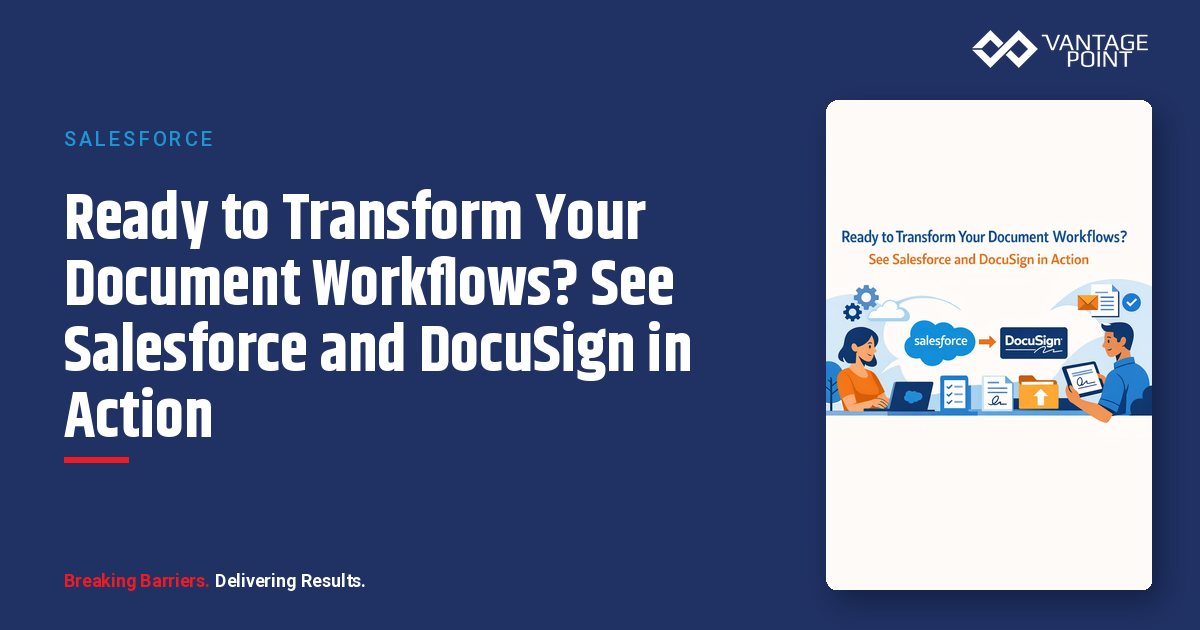
Throughout this series, we've explored the capabilities, benefits, case studies, and implementation approach for Salesforce and DocuSign integration. But nothing replaces seeing the solution work with your own scenarios.
A well-structured demo answers the questions that matter most: How will this work for our firm? What will our clients experience? How will our team use this day-to-day?
What You'll See in a Vantage Point Demo
Agreement Generation from Salesforce
Watch as a relationship manager initiates a new account opening:
Client Record in Salesforce: Navigate to a client record with populated data, see household relationships and account structure, and review an opportunity at the "Ready for Paperwork" stage.
Agreement Initiation: One-click document package generation with automatic data population from CRM fields. Templates are selected based on account type, with a full preview of the completed agreement before sending.
Send for Signature: Configure recipient order and authentication, customize the email invitation message, and send directly from Salesforce.
Client Signing Experience
Experience the signing process from the client's perspective:
Email Invitation: A branded, professional appearance with a clear call-to-action and mobile-optimized design.
Signing Ceremony: A guided walkthrough of the document with required fields highlighted, easy navigation between pages, and seamless signature and initial capture.
Completion Confirmation: Immediate confirmation of completion, access to the signed document copy, and clear next-steps communication.
Back-Office Processing
See what happens after signing:
Automatic Salesforce Updates: The opportunity advances to the next stage, the document attaches to the client record, data writes back to relevant fields, and tasks are created for follow-up.
Status Tracking: Real-time visibility into all pending agreements, a dashboard showing team performance, and alerts for stalled documents.
Compliance and Reporting
Examine the audit and compliance capabilities:
Certificate of Completion: A complete audit trail with timestamp documentation and authentication verification.
Reporting Dashboards: Agreement volume and completion rates, turnaround time metrics, and team performance analysis.
How to Calculate ROI for Your Firm
Quantifying Time Savings
| Activity | Current Time | With Integration | Savings |
|---|---|---|---|
| Document preparation | 45 min | 5 min | 40 min |
| Sending and tracking | 15 min | 2 min | 13 min |
| Filing and storage | 10 min | 0 min (automatic) | 10 min |
| Follow-up and re-sends | 20 min avg | 5 min | 15 min |
| Total per agreement | 90 min | 12 min | 78 min |
Annual Impact Calculation:
Agreements per month × 12 × Time saved per agreement = Total hours savedTotal hours saved × Loaded hourly cost = Annual savings
Example:200 agreements/month × 12 months = 2,400 agreements/year → 2,400 × 78 minutes = 3,120 hours saved → 3,120 hours × $50/hour = $156,000 in annual savings
Quantifying Revenue Acceleration
Faster Onboarding Means Faster Revenue: If new accounts generate $10,000 in average first-year revenue and you accelerate onboarding by 5 days, that's 100 new accounts/year × 5 days earlier × ($10,000 / 365) = $13,700 in accelerated revenue.
Reduced Drop-Offs: If a 70% drop-off reduction saves 5 accounts per year, that's 5 accounts × $10,000 = $50,000 in recovered revenue.
Quantifying Risk Reduction
Compliance and Error Costs:
With an average correction cost of $150 per document error, a current error rate of 15%, and a future error rate of just 2%, you reduce errors by 13 percentage points. For 2,400 documents annually, that's 312 fewer errors: saving $46,800 in avoided costs.
Key Questions to Ask During Evaluation
About Your Specific Use Cases
Can you demonstrate our most common agreement types? Think new account opening packages, investment advisory agreements, and annual compliance disclosures.
How would the integration handle our unique scenarios? Consider multiple signers in a specific order, documents requiring advisory approval before sending, and agreements with conditional sections.
What happens when things don't go smoothly? Ask about what occurs when a client doesn't complete signing, a document needs to be voided and resent, or data needs correction after signing.
About Implementation
What does the implementation timeline look like for our firm? Understand each phase and what's expected from your team along the way.
How do you support ongoing success? Look for quarterly business reviews, new feature implementation, best practice sharing, and training for new team members.
What to Expect from the Implementation Process
Timeline Overview
| Phase | Duration | Key Activities |
|---|---|---|
| Discovery & Planning | 2-3 weeks | Requirements, workflow mapping, success metrics |
| Design | 2-3 weeks | Solution architecture, template design, integration plan |
| Build & Configure | 3-4 weeks | Technical setup, template creation, automation building |
| Test & Validate | 2 weeks | UAT, compliance review, performance validation |
| Deploy & Train | 2 weeks | Pilot, training, full rollout |
| Total | 11-14 weeks | Typical comprehensive implementation |
What You'll Need to Provide
Project Team: An executive sponsor with decision authority, a Salesforce administrator, a compliance/legal representative, and representative end users for testing.
Documentation: Current document templates, workflow documentation, compliance requirements, and branding guidelines.
Decisions: Priority use cases, authentication requirements, user roles and permissions, and success metrics.
What Vantage Point Provides
Technical Delivery: Solution architecture and design, configuration and customization, testing and validation, and deployment and cutover.
Strategic Guidance: Best practice recommendations, process optimization, change management support, and ongoing advisory.
What Makes Vantage Point Different?
Financial Services Expertise
We work exclusively with financial services organizations, wealth management firms, banks and credit unions, insurance companies, and fintech organizations. This specialization means we understand your regulatory environment, client expectations, and operational realities.
Senior-Level Team
Every Vantage Point consultant is certified on relevant platforms, experienced in financial services, focused on delivering business outcomes, and committed to knowledge transfer.
Proven Track Record
Our team is employee-owned.
Ongoing Partnership
We don't disappear after go-live. We offer managed services for ongoing support, quarterly optimization reviews, continuous improvement programs, and strategic advisory relationships.
Frequently Asked Questions
How quickly can we get started?Discovery can typically begin within 1-2 weeks of engagement. For urgent needs, we can often accelerate timelines.
Do we need to have our Salesforce environment "ready" first?Not necessarily. We often help firms optimize their Salesforce configuration as part of the DocuSign implementation, ensuring both platforms work together effectively.
What if we're also considering Salesforce Financial Services Cloud?Even better. We frequently implement FSC and DocuSign together, creating an optimized solution from the start.
Can we start small and expand later?Absolutely. Many firms begin with a single high-priority use case, prove success, and then expand coverage. This phased approach reduces risk and builds organizational confidence.
What if we have questions that aren't answered here?That's exactly what the demo is for. Bring your questions, your scenarios, and your concerns: we'll address them all.
Your Next Step: Book a Demo
You've read about the capabilities. You've seen the case studies. You understand the implementation approach. Now it's time to see how this works for your specific firm.
In your personalized demo, we'll:
- Walk through your most important use cases
- Show how integration works with your Salesforce setup
- Discuss implementation timeline and approach
- Answer all your questions
- Provide a preliminary ROI assessment
Thank You for Reading This Series
We hope this seven-part series has provided valuable insight into Salesforce and DocuSign integration for financial services. Whether you're just beginning to explore digital signing or ready to implement, Vantage Point is here to help.
Series Recap:
- The Complete Guide: Integration overview and capabilities
- Case Studies: Real-world success stories and results
- Digital vs. Traditional: Comprehensive comparison
- Integration Benefits: Operational excellence through connection
- Implementation Roadmap: Practical planning guide
- Compliance & Security: Regulatory and security deep dive
- Demo & Next Steps: Your path forward (this post)
About Vantage Point
Vantage Point specializes in helping financial institutions design and implement client experience transformation programs using Salesforce Financial Services Cloud. Our team combines deep Salesforce expertise with financial services industry knowledge to deliver measurable improvements in client satisfaction, operational efficiency, and business results.
About the Author
David Cockrum founded Vantage Point after serving as Chief Operating Officer in the financial services industry. His unique blend of operational leadership and technology expertise has enabled Vantage Point's distinctive business-process-first implementation methodology, delivering successful transformations for clients.
-
-
- Email: david@vantagepoint.io
- Phone: (469) 499-3400
- Website: vantagepoint.io
-